Radial Gradient Node
- Category: Base Shape
- Edition: All editions
- Output type: Height / Mask
- Typical place in a graph: a base shape for a single landform, or a falloff mask multiplied with other shapes
Radial Gradient makes a round falloff: 1 at the center, dropping in a straight line to 0 at the radius. Used as height, it is a cone, the start of a single hill, volcano or island. Used as a mask, it fades anything out around a point: an island coastline, a clearing, a crater rim. With Repeat on, it makes concentric rings like terraces or ripples.
When to use it
- Make an island: multiply your mountains by a Radial Gradient so the land falls to the sea at the edges.
- Start a single landform: a hill, a volcano or a mound, shaped further with Curve.
- Protect or select a round area: a clearing in a forest, a settlement site, the middle of a crater.
- With Repeat, make rings for terraces, a stepped crater or ripples.
- Not for: shapes that are not round (use Shape or N-gon); natural craters and volcanoes with rims and detail (use Crater or Volcano).
Inputs
None.
Outputs
| Slot | Type | What it holds |
|---|---|---|
| Output | Mask | 1 at Center, falling in a straight line to 0 at Radius, so it rises as a cone with a sharp tip. 0 outside the radius, unless Repeat is on. |
Properties
| Property | Default | Range | What it does |
|---|---|---|---|
| Center | 0.5, 0.5 | 0 to 1 across the biome, or meters | The middle of the circle. (0, 0) is the biome's lower left corner in the 2D viewport; (0.5, 0.5) is the middle. You can drag the center in the 2D viewport. |
| Radius | 0.5 | 0 and up | Where the gradient reaches 0, as a fraction of the biome width: 0.5 reaches from the middle to the edges. With World Position on, it is in meters. |
| World Position | Off | On, Off | On: Center and Radius are in meters in the world, so the circle stays in place and keeps its size when the biome moves or resizes. Off: they are relative to this biome. |
| Repeat | Off | On, Off | Off: the gradient is 0 outside the radius. On: it starts again from 1 after each radius, filling the biome with rings, each a ramp with a sharp drop on its inner side. |
Common properties
| Property | What it does |
|---|---|
| Id | The node's unique name in this graph, shown for reference. You cannot edit it. Scripts and the AI workflow CLI use it to find the node. |
| Resolution | How detailed this node's result is, in texels across the biome. Radial Gradient has no input, so Relative To Main Input (default) and Relative To Graph both follow the biome's Canvas Resolution, times the multiplier below. Absolute sets an exact size. A smooth gradient needs little resolution, but sharp rings with Repeat look cleaner at higher resolution. Absolute is limited to 32 to 512 in Vista Personal and 32 to 4096 in Vista Indie and Pro. |
| Split Execution | Lets this node run over several frames so the editor stays responsive during long generations. It only works when Allow Split Execution is on in the graph settings. This node finishes in one step, so splitting only adds a short pause around it; leave it off. |
| Bypass | Skips the node. It has no input to pass through, so nothing comes out, and the nodes after it receive empty, flat ground. |
Examples
Each example shows the gradient in 2D (black is 0, red is 1) and used directly as the terrain height in 3D, on a 1024 × 1024 m biome with a terrain height of 400 m.
Default
| Property | Value |
|---|---|
| Center | 0.5, 0.5 |
| Radius | 0.5 |
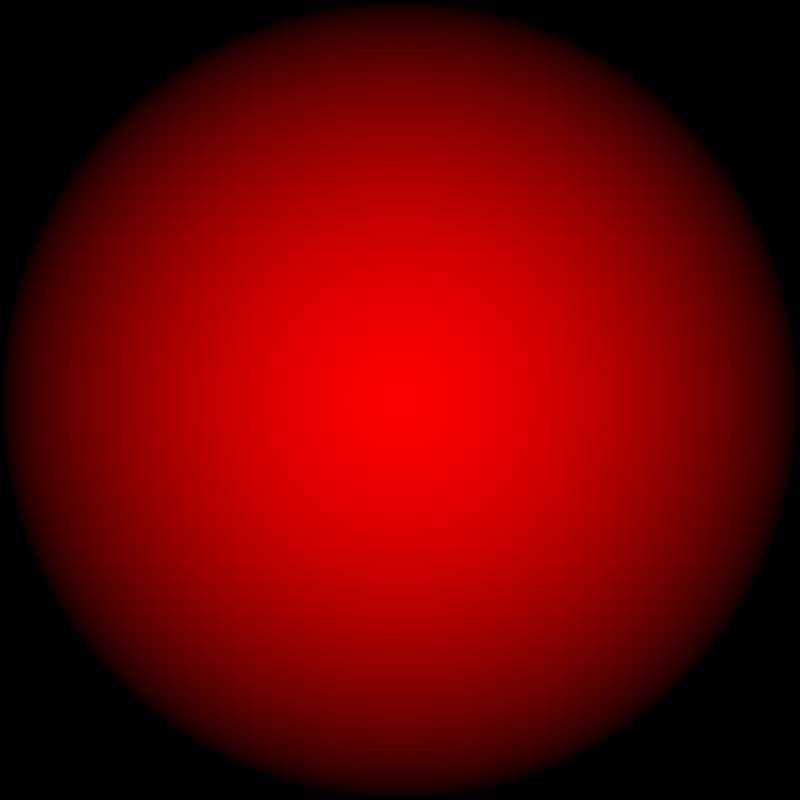
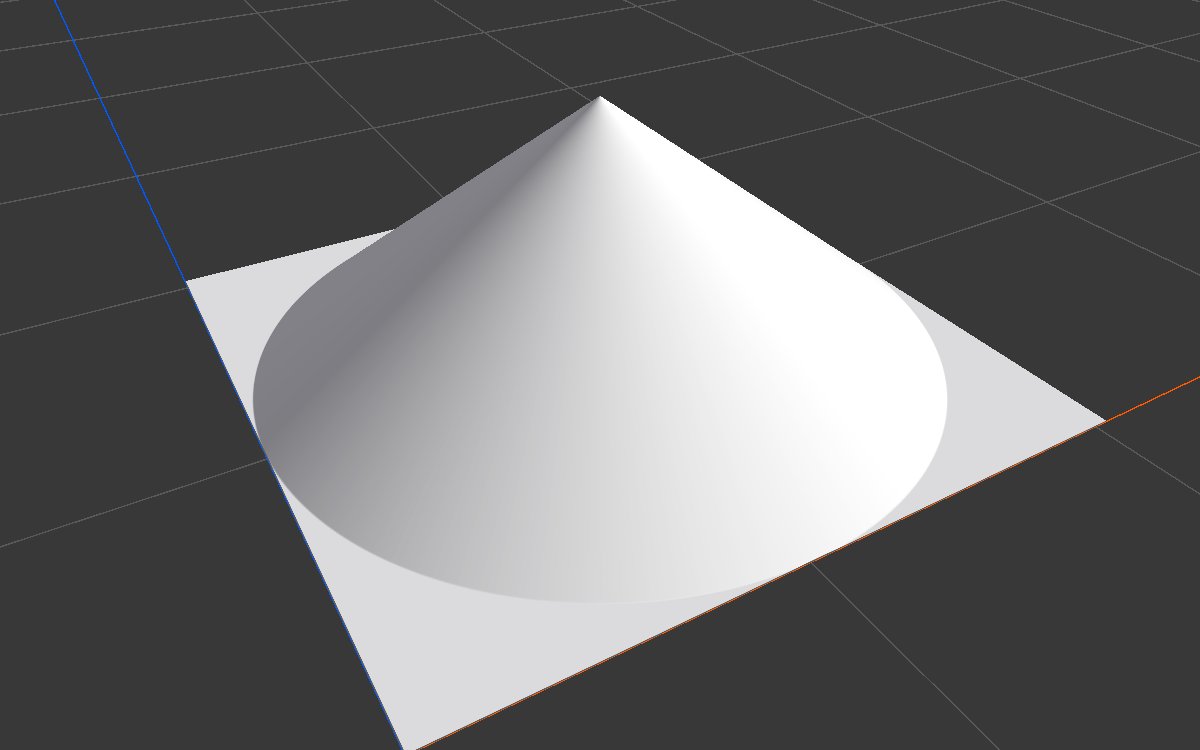
A cone touching the middle of each edge; the corners are 0.
Smaller radius
| Property | Value |
|---|---|
| Radius | 0.25 |

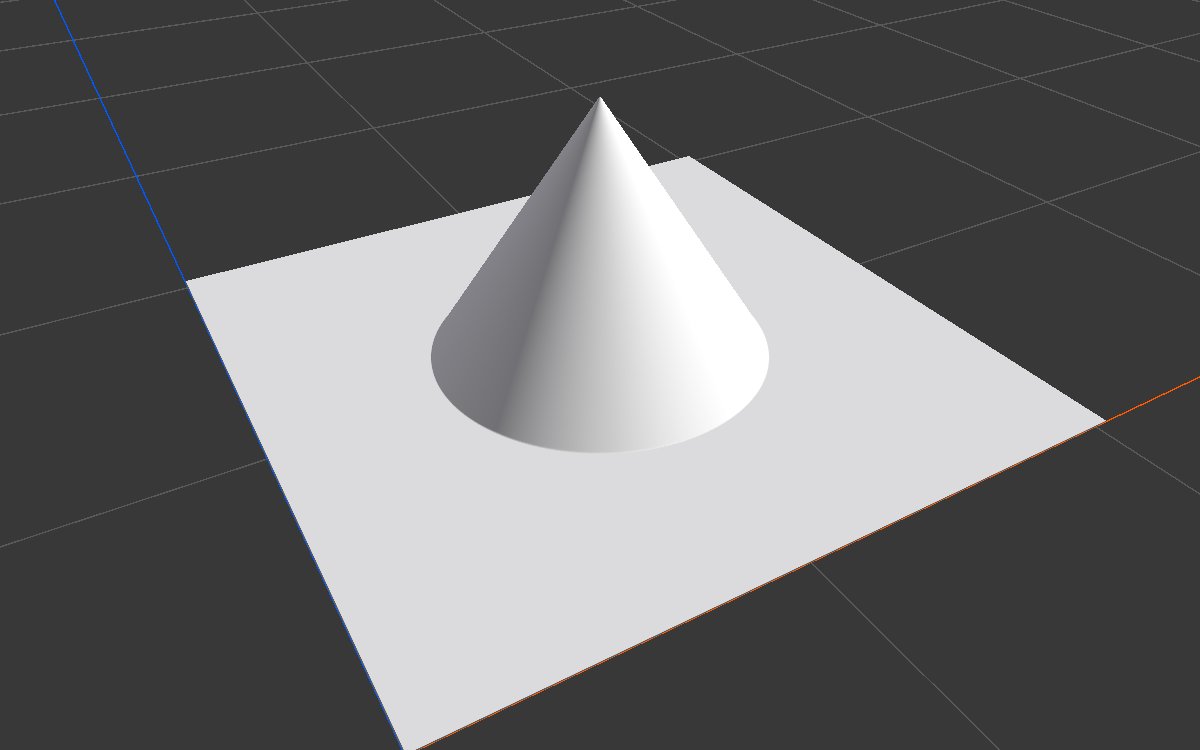
Half the radius at the same height makes the sides twice as steep.
Repeat: rings
| Property | Value |
|---|---|
| Radius | 0.15 |
| Repeat | On |

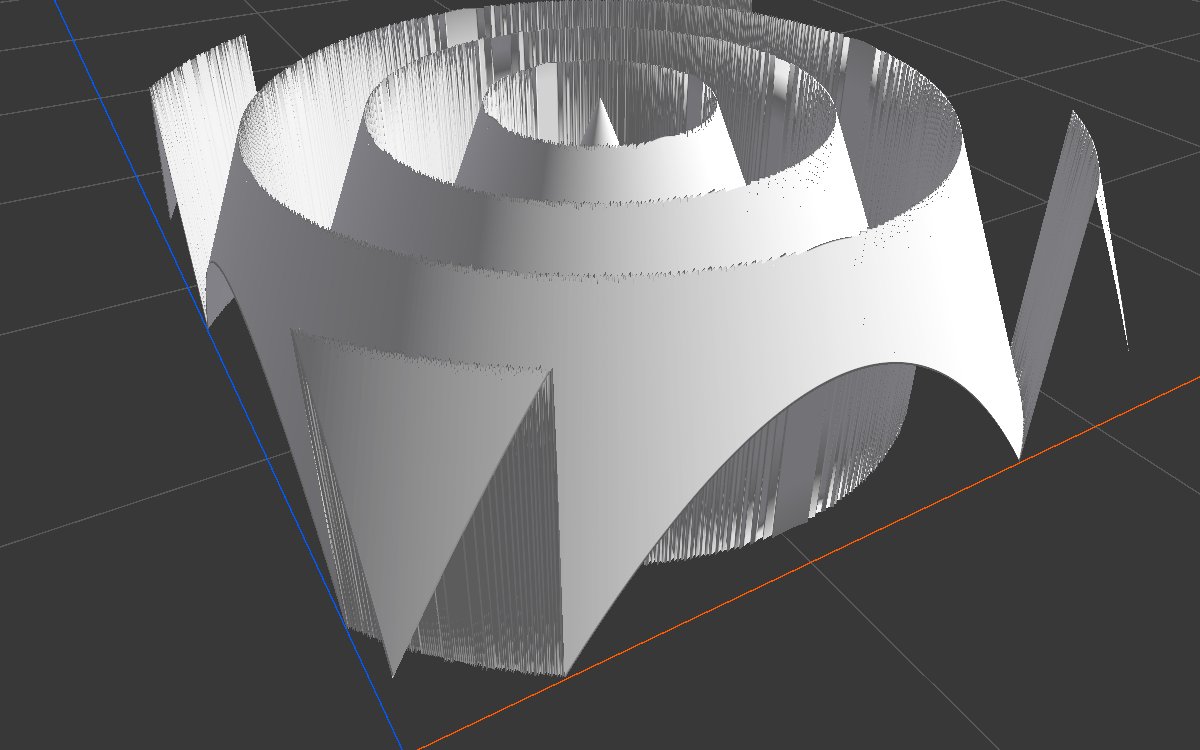
Every 0.15 of the biome width the gradient starts again, so the land rises in rings with a cliff on the inside of each. Lower the height a lot and soften with Blur for ripples or terraces.
World position
| Property | Value |
|---|---|
| World Position | On |
| Center | 300, 700 (meters) |
| Radius | 400 (meters) |

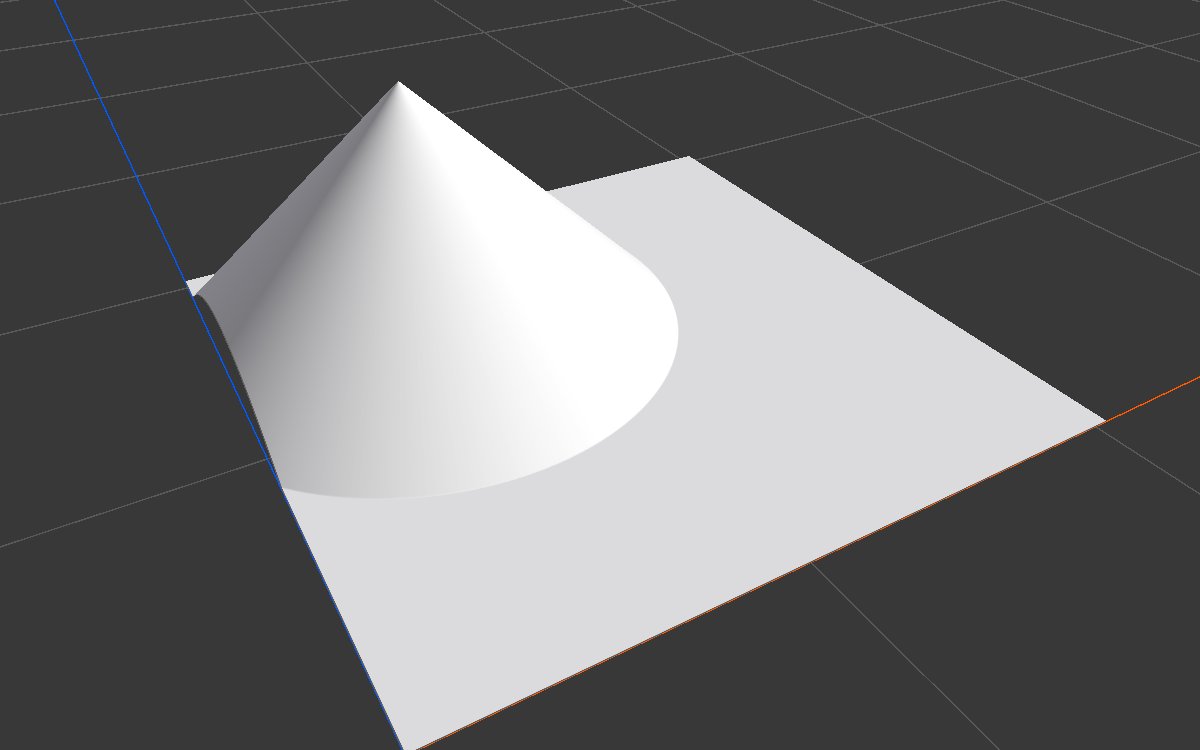
The cone sits at world position (300, 700) with a 400 m radius, wherever the biome is. This biome starts at (0, 0), so the cone is in its upper left part.
Recipes
- Island: mountains × Radial Gradient in Combine (Multiply), the gradient first shaped with Curve so the middle stays full height and only the coast falls off. Add Angular Warp or a Noise to make the coastline less round.
- Single hill: Radial Gradient → Curve (rounded top) → Levels for the height → Hydraulic Erosion 2.
- Clearing in a forest: forest mask × Radial Gradient flipped (Math One Minus) before Scatter.
Tip
The gradient falls in a straight line, which makes a pointed cone. For round hills or flat topped islands, always reshape it with Curve.
Note
The distance is measured across the biome from 0 to 1 on both sides, so on a rectangular biome the circle stretches into an oval, even with World Position on. On a square biome it stays round.
Performance
Very cheap: one quick step on the GPU.
Related nodes
- Axial Gradient: a straight ramp.
- Angular Gradient: a value that sweeps around a center.
- Shape, N-gon: other basic shapes with more options.
- Crater, Volcano: ready made round landforms.
For AI agents
- Type name:
RadialGradientNode. Output slot100(Mask). No inputs. - Properties:
center([x, z], 0 to 1 biome space or world meters),radius(≥ 0, fraction of biome width, or meters withuseWorldPosition),useWorldPosition(bool),repeat(bool). - Value = saturate(1 - distance / radius), or frac() of it with repeat.
- Default node: 0.5 radius from the middle gives a mean of about 0.26 on a square biome.