Combine Node
- Category: General
- Edition: All editions
- Output type: Mask
- Typical place in a graph: where two height or mask branches meet, before further shaping or an output
Combine joins two height or mask images with Add, Subtract, Multiply, Max, Min, Linear, or Difference. An optional mask controls where the combined result replaces the background.

When to use it
- Add one landform on top of another.
- Multiply a height by a region mask or broad variation.
- Keep the higher or lower value from two masks with Max or Min.
- Replace the background with the foreground inside a mask by using Linear.
- Find where two images disagree by using Difference.
- Tune either source before combining it without adding a separate Math node.
- Not for blending solid colors. Use Color Blend for a color texture.
- Not for producing normalized terrain layer weights. Use Weight Blend for that workflow.
Inputs
| Slot | Type | Required | What to connect |
|---|---|---|---|
| Background | Mask | No | The base height or mask. The selected operation combines the Foreground with this image. An empty Background is black. |
| Foreground | Mask | No | The second height or mask. Its role depends on Mode. An empty Foreground is black. |
| Mask | Mask | No | Where the combined result replaces the Background. Black keeps the Background, white applies the operation, and gray blends between them. An empty Mask is white, so the operation applies everywhere. |
Outputs
| Slot | Type | What it holds |
|---|---|---|
| Output | Mask | The result after both input multipliers, the selected operation, and the optional Mask have been applied. |
Properties
| Property | Default | Range | What it does |
|---|---|---|---|
| Mode | Add | Add, Subtract, Multiply, Max, Min, Linear, Difference | Chooses how Background and Foreground are combined where Mask is active. |
| Background Multiplier | 1 | 0 to 2 | Scales Background before the operation. Use 0 to remove it or values above 1 to strengthen it. |
| Foreground Multiplier | 1 | 0 to 2 | Scales Foreground before the operation. Use it to tune how strongly the second image contributes. |
| Mask Multiplier | 1 | 0 to 1 in the editor | Scales the optional Mask. At 0, Background passes through. At 1, the mask uses its original strength. |
Common properties
| Property | What it does |
|---|---|
| Id | The node's unique name in this graph, shown for reference. You cannot edit it. Scripts and the AI workflow CLI use it to find the node. |
| Resolution | How detailed this node's result is, in texels across the biome. Relative To Main Input (default) follows Background, times the multiplier below it. If Background is empty, it falls back to the biome's Canvas Resolution. Relative To Graph follows Canvas Resolution. Absolute sets an exact size. Higher resolution keeps narrow mask edges and small height detail sharp but costs more memory and time. Absolute is limited to 32 to 512 in Vista Personal and 32 to 4096 in Vista Indie and Pro. |
| Split Execution | Lets this node run over several frames when Allow Split Execution is on in the graph settings. Combine finishes in one step, so splitting only adds a short pause around it; leave it off. |
| Bypass | Skips the node. In testing, Output is empty while Combine is bypassed; Background does not pass through. |
Modes
The node first applies Background Multiplier and Foreground Multiplier. It then calculates the selected operation and blends that result over Background by the scaled Mask.
| Mode | Operation inside the mask | Typical use |
|---|---|---|
| Add | Background + Foreground | Stack landforms or accumulate masks. |
| Subtract | Background - Foreground | Carve one height or mask out of another. |
| Multiply | Background × Foreground | Keep height or strength only where both inputs are high. |
| Max | Higher of the two inputs | Keep either region, similar to a mask union. |
| Min | Lower of the two inputs | Keep the stricter overlap or cut rounded tops into crests. |
| Linear | Foreground | Replace Background with Foreground according to Mask. |
| Difference | Absolute difference between the inputs | Highlight places where the two values differ. |
The complete result is:
output = blend(scaled background, operation result, scaled mask)
Examples
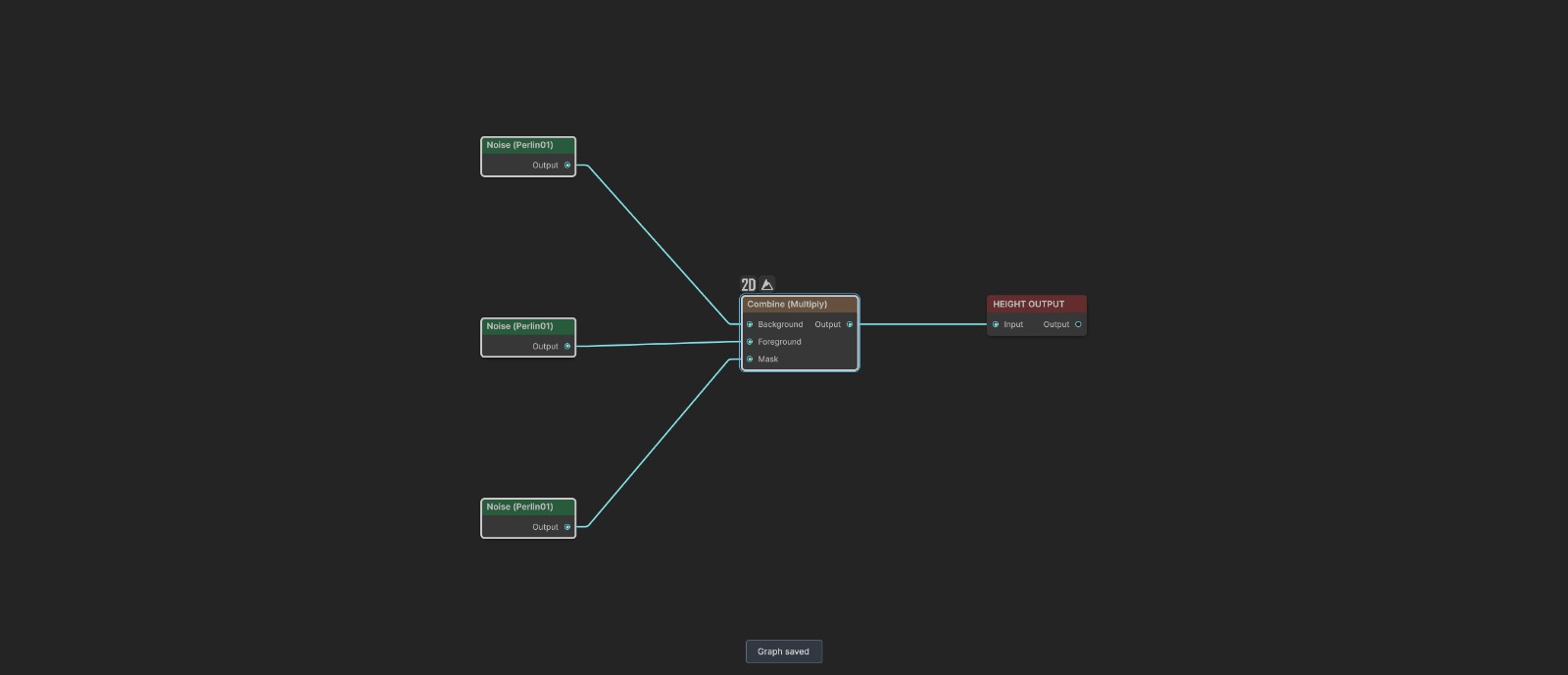
The sample graph uses a 600 meter Noise as Background, a 220 meter Noise as Foreground, and a smooth 900 meter Noise as Mask. All multipliers remain at 1. Only Mode changes between examples.
Add
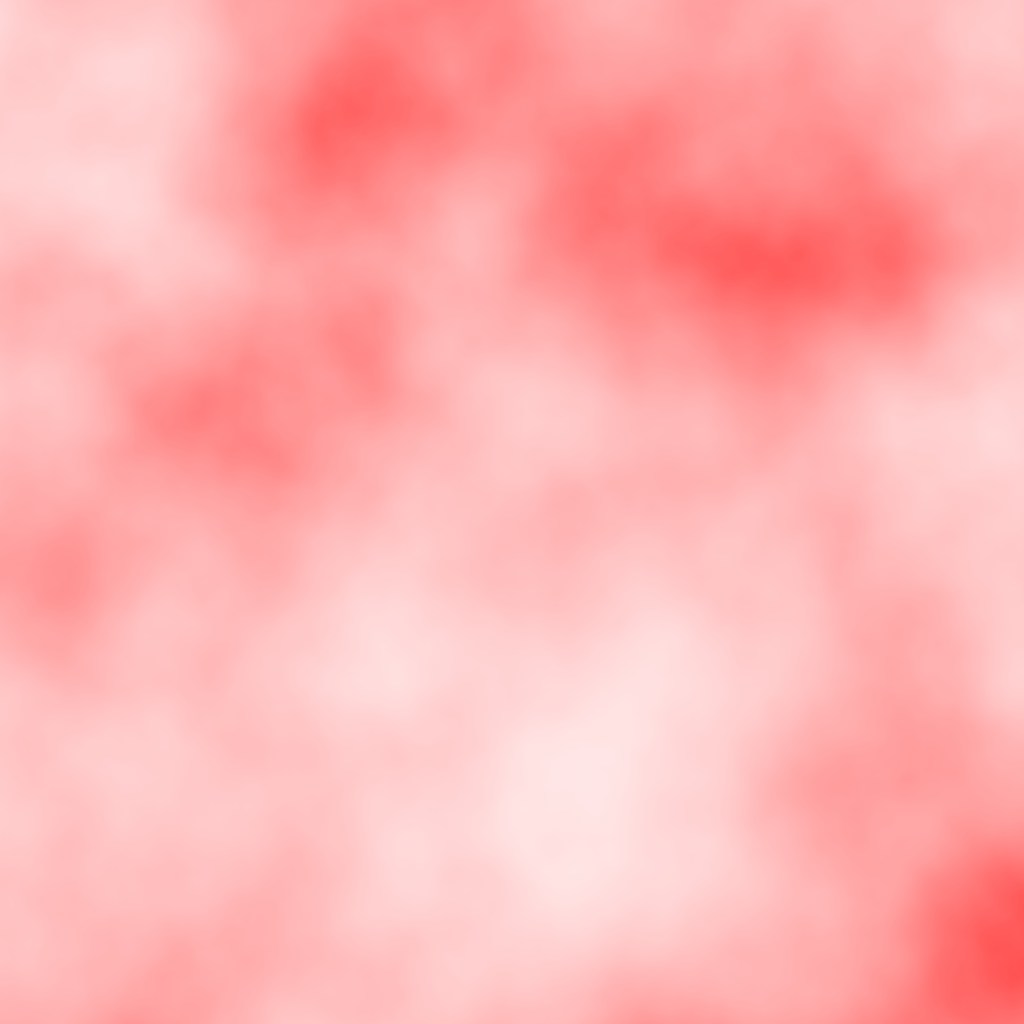

Add raises the terrain where both the Foreground and Mask contribute. The tested output ranges from about 0.254 to 0.875, the highest of the three examples.
Multiply


Multiply lowers the Background in proportion to the Foreground, but only where Mask is active. The tested range is about 0.099 to 0.484. This is the final saved sample state.
Linear
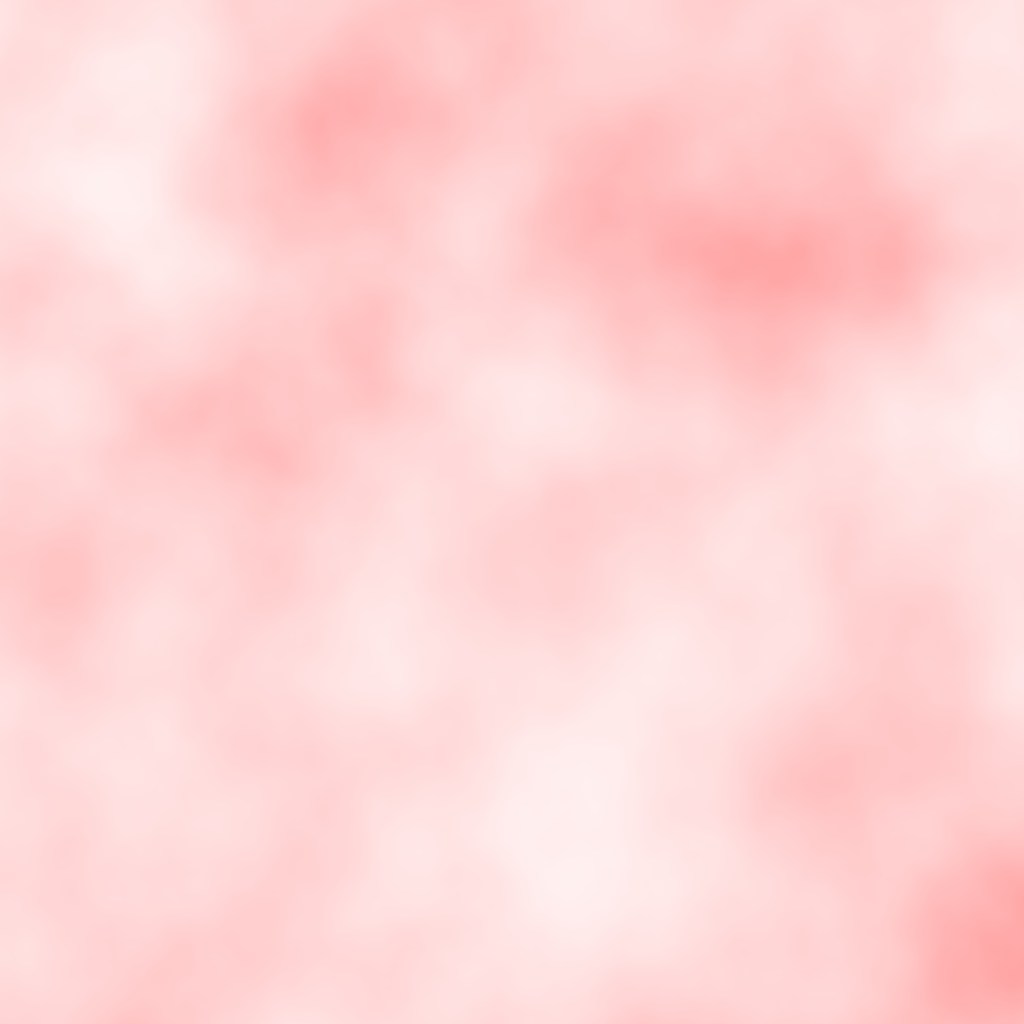

Linear ignores the arithmetic modes and treats Foreground as the replacement value. Mask fades between the original Background and Foreground. The tested range is about 0.173 to 0.604.
Recipes
- Mountains only inside a region: mountain height to Background, region mask to Foreground, Mode Multiply, leave Mask empty.
- Add detail only in selected places: broad height to Background, detail Noise to Foreground, region mask to Mask, Mode Add.
- Choose either of two masks: connect both masks and use Max.
- Require both masks: connect both masks and use Multiply or Min. Multiply softens gray overlap; Min keeps the lower original value.
- Replace height inside a site: existing height to Background, target height to Foreground, site mask to Mask, Mode Linear.
- Compare two results: connect both images and use Difference to reveal where they disagree.
Tip
Leave Mask empty when the operation should affect the whole biome. Connect Mask only when Background must remain unchanged outside a region.
Note
Combine does not clamp its output. Add and multipliers above 1 can push height above the terrain range, while Subtract can produce values below 0. Terrain output may flatten those values at its limits.
Warning
Bypass produces no output in testing. Do not use Bypass when you expect Background to continue downstream unchanged.
Performance
Combine performs one full image operation and is inexpensive compared with simulations. Cost grows with output resolution, not with the selected mode. Split Execution does not divide the work over several frames.
Related nodes
- Math: applies numerical operations to one image.
- Color Blend: paints several solid colors from masks.
- Weight Blend: turns competing masks into normalized layer weights.
- Default Value: chooses a fallback when an input is missing instead of combining both.
- Value Check: visualizes values that fall outside the expected range.
For AI agents
- Type name:
CombineNode; node search and graph commands useCombine. - Slots: Background
0, Foreground1, Mask2, Output100; all are Mask slots. - Properties:
mode,backgroundMultiplier,foregroundMultiplier, andmaskMultiplier. - Mode values:
Add,Subtract,Multiply,Max,Min,Linear,Difference. - Empty Background and Foreground inputs use black. An empty Mask uses white.
- The shader scales both sources, calculates the mode, then returns
lerp(background, operation, mask). - The editor exposes Mask Multiplier from 0 to 1. The property setter accepts up to 2; this mismatch is recorded as a possible issue and is not used by this page.
- Bypass produced no output in the tested graph.
- Sample graph:
Assets/_DocSamples/NodeGraphs/CombineNode_Doc.asset.