N-gon Node
- Category: Base Shape
- Edition: All editions
- Output type: Height / Mask
- Typical place in a graph: a base shape for a single stylized landform, usually reshaped and eroded afterwards
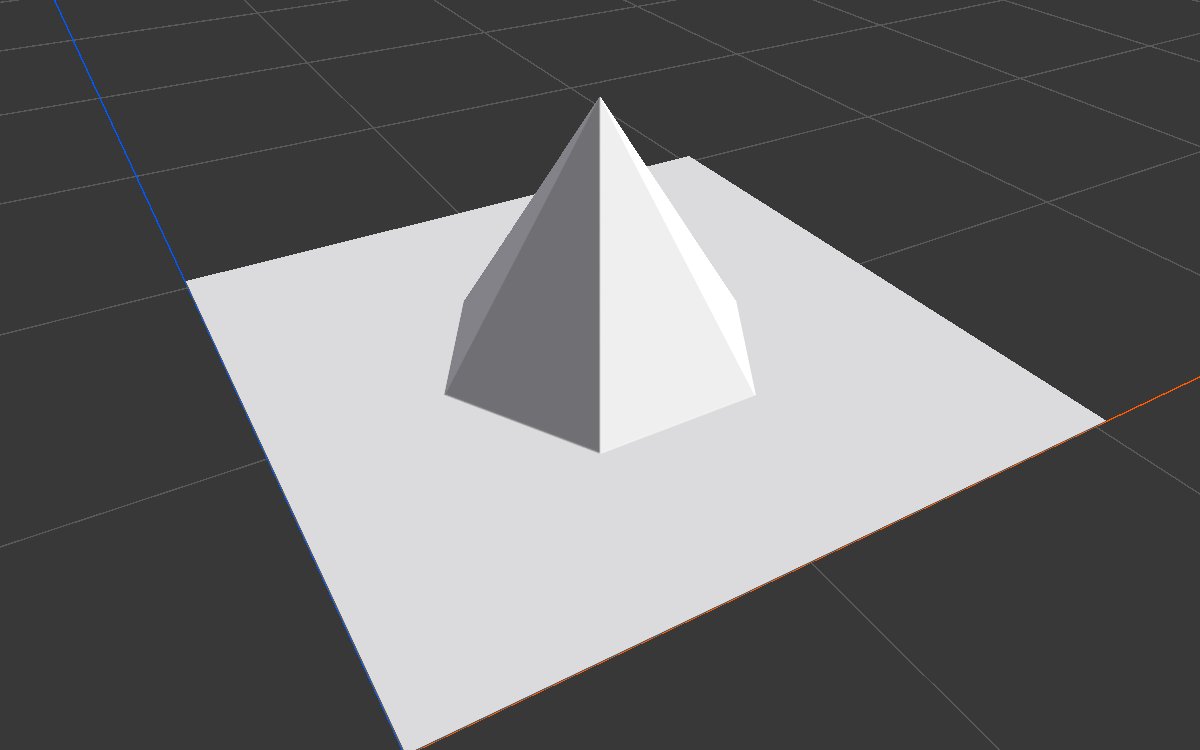
N-gon draws a pyramid with a polygon base in the middle of the biome: a triangle, square, hexagon or any number of sides up to a near circle. With Inner Radius at 0 it rises to a sharp peak; above 0 the top is cut flat into a plateau. It is a quick start for stylized mountains, mesas, platforms, mounds and fortress hills, and a clean polygon mask.
When to use it
- Start a stylized or low poly mountain or hill with a clear outline.
- Make a mesa, butte or platform with a flat top and straight sides (raise Inner Radius).
- Build a mound, a step pyramid (with Terrace) or a base for a structure.
- Use as a polygon mask in the middle of a biome.
- Not for: natural, irregular shapes (use Noise or Shape); polygons placed by hand anywhere in the biome (use Polygon Mask).
Inputs
None.
Outputs
| Slot | Type | What it holds |
|---|---|---|
| Output | Mask | The pyramid: Height at the peak or flat top, falling in straight slopes to 0 at the edge of the polygon. 0 everywhere outside it. |
Properties
| Property | Default | Range | What it does |
|---|---|---|---|
| Edge Count | 6 | 3 to 100 | Number of sides. 3 is a triangle, 4 a square, 6 a hexagon. High values look round. |
| Height | 1 | 0 to 1 | Height of the peak or flat top, as a fraction of the terrain height. |
| Inner Radius | 0 | 0 to 1 | Size of the flat top, as a fraction of Outer Radius. 0 gives a sharp peak. Raising it widens the top and makes the sides steeper, since they rise the same height over a shorter distance. |
| Outer Radius | 0.5 | 0.001 to 1 | Size of the base. 1 reaches from the middle of the biome to its edges; the default 0.5 reaches halfway, so the pyramid covers the middle part of the biome. |
| Point Up | Off | On, Off | Turns the shape so a corner points up the biome (toward +Z) instead of to the right (+X). For a square, this makes a diamond. |
The shape is always centered in the biome. To move or rotate it, follow it with Transform 2D.
Common properties
| Property | What it does |
|---|---|
| Id | The node's unique name in this graph, shown for reference. You cannot edit it. Scripts and the AI workflow CLI use it to find the node. |
| Resolution | How detailed this node's result is, in texels across the biome. N-gon has no input, so Relative To Main Input (default) and Relative To Graph both follow the biome's Canvas Resolution, times the multiplier below. Absolute sets an exact size. Higher resolution keeps the edges and ridges crisp. Absolute is limited to 32 to 512 in Vista Personal and 32 to 4096 in Vista Indie and Pro. |
| Split Execution | Lets this node run over several frames so the editor stays responsive during long generations. It only works when Allow Split Execution is on in the graph settings. This node finishes in one step, so splitting only adds a short pause around it; leave it off. |
| Bypass | Skips the node. It has no input to pass through, so nothing comes out, and the nodes after it receive empty, flat ground. |
Examples
Each example shows the shape in 2D (black is 0, red is 1) and used directly as the terrain height in 3D, on a 1024 × 1024 m biome with a terrain height of 400 m. Values not listed are the defaults.
| 2D | 3D | |
|---|---|---|
| Default: 6 edges, sharp peak | 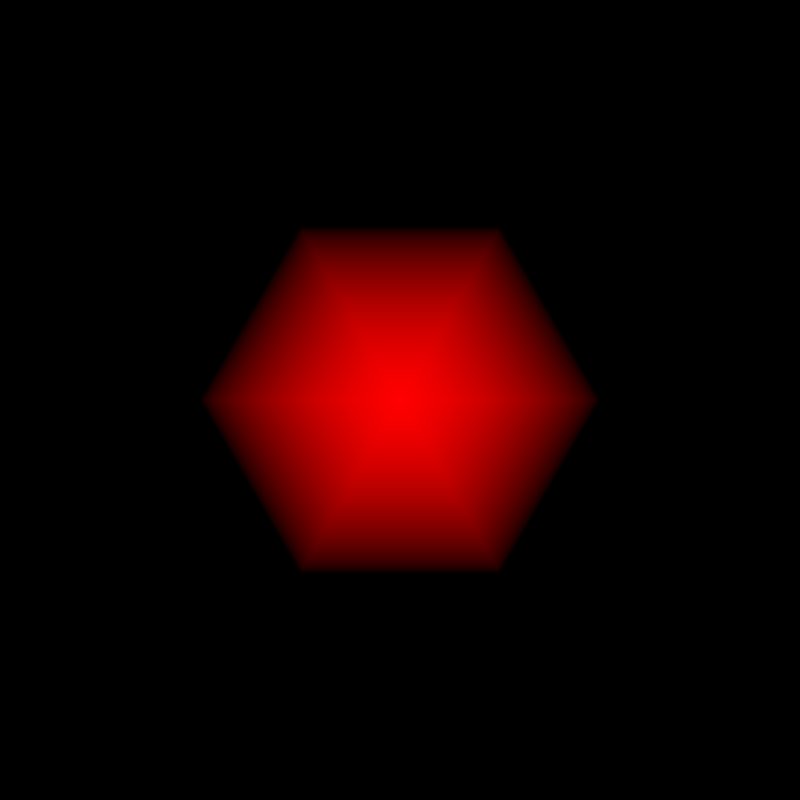 |
|
| Edge Count 3 | 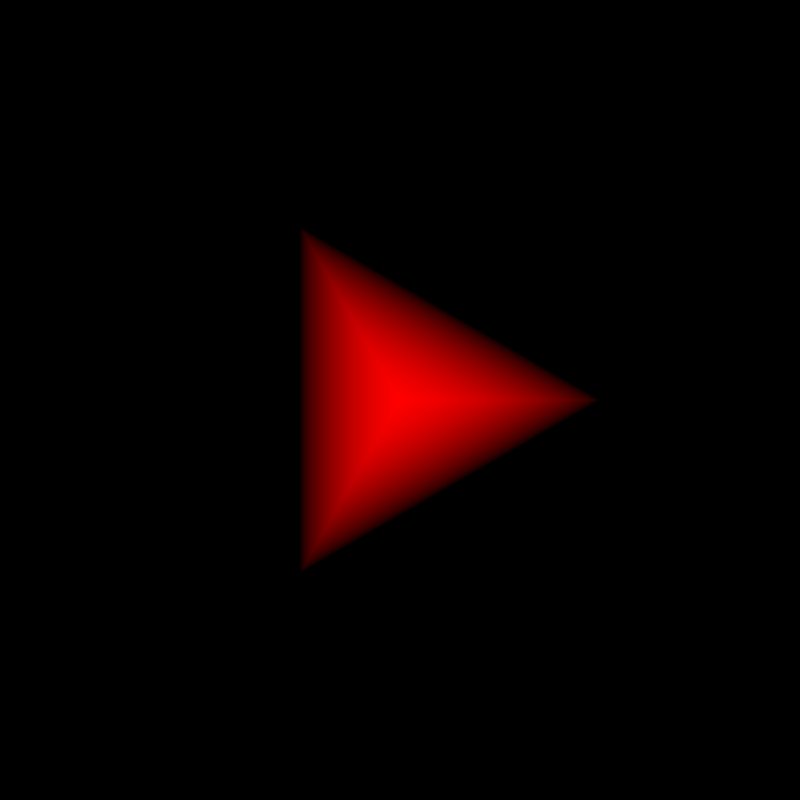 |
 |
| Inner Radius 0.6: flat top | 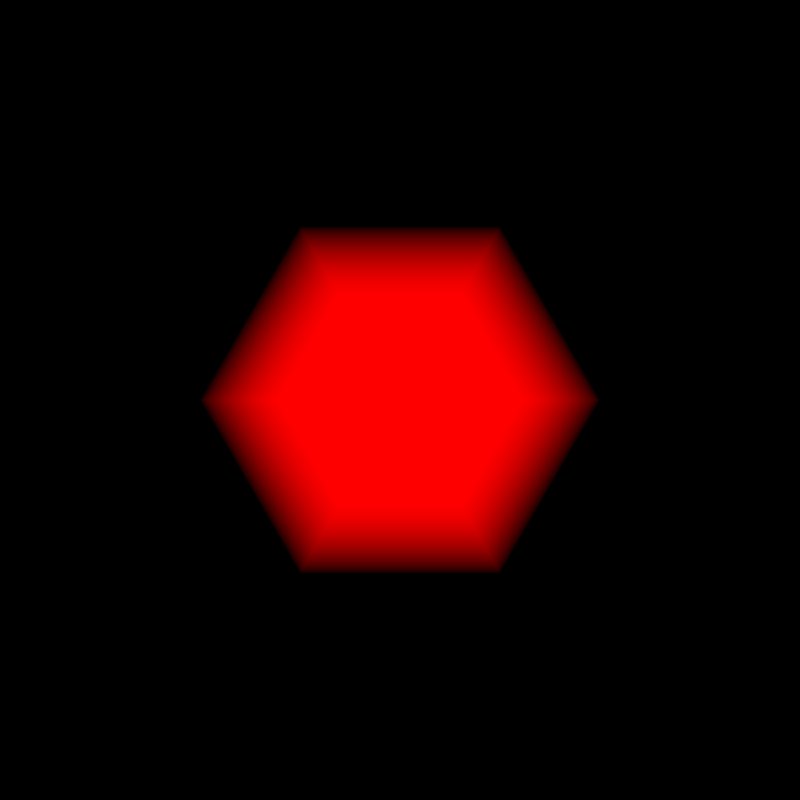 |
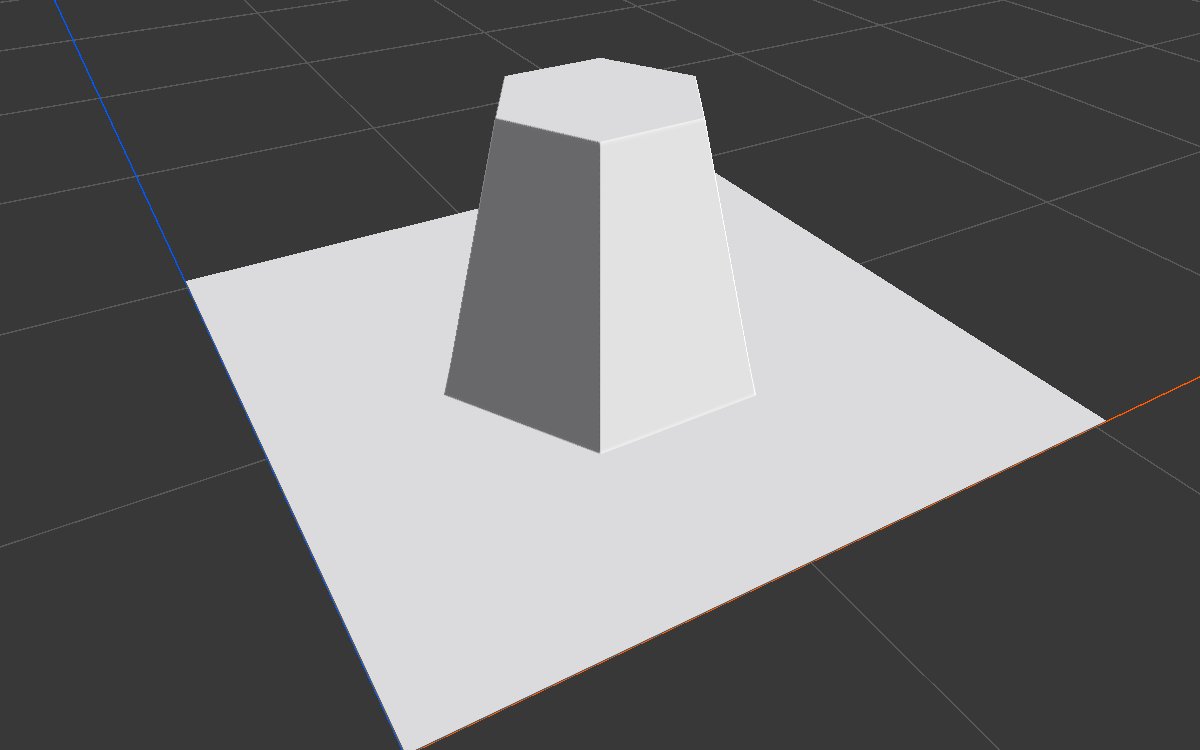 |
| Edge Count 4, Point Up on |  |
 |
| Edge Count 8, Height 0.35, Outer Radius 0.9, Inner Radius 0.3 | 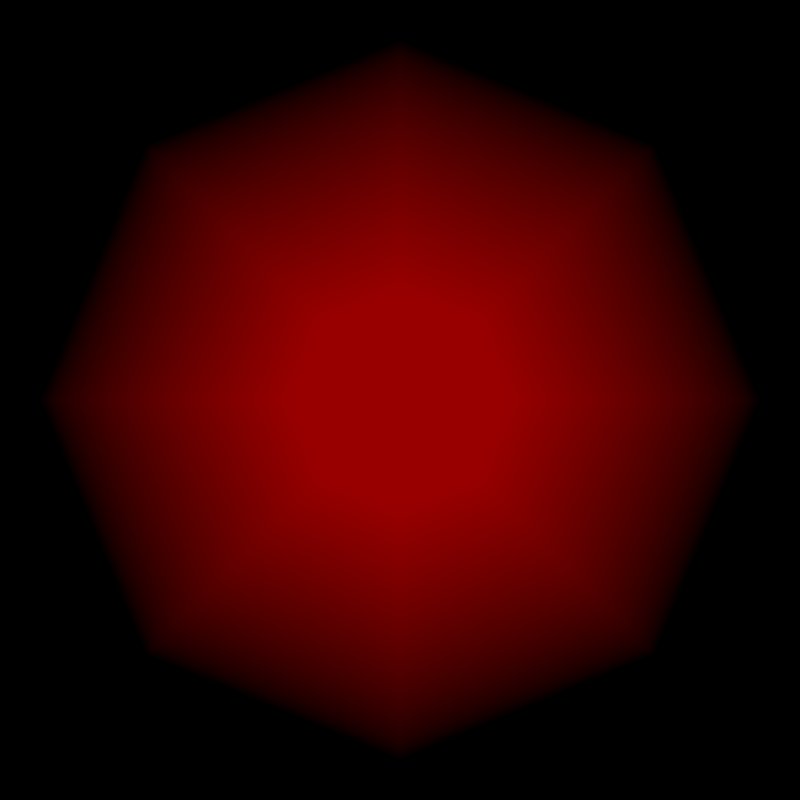 |
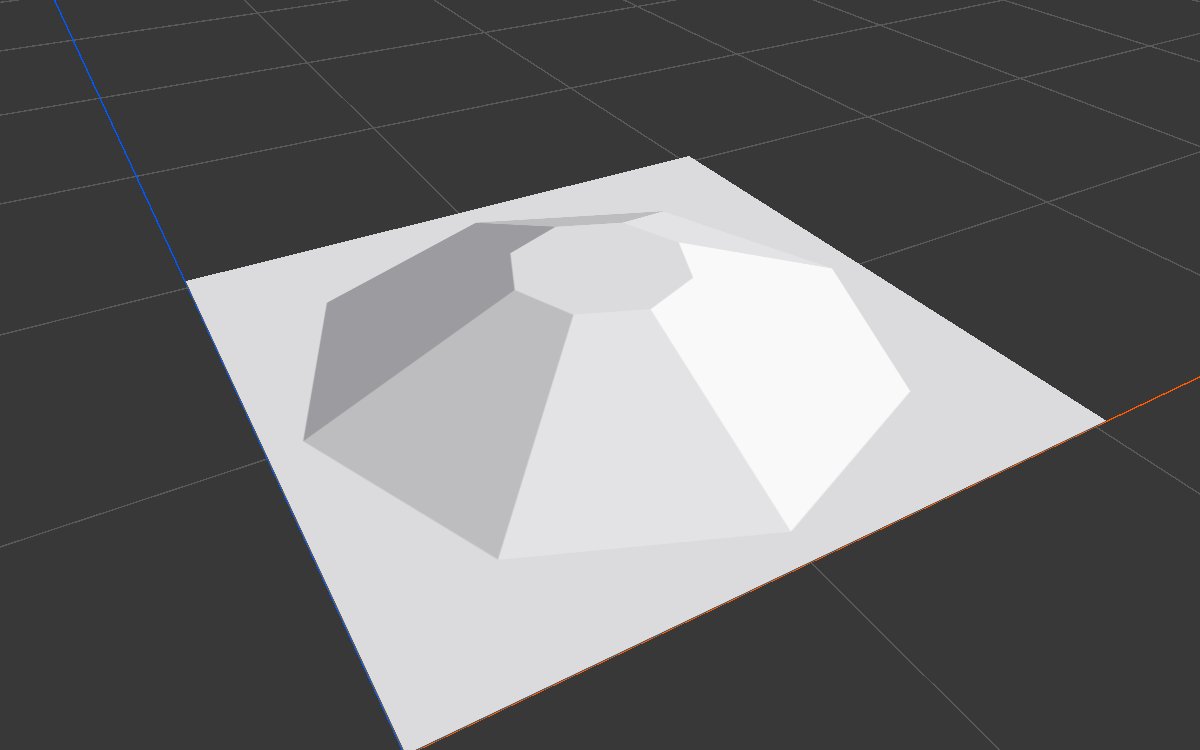 |
Recipes
- Stylized mesa: N-gon (Inner Radius 0.6 to 0.8) × a Noise for surface variation → Hydraulic Erosion 2 with the top protected through Hardness.
- Step pyramid or terraced hill: N-gon → Terrace.
- Natural looking mound: N-gon (Edge Count 12 or more) → Angular Warp to break the outline → Blur.
Tip
The slopes are perfectly straight. Pass the result through Curve to round the top or soften the foot, or erode it.
Note
Height is a fraction of the terrain height, not meters. On a 400 m terrain, 0.5 is 200 m.
Performance
Very cheap: the shape is drawn as a few triangles on the GPU.
Related nodes
- Shape: more basic shapes with falloff options.
- Radial Gradient: a round cone that can be placed anywhere.
- Polygon Mask: a polygon you draw yourself.
- Transform 2D: move, rotate or scale the result.
For AI agents
- Type name:
NgonNode. Output slot100(Mask). No inputs. - Properties:
edgeCount(3 to 100),height(0 to 1),innerRadius(0 to 1, fraction of outerRadius),outerRadius(0.001 and up, 1 = half the biome width from the center),pointUp(bool). - Always centered at (0.5, 0.5) of the biome.