Levels Node
- Category: Adjustments
- Edition: All editions
- Output type: Height / Mask
- Typical place in a graph: right after a base shape, or on a mask before it is used
Levels reshapes the range of a height map or mask. On terrain, it raises peaks, deepens valleys, lifts the floor, or caps the top. On a mask, it tightens or widens the selection, hardens soft edges, or keeps a minimum strength everywhere. It works like the Levels tool in an image editor: In Low becomes Out Low, In High becomes Out High, and In Mid bends the values between them.

When to use it
- Use the full height range after a base shape that sits low or in the middle (common after Layered Noise).
- Make taller peaks, flat valley floors or mesas by clamping the ends.
- Lift the floor above zero so erosion or rivers have room to carve.
- Limit the height of a range, for low hills or for a layer you add on top of other terrain.
- Tighten, widen or soften a mask before it drives textures or spawning.
- Not for: free form reshaping (use Curve); stretching data whose range you do not know (use Remap, which finds it for you).
Inputs
| Slot | Type | Required | What to connect |
|---|---|---|---|
| Input | Mask | Yes | The height or mask to reshape. |
Outputs
| Slot | Type | What it holds |
|---|---|---|
| Output | Mask | The reshaped values, between Out Low and Out High. |
Properties
| Property | Default | Range | What it does |
|---|---|---|---|
| In Low | 0 | 0 to 1, up to In High | Input value that becomes Out Low; everything below it is clamped there. On terrain, raise it to deepen valleys and flatten the low ground into a floor. On a mask, raise it to cut weak values and shrink the selection. |
| In Mid | 0.5 | 0 to 1 | Where the midpoint sits between In Low and In High; 0.5 is linear. Lower values brighten the middle: fuller, higher mid slopes and wider masks. Higher values darken it: sharper peaks, wider valleys, thinner masks. Far from 0.5, the bend can show as a crease at that altitude. |
| In High | 1 | 0 to 1, from In Low | Input value that becomes Out High; everything above it is clamped there. On terrain, lower it to raise the peaks; too low gives flat plateaus. On a mask, lower it to bring more of the selection to full strength. |
| Out Low | 0 | 0 to 1, up to Out High | Lowest output value. On terrain, it lifts the floor above zero. On a mask, it keeps a minimum strength everywhere. |
| Out High | 1 | 0 to 1, from Out Low | Highest output value. On terrain, it caps the tallest point. On a mask, it limits the selection to partial strength. |
Common properties
| Property | What it does |
|---|---|
| Id | The node's unique name in this graph, shown for reference. You cannot edit it. Scripts and the AI workflow CLI use it to find the node. |
| Resolution | How detailed this node's result is, in texels across the biome. Relative To Main Input (default) matches the texture connected to Input, times the multiplier below it. Relative To Graph follows the biome's Canvas Resolution instead. Absolute sets an exact size. Keep it matched to the input so no detail is lost. Absolute is limited to 32 to 512 in Vista Personal and 32 to 4096 in Vista Indie and Pro. |
| Split Execution | Lets this node run over several frames so the editor stays responsive during long generations. It only works when Allow Split Execution is on in the graph settings. This node finishes in one step, so splitting only adds a short pause around it; leave it off. |
| Bypass | Skips the node. The input passes through unchanged. |
Examples
All examples reshape the same Noise (Scale 600, Seed 128) on a 1024 × 1024 m biome with a terrain height of 400 m. It ranges from about 0.07 to 0.64. Values not listed are the defaults.
| Input | |
|---|---|
 |
 |
| Setting | 2D | 3D | What changed |
|---|---|---|---|
| In Low 0.2 | 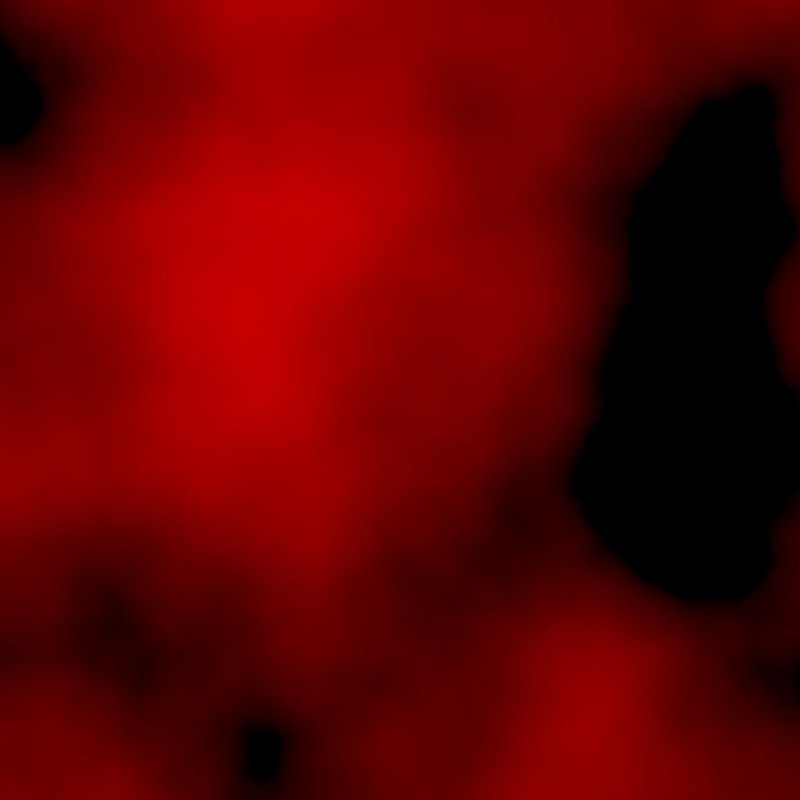 |
|
Everything below 0.2 becomes the floor: flat valley bottoms, deeper relief above them. |
| In High 0.5 |  |
 |
Everything above 0.5 reaches full height: the land doubles in height and the highest areas flatten into plateaus. |
| In Mid 0.3 | 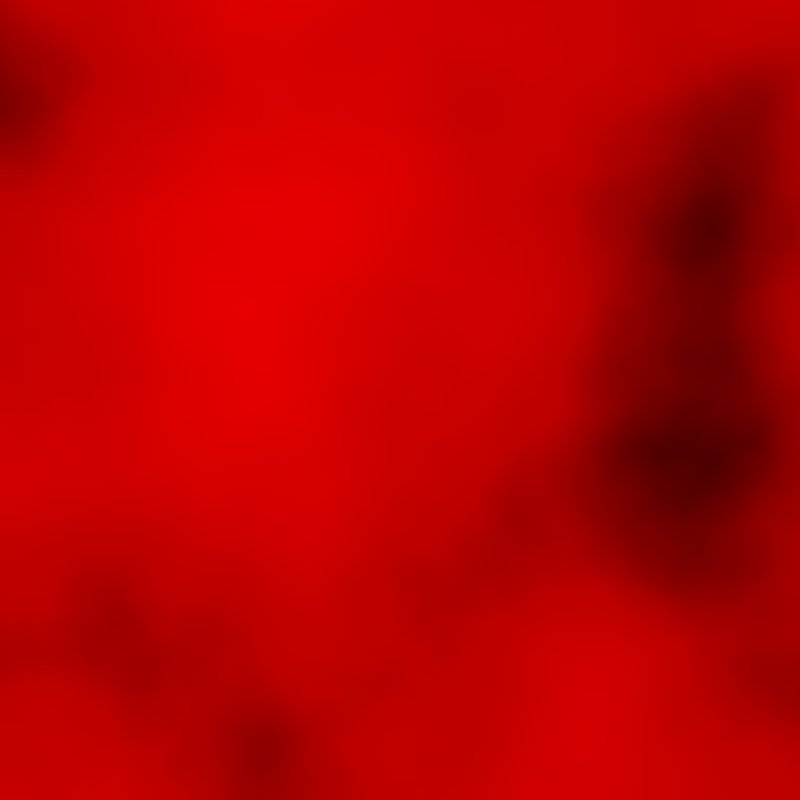 |
 |
The middle values rise: fuller, rounder mountains. |
| In Mid 0.7 |  |
 |
The middle values sink: wider valleys and sharper peaks. |
| Out Low 0.2, Out High 0.6 |  |
 |
The whole range is squeezed between 0.2 and 0.6: a raised base with gentler relief. |
Recipes
- Use the full height range: base shape → Levels with In Low and In High set at the lowest and highest values of the input, or use Remap to do it automatically.
- Lift the floor for erosion: Levels with Out Low about 0.05 before Hydraulic Erosion 2, as in the AI workflow recipe
mountain-base-shape. - Low dunes: dune noise → Levels with Out High about 0.15, recipe
dunes-geometry. - Harder mask edges: soft mask → Levels with In Low and In High close together around the edge value.
Tip
On a mask, In Low and In High close together turn a soft gradient into a nearly hard edge, while keeping a little softness. For a fully hard edge, use Threshold.
Note
Moving In Mid far from 0.5 bends the values sharply at the midpoint, which can show as a crease along one altitude on the terrain. Use Curve for a smoother bend.
Performance
Very cheap: one quick GPU step.
Related nodes
- Curve: reshape values with a free curve.
- Remap: stretch values to a range automatically.
- Clamp, Threshold: cut values at limits.
- Contrast & Brightness: simple contrast changes.
For AI agents
- Type name:
LevelsNode. Input0, Output100. - Properties:
inLow,inMid,inHigh,outLow,outHigh(all 0 to 1; inLow ≤ inHigh and outLow ≤ outHigh are enforced, so set the larger one first when moving both up). - Measured on the sample noise (0.07 to 0.64): In High 0.5 → 0.13 to 1 with 13% at full height; In Low 0.2 → 13% at 0.