Angular Warp Node
- Category: Adjustments
- Edition: All editions
- Output type: Height / Mask
- Typical place in a graph: after a shape whose outline or surface is too regular
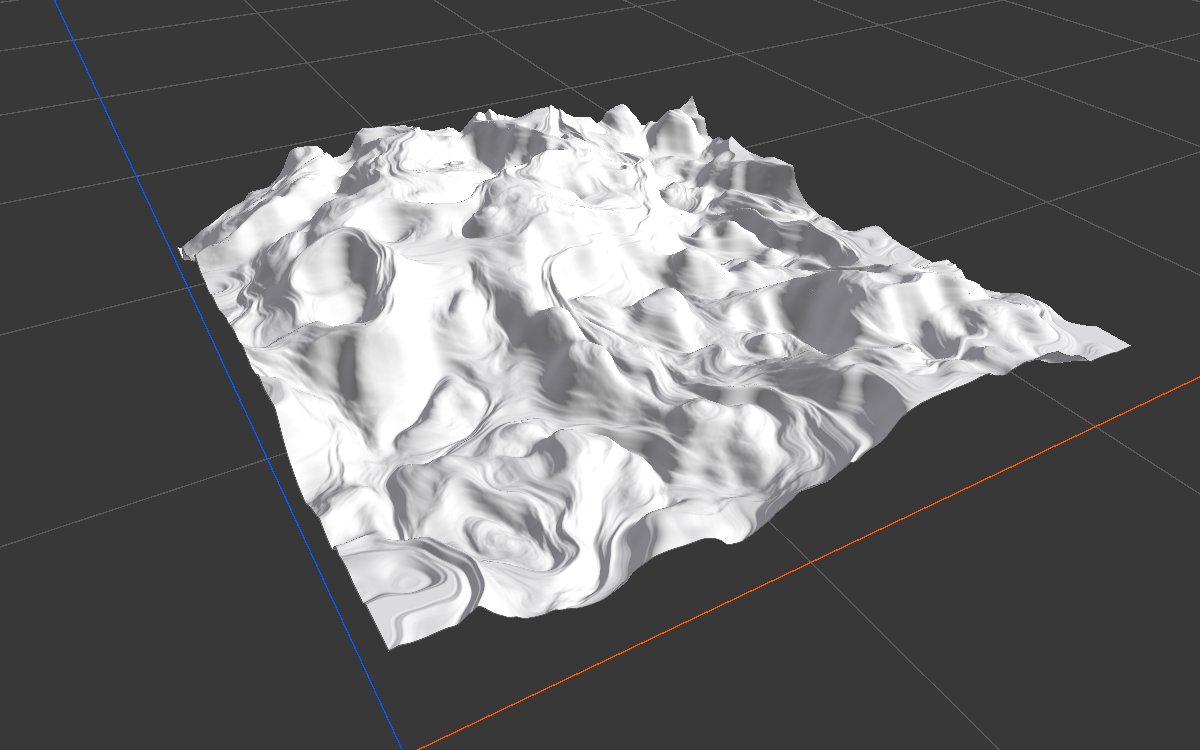
Angular Warp bends a shape sideways. At each point it reads a direction from the Direction input and a distance from the Intensity input, and pulls the land from that offset. Use broad noise as the direction for flowing, folded ridges and irregular outlines; fine noise for ragged cliff edges and grooves. The heights themselves do not change, only where they sit.
When to use it
- Break up round or straight outlines: islands, mesas, craters, shapes from Shape or Radial Gradient.
- Fold and twist ridges for a more geological look.
- Ragged cliff edges and grooves with a fine direction noise (recipe
mesa-geometry). - Not for: pushing land along slopes for a chipped look (use Directional Warp); warping a noise you are creating (use the Warp settings of Noise directly).
Inputs
| Slot | Type | Required | What to connect |
|---|---|---|---|
| Input | Mask | Yes | The shape or mask to bend. Flat areas stay flat; slopes and edges move sideways. |
| Direction | Mask | Yes | Picks the direction of the bend at each point: black uses Min Angle, white uses Max Angle, gray blends between them. Usually a Noise. |
| Intensity | Mask | Yes | How far each point is bent: black does not move, white uses the full Intensity Multiplier. Usually the same noise, or a mask to limit where the bending happens. With nothing connected, nothing moves. |
Outputs
| Slot | Type | What it holds |
|---|---|---|
| Output | Mask | The bent shape. Values are taken from the input, so the height or mask range does not change. |
Properties
| Property | Default | Range | What it does |
|---|---|---|---|
| Min Angle | -360 | -360 to 360 degrees | Direction used where Direction is black. |
| Max Angle | 360 | -360 to 360 degrees | Direction used where Direction is white. The full default range turns the direction twice around as the input goes from black to white, which gives the most folding. |
| Direction Multiplier | 1 | 0 to 1 | Scales the Direction input before it picks an angle. 1 uses the full angle range; lower values use only the part near Min Angle, so the bends all point more the same way. |
| Intensity Multiplier | 1 | 0 to 1 | The largest bend distance, as a fraction of the biome width. The default 1 can move land across the whole biome and destroys the shape; start around 0.01 for broken edges and 0.1 for broad folds. |
Common properties
| Property | What it does |
|---|---|
| Id | The node's unique name in this graph, shown for reference. You cannot edit it. Scripts and the AI workflow CLI use it to find the node. |
| Resolution | How detailed this node's result is, in texels across the biome. Relative To Main Input (default) matches the texture connected to Input, times the multiplier below it. Relative To Graph follows the biome's Canvas Resolution instead. Absolute sets an exact size. Absolute is limited to 32 to 512 in Vista Personal and 32 to 4096 in Vista Indie and Pro. |
| Split Execution | Lets this node run over several frames so the editor stays responsive during long generations. It only works when Allow Split Execution is on in the graph settings. This node finishes in one step, so splitting only adds a short pause around it; leave it off. |
| Bypass | Skips the node. The input passes through unchanged. |
Examples
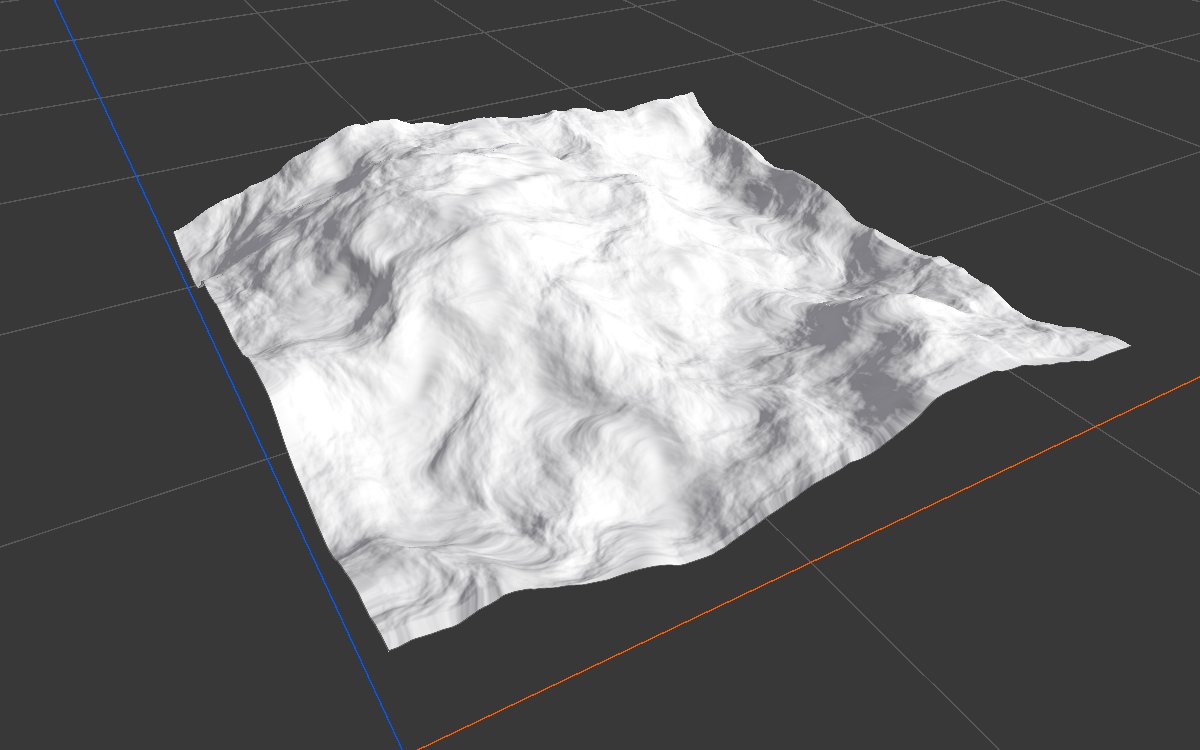
All examples bend the same Noise (Scale 600, Seed 128) on a 1024 × 1024 m biome with a terrain height of 400 m. Direction is a second noise (Scale 250, 3 layers) and Intensity is a constant 1, so Intensity Multiplier alone sets the distance.
| 2D | 3D | |
|---|---|---|
| Input |  |
 |
| Intensity Multiplier 0.02 | 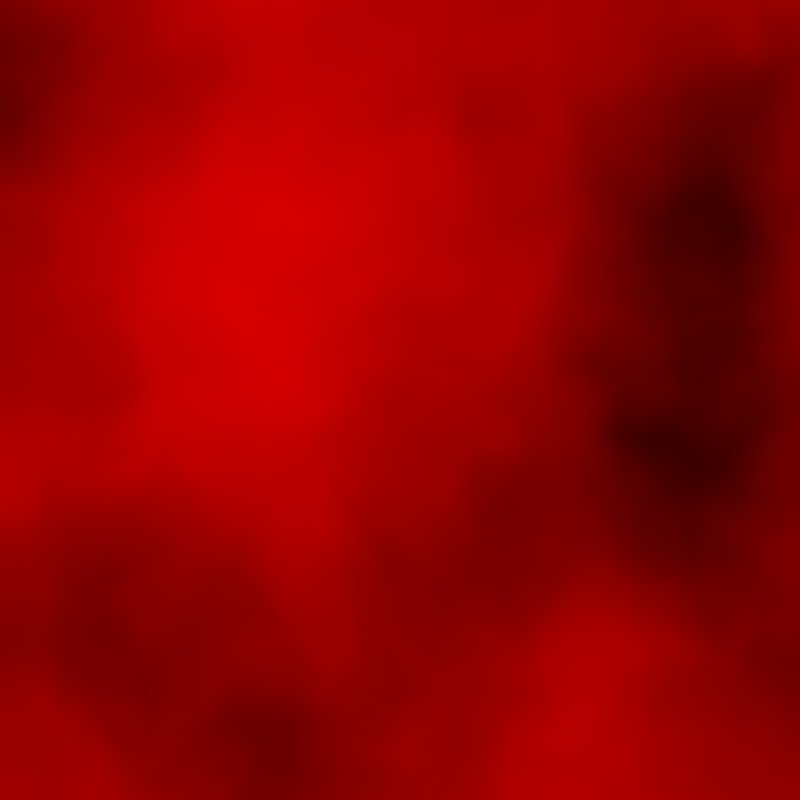 |
 |
| Intensity Multiplier 0.1 | 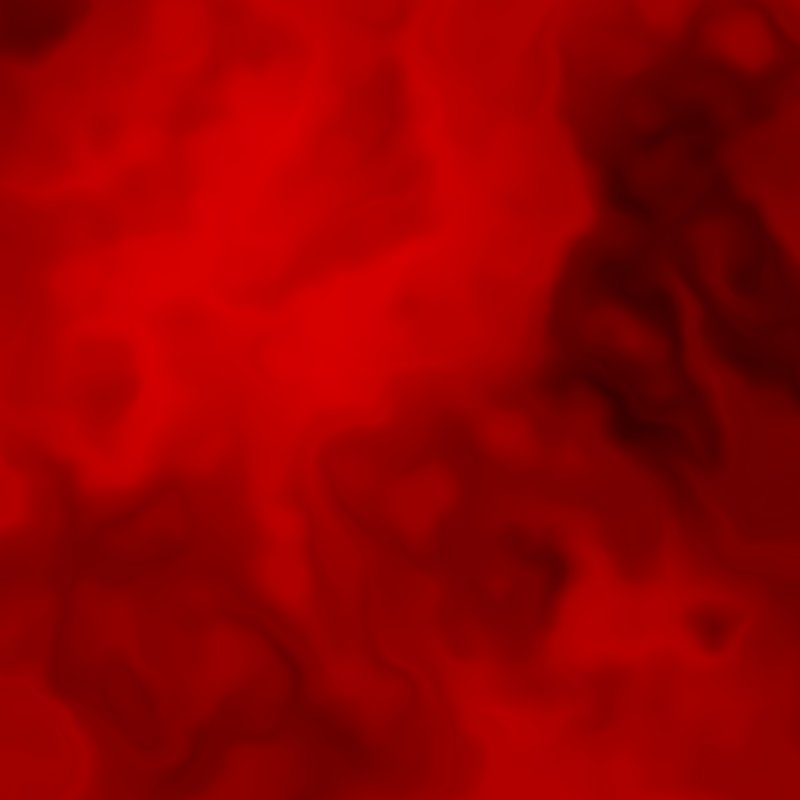 |
|
| Intensity Multiplier 1 (default) |  |
 |
At 0.02 (about 20 m) the shape barely twists. At 0.1 (about 100 m) the ridges fold and flow. At the default 1, points take their height from anywhere in the biome, and the result breaks into marbled rings.
Recipes
- Irregular outline: Shape or Radial Gradient → Angular Warp with a broad noise (scale about the size of the shape) as Direction and Intensity, multiplier about 0.05.
- Ragged mesa edges: mesa shape → Angular Warp with a fine noise (Scale 100) on both inputs, Intensity Multiplier about 0.015. Recipe
mesa-geometry. - Bent crater outline: crater cross section → Angular Warp with a broad noise, Direction Multiplier 0.6, Intensity Multiplier about 0.08. Recipe
crater-base-shape.
Warning
The default Intensity Multiplier of 1 can move land by the whole biome width and wrecks the shape. Start low and raise it.
Note
Intensity must be connected, or nothing moves. Connecting the same noise to Direction and Intensity is a quick, common set up.
Performance
Very cheap: one quick GPU step.
Related nodes
- Directional Warp: pushes land along the slopes of a map.
- Noise: its Warp settings bend the noise as it is made.
- Angular Gradient: a direction that turns around a point.
For AI agents
- Type name:
AngularWarpNode. Inputs: Input0, Direction1, Intensity2. Output100. - Properties:
minAngle,maxAngle(degrees, -360 to 360, min ≤ max),directionMultiplier(0 to 1),intensityMultiplier(0 to 1, fraction of biome width). - Per texel: angle = lerp(min, max, directionMultiplier × Direction); offset = (cos, sin)(angle) × intensityMultiplier × Intensity; output = Input sampled at uv + offset.