Shape Node
- Category: Base Shape
- Edition: All editions
- Output type: Height / Mask
- Typical place in a graph: the first node for a single landform, then reshaped, combined with noise and eroded
Shape makes one basic landform in the middle of the biome: a flat plateau, a dome, a cone, a bell shaped hill, a sharp spike, a pyramid, a ring and more. It is a quick, predictable start for a single hill, a mesa, a crater wall or an island, and a clean mask for a central area. Most of the time you combine it with Noise and erode it so it stops looking geometric.
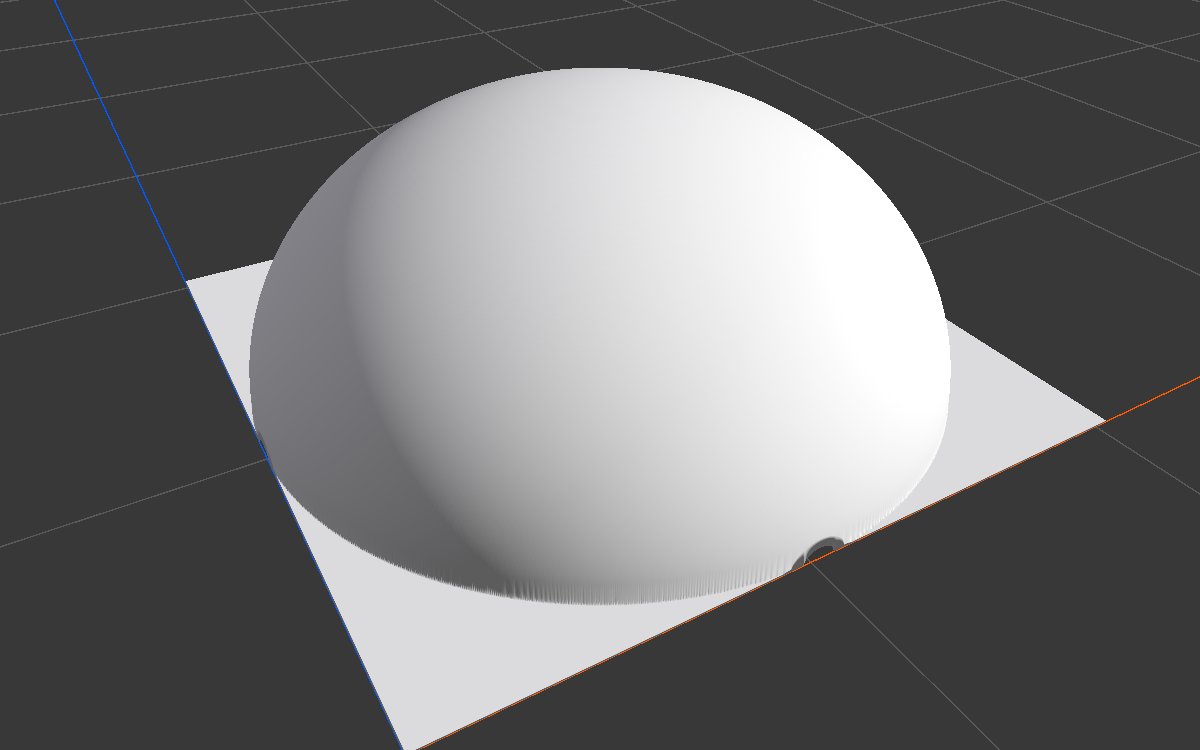
When to use it
- Start a single hill, mountain or volcano with a known profile.
- Make a mesa or plateau (Square, Disc, Brick, Hexagon) or a crater wall or atoll (Torus).
- Use as a central mask, such as the island area multiplied with noise.
- Not for: several landforms or natural shapes across the map (use Noise); shapes placed anywhere (move them with Transform 2D, or use Radial Gradient with its Center).
Inputs
None.
Outputs
| Slot | Type | What it holds |
|---|---|---|
| Output | Mask | The shape, from 1 at its highest point down to 0 at its edge and outside it, centered in the biome. |
Properties
| Property | Default | Range | What it does |
|---|---|---|---|
| Shape | Square | See Shapes | The landform. Searching the node browser for a shape name, such as "cone" or "torus", adds a Shape node already set to it. |
| Scale | 1, 1 | 0.001 and up, along X and Z | Size of the shape. 1 spans the whole biome; 0.5 spans half of it. Use different values for long ridges or wide domes. |
| Inner Size | 0.5 | 0 to 1 | Only for Brick and Hexagon (size of the flat top) and Torus (size of the hole). The other shapes ignore it. |
The shape is always centered in the biome. To move or rotate it, follow it with Transform 2D.
Common properties
| Property | What it does |
|---|---|
| Id | The node's unique name in this graph, shown for reference. You cannot edit it. Scripts and the AI workflow CLI use it to find the node. |
| Resolution | How detailed this node's result is, in texels across the biome. Shape has no input, so Relative To Main Input (default) and Relative To Graph both follow the biome's Canvas Resolution, times the multiplier below. Absolute sets an exact size. Sheer edges, as on Square and Disc, look cleaner at higher resolution. Absolute is limited to 32 to 512 in Vista Personal and 32 to 4096 in Vista Indie and Pro. |
| Split Execution | Lets this node run over several frames so the editor stays responsive during long generations. It only works when Allow Split Execution is on in the graph settings. This node finishes in one step, so splitting only adds a short pause around it; leave it off. |
| Bypass | Skips the node. It has no input to pass through, so nothing comes out, and the nodes after it receive empty, flat ground. |
Shapes
Each shape in 2D (black is 0, red is 1) and used directly as the terrain height in 3D, on a 1024 × 1024 m biome with a terrain height of 400 m. Scale 1 and Inner Size 0.5 unless noted.
| Shape | 2D | 3D | Use it for |
|---|---|---|---|
| Square (Scale 0.6) |  |
 |
A flat, square plateau with vertical walls. At Scale 1 it fills the whole biome. |
| Disc |  |
 |
A round mesa or butte, a flat island, a round mask. |
| Hemisphere |  |
|
A round dome with steep sides near its foot. |
| Paraboloid | 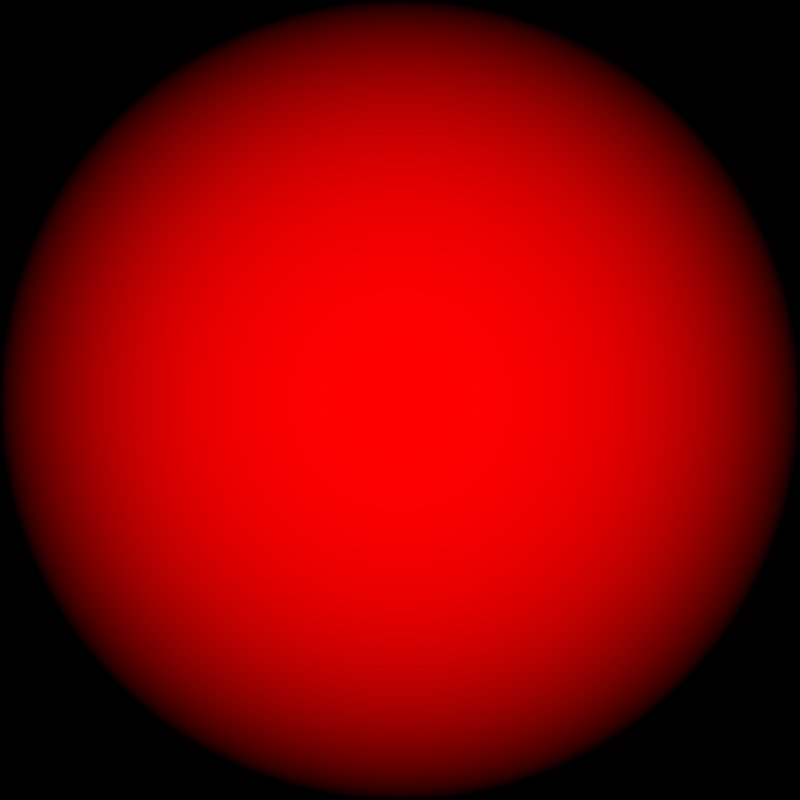 |
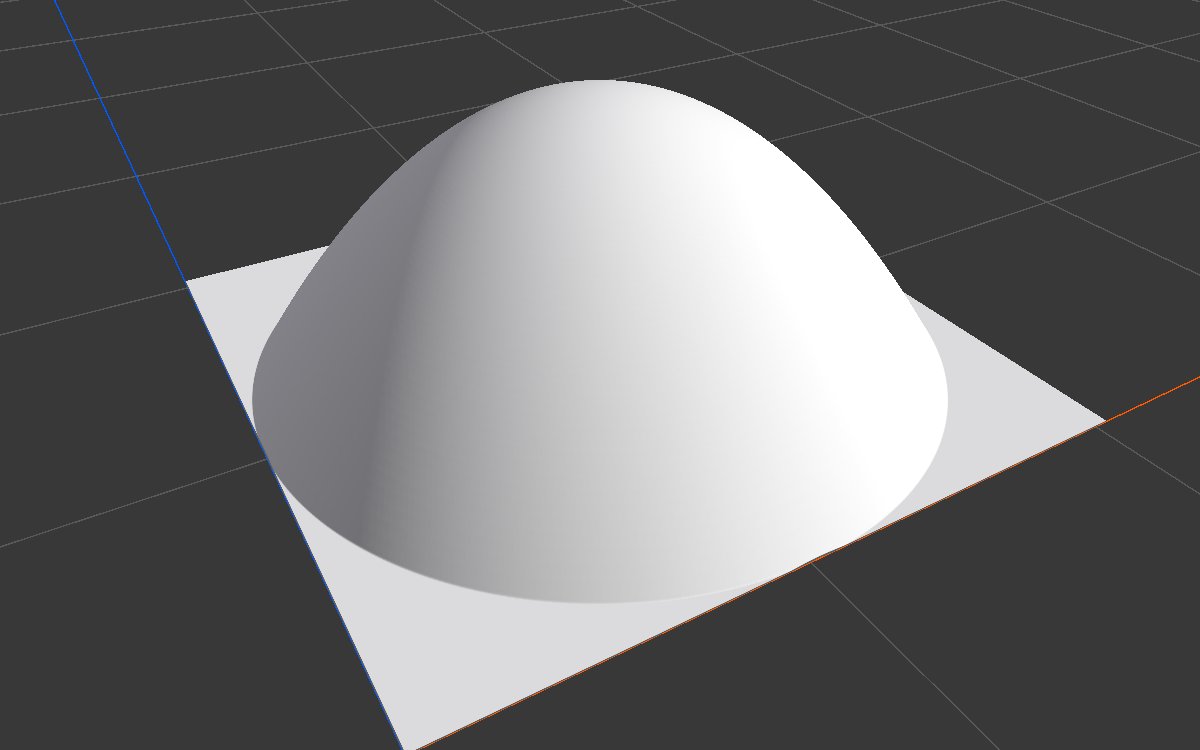 |
A rounded hill, softer at the foot than the dome. |
| Cone |  |
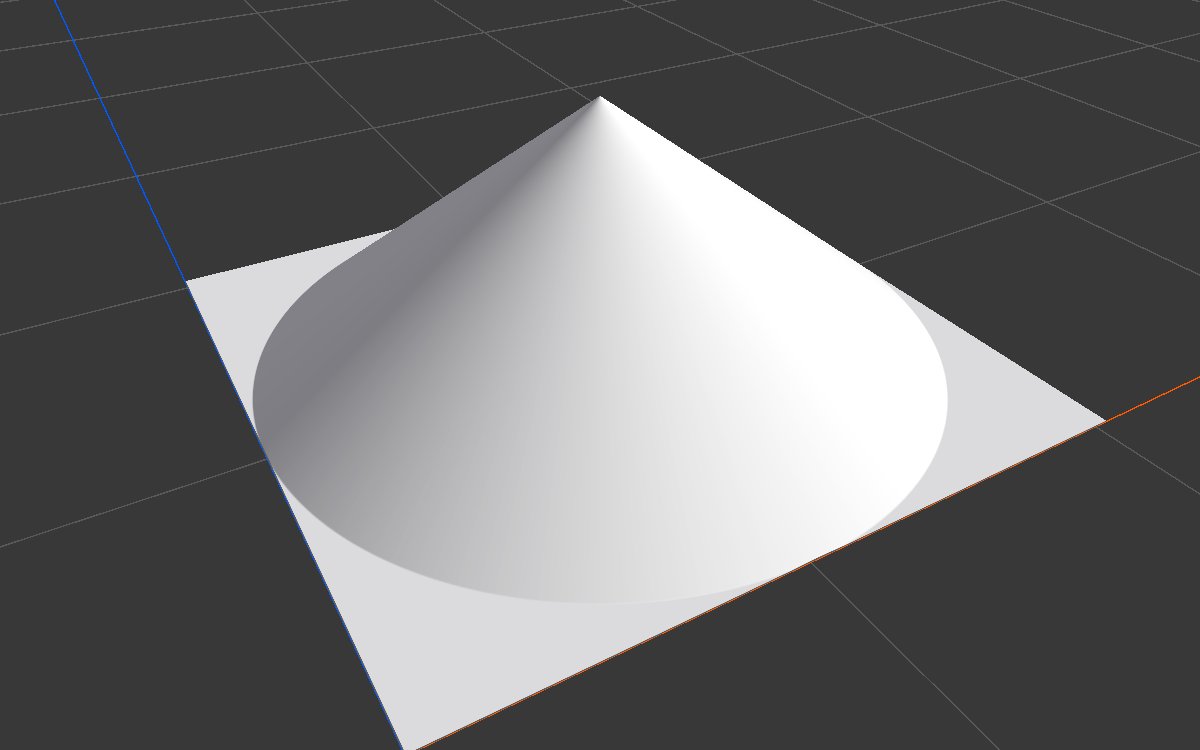 |
A cone with straight slopes: volcano and cinder cone bases. |
| Bell |  |
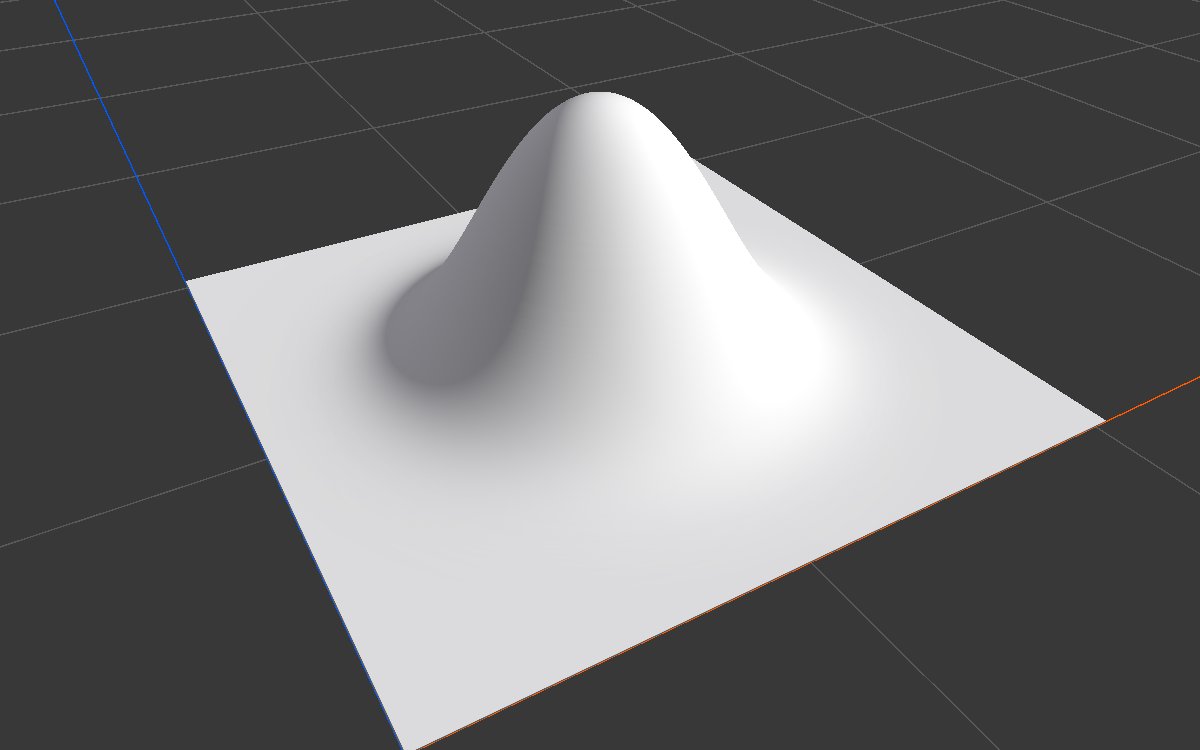 |
A bell shaped hill that fades smoothly into the land around it. Natural as a single mountain. |
| Thorn | 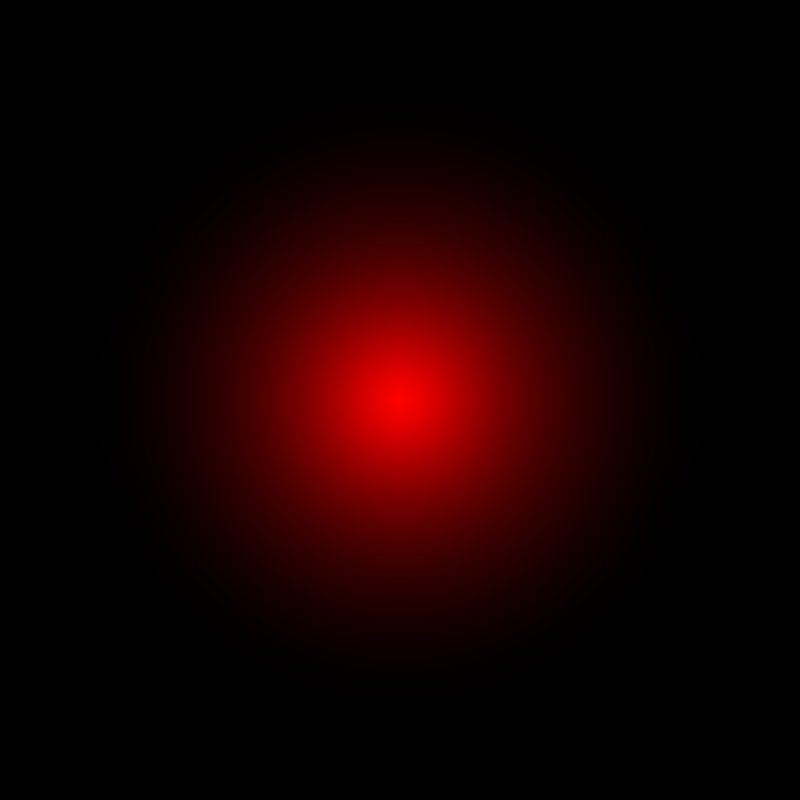 |
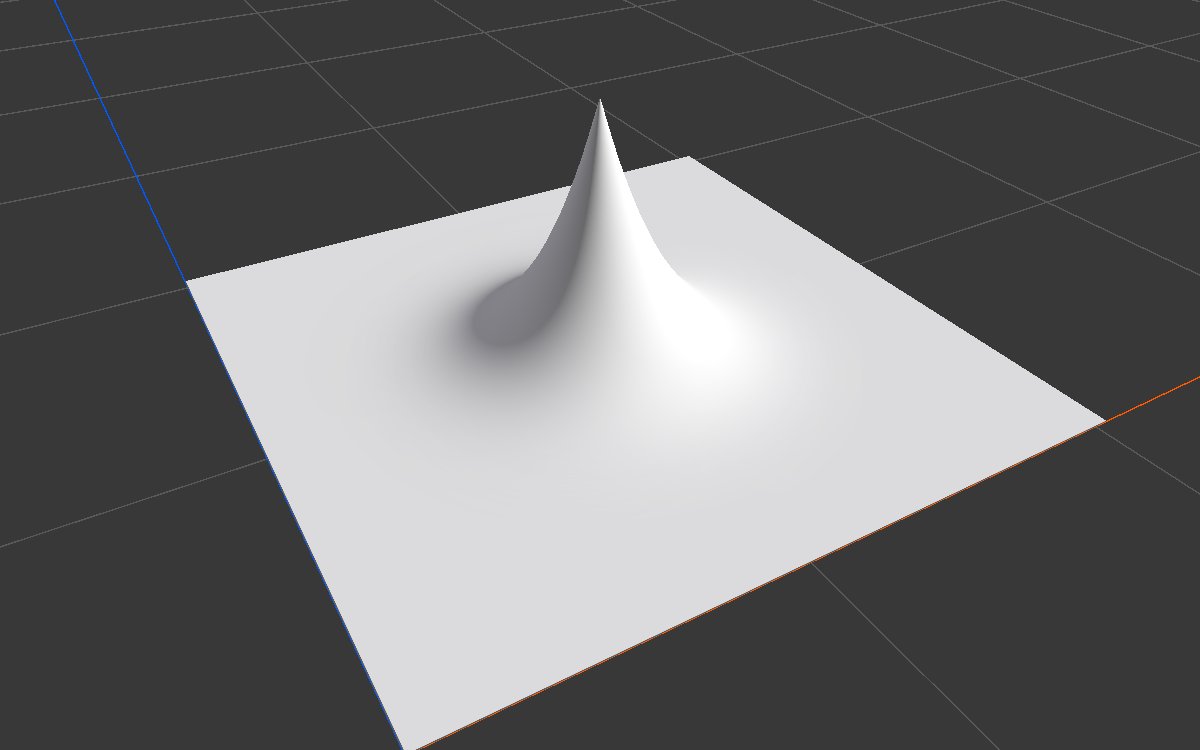 |
A thin spike with concave sides: rock needles, stylized peaks. |
| Pyramid | 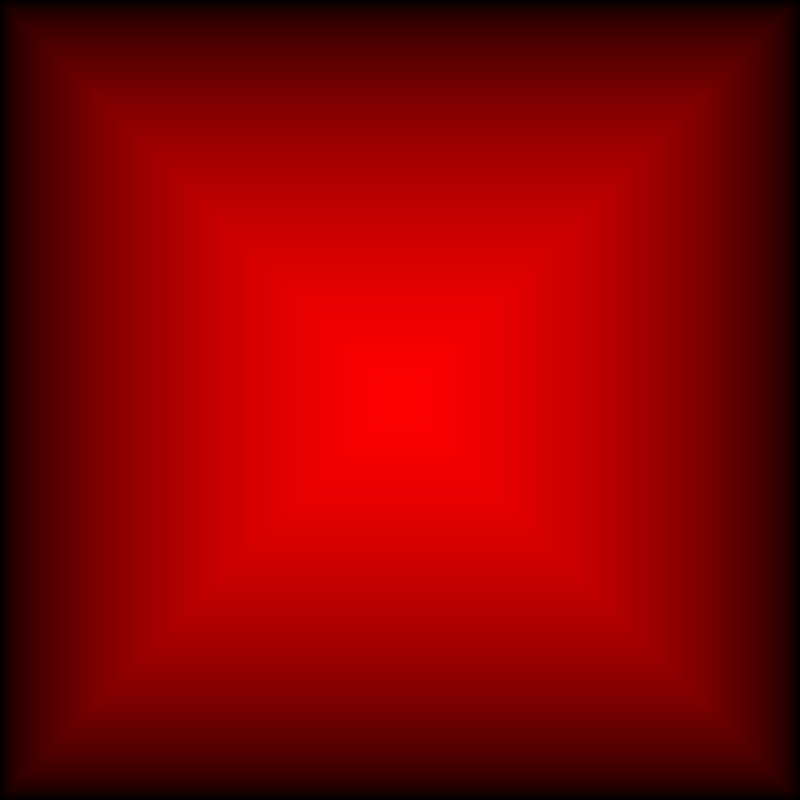 |
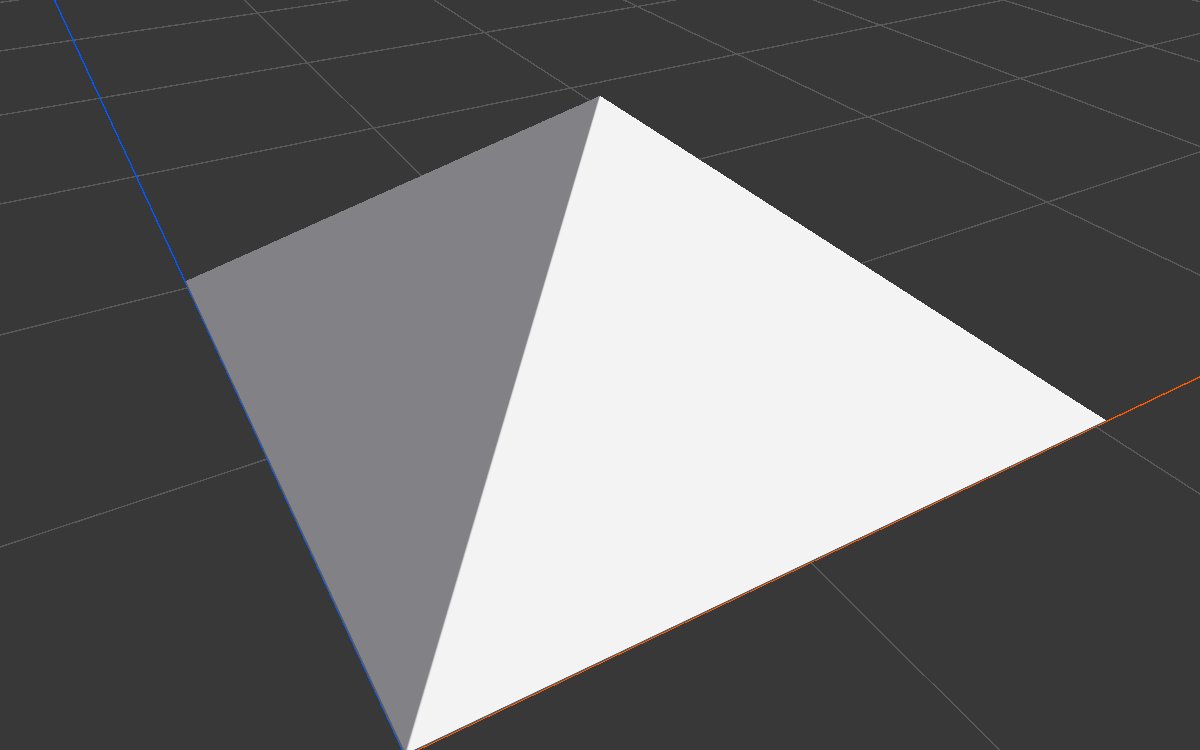 |
A square pyramid with straight faces. |
| Brick |  |
 |
A square pyramid with a flat top: a platform or mesa. Inner Size sets the top. |
| Brick, Inner Size 0.2 |  |
 |
A smaller top and gentler sides. |
| Hexagon | 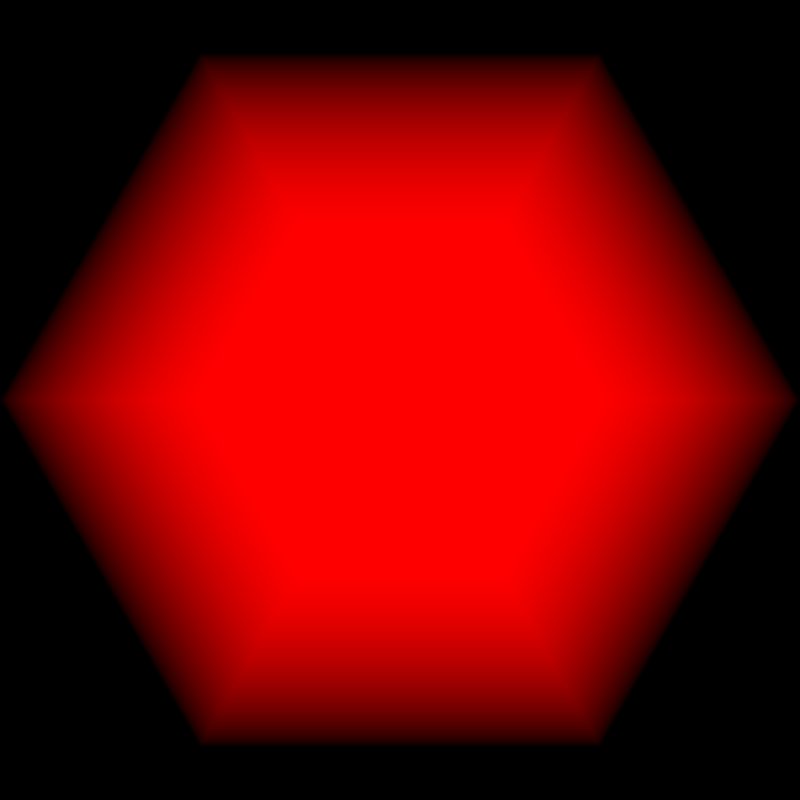 |
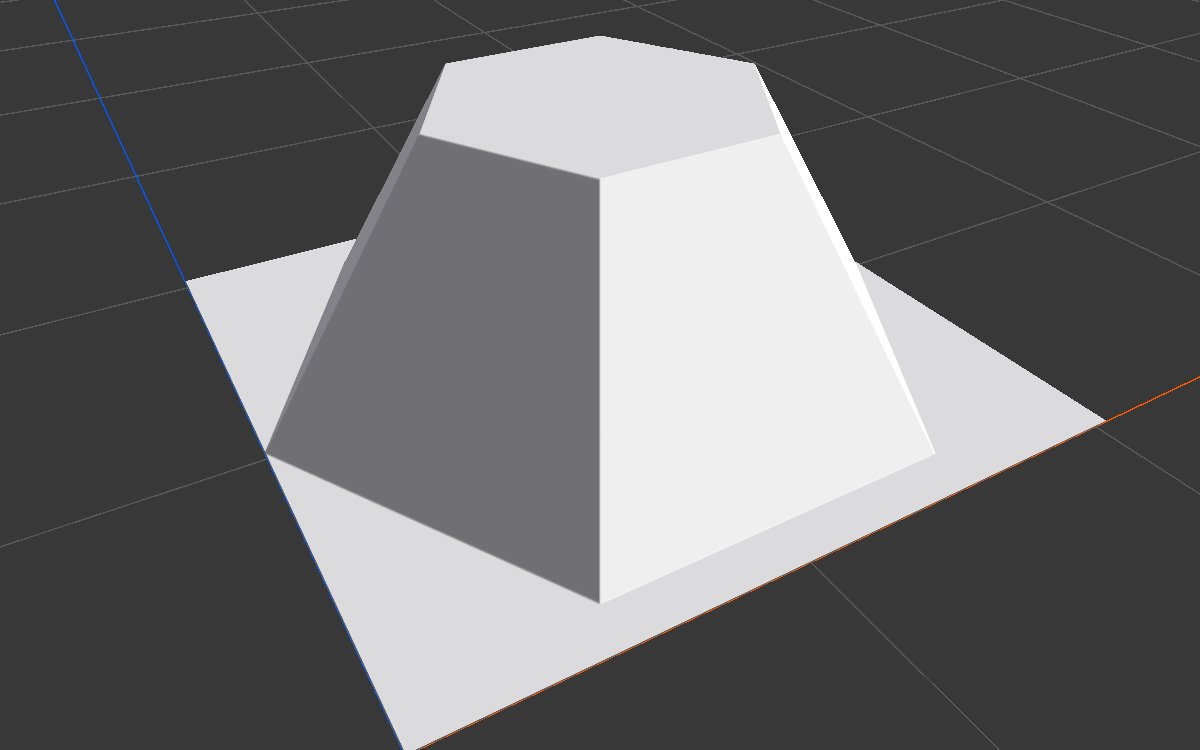 |
A hexagonal platform with a flat top set by Inner Size. For other numbers of sides, use N-gon. |
| Torus |  |
 |
A rounded ring: a crater rim, an atoll, a caldera wall. Inner Size sets the hole. |
| Torus, Inner Size 0.8 |  |
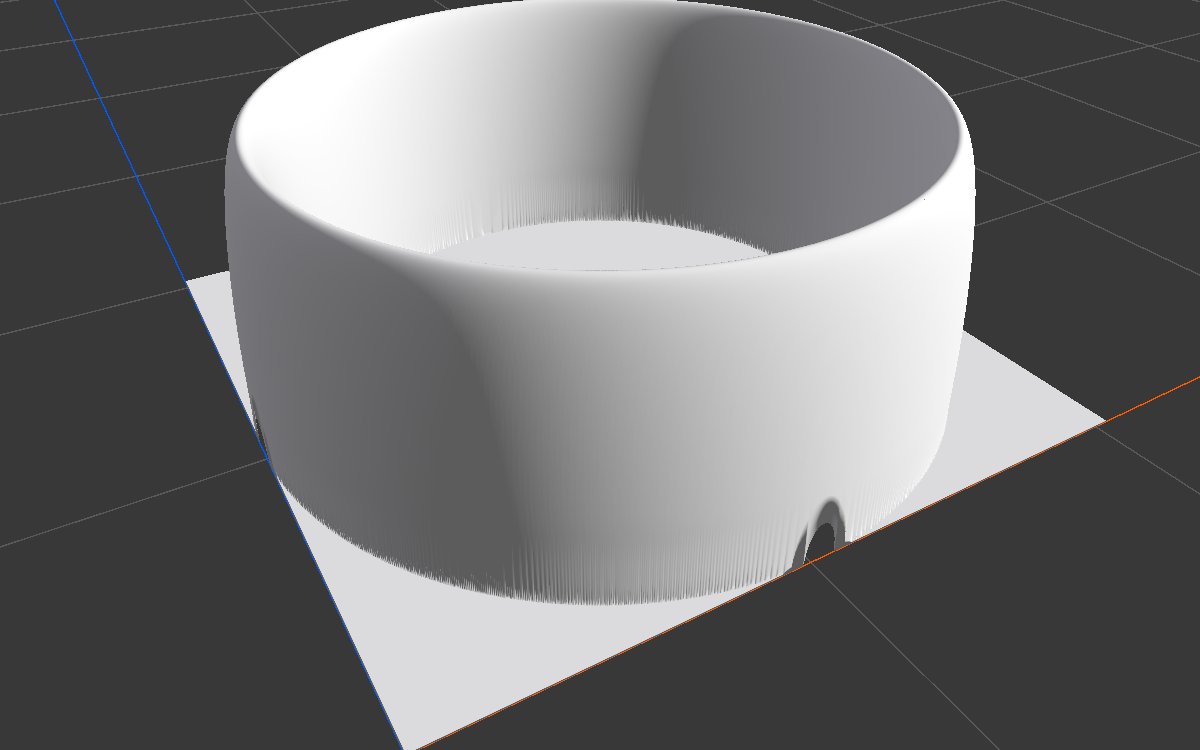 |
A larger hole and a thinner rim. |
| Hemisphere, Scale 0.5, 0.8 | 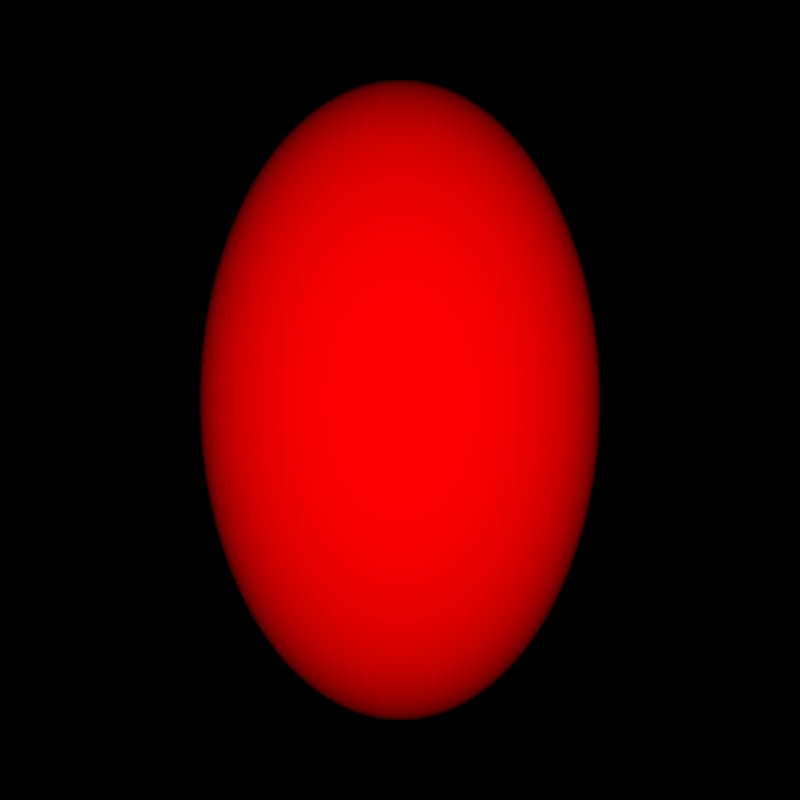 |
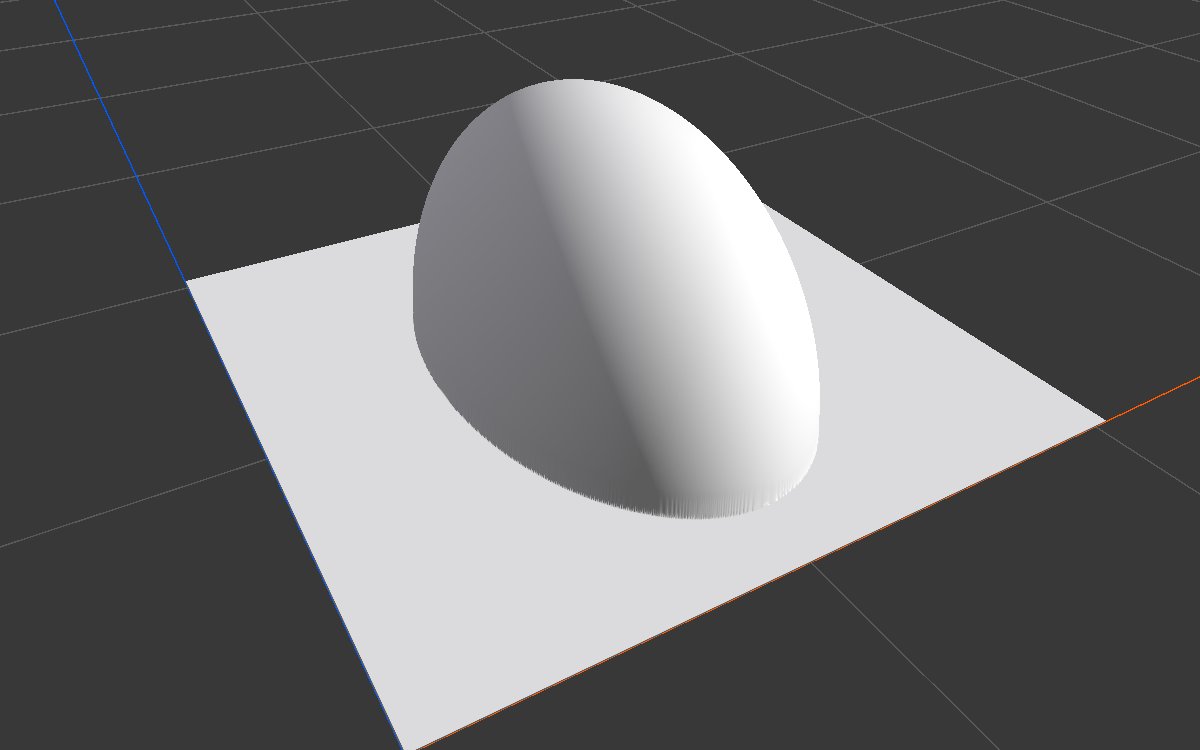 |
Different X and Z sizes stretch a shape into a long ridge or an oval dome. |
Recipes
- Natural single mountain: Shape (Bell) × Noise in Combine (Multiply) → Hydraulic Erosion 2. The bell sets the overall silhouette, the noise breaks it up.
- Island: Shape (Disc or Paraboloid) → Blur for a soft coast → × Noise → Levels.
- Crater rim: Shape (Torus) → Angular Warp to make it irregular → Combine with the terrain. Or use Crater, which does this for you.
Tip
Shapes have perfectly regular outlines. Bend them with Angular Warp or Directional Warp, and multiply them with noise, before eroding.
Note
Square and Disc have vertical walls. As terrain they make sheer cliffs that erosion and texturing struggle with; soften them with Blur first, unless you want walls.
Performance
Very cheap: one quick step on the GPU.
Related nodes
- N-gon: pyramids with any number of sides.
- Radial Gradient: a cone that can be placed anywhere.
- Transform 2D: move, rotate or scale the shape.
- Crater, Volcano, Generic Mountain: ready made landforms.
For AI agents
- Type name:
ShapeNode(vista_graphitor_node_add --type ShapeNode --hint conesets the shape from a name prefix). Output slot100. No inputs. - Properties:
shape(Square, Disc, Hemisphere, Cone, Paraboloid, Bell, Thorn, Pyramid, Brick, Torus, Hexagon),scale([x, z], ≥ 0.001, 1 = biome width),innerSize(0 to 1; only Brick, Torus, Hexagon). - Always centered in the biome.