Transform 2D Node
- Category: General
- Edition: All editions
- Output type: Mask or Color, chosen with Slot Type
- Typical place in a graph: after a mask, height or image that should be moved, turned, scaled or tiled
Transform 2D moves, rotates and scales a mask or image across the biome, around its middle, and can repeat it to fill the gaps. Use it to turn a pattern to a new angle, shrink a loaded height map into part of the biome, or tile a small pattern.
When to use it
- Turn a directional pattern, such as dunes or ridges, to the wind direction you want.
- Place a loaded height map or stamp in part of the biome.
- Repeat a small pattern across the biome.
- Not for: moving positions (use Transform Points); bending a shape (use Angular Warp or Directional Warp).
Inputs
| Slot | Type | Required | What to connect |
|---|---|---|---|
| Input | Mask or Color | Yes | The mask, height or color image to transform. |
Outputs
| Slot | Type | What it holds |
|---|---|---|
| Output | Same as the input | The transformed result. |
Properties
| Property | Default | Range | What it does |
|---|---|---|---|
| Slot Type | Mask Slot | Mask Slot, Color Texture Slot | The kind of data. |
| Tiling Mode | Tile XY | None, Tile X, Tile Y, Tile XY | Where the moved or shrunk image leaves gaps: repeat it along X, Z, both, or leave the gaps to Background Color. |
| Offset | 0, 0 | Percent of the biome size | Moves the image along X and Z. |
| Rotation | 0 | Degrees | Turns the image around the middle of the biome. |
| Scale | 100, 100 | Percent | Resizes the image around the middle. 50 makes it half size. |
| Background Color | Black | A color | Fills the gaps where the image is not tiled. For masks, its red value is used: black is 0. |
Common properties
| Property | What it does |
|---|---|
| Id | The node's unique name in this graph, shown for reference. You cannot edit it. Scripts and the AI workflow CLI use it to find the node. |
| Resolution | How detailed this node's result is, in texels across the biome. Relative To Main Input (default) matches the input, times the multiplier below it. Relative To Graph follows the biome's Canvas Resolution instead. Absolute sets an exact size. Absolute is limited to 32 to 512 in Vista Personal and 32 to 4096 in Vista Indie and Pro. |
| Split Execution | Lets this node run over several frames so the editor stays responsive during long generations. It only works when Allow Split Execution is on in the graph settings. This node finishes in one step, so splitting only adds a short pause around it; leave it off. |
| Bypass | Skips the node. The input passes through unchanged. |
Examples
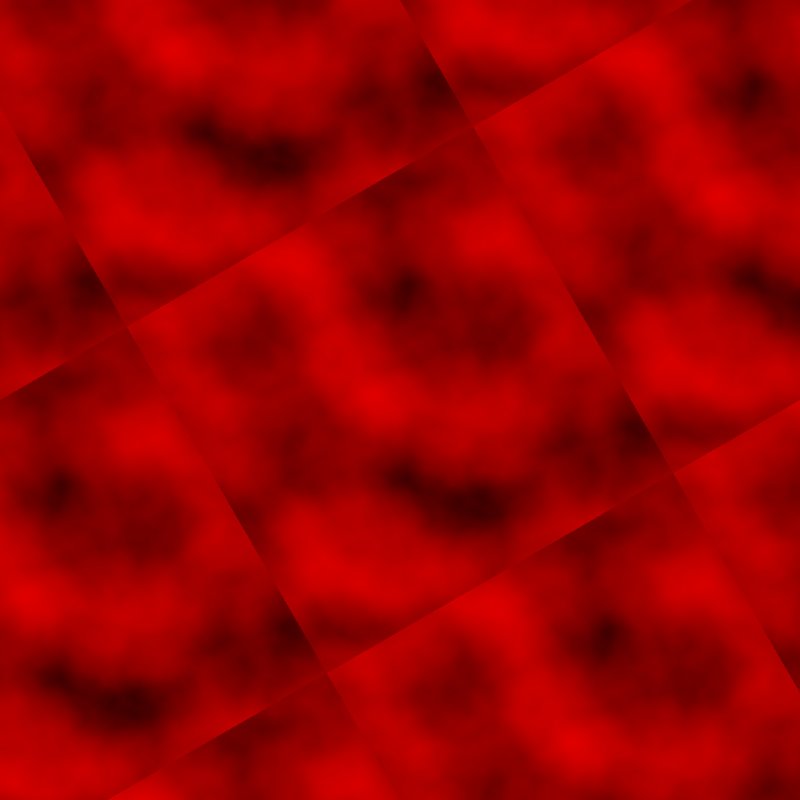
A Noise (Scale 300) on a 1024 × 1024 m biome.
| Input | Rotation 30, Scale 50, Tile XY | Same, Tiling Mode None |
|---|---|---|
 |
|
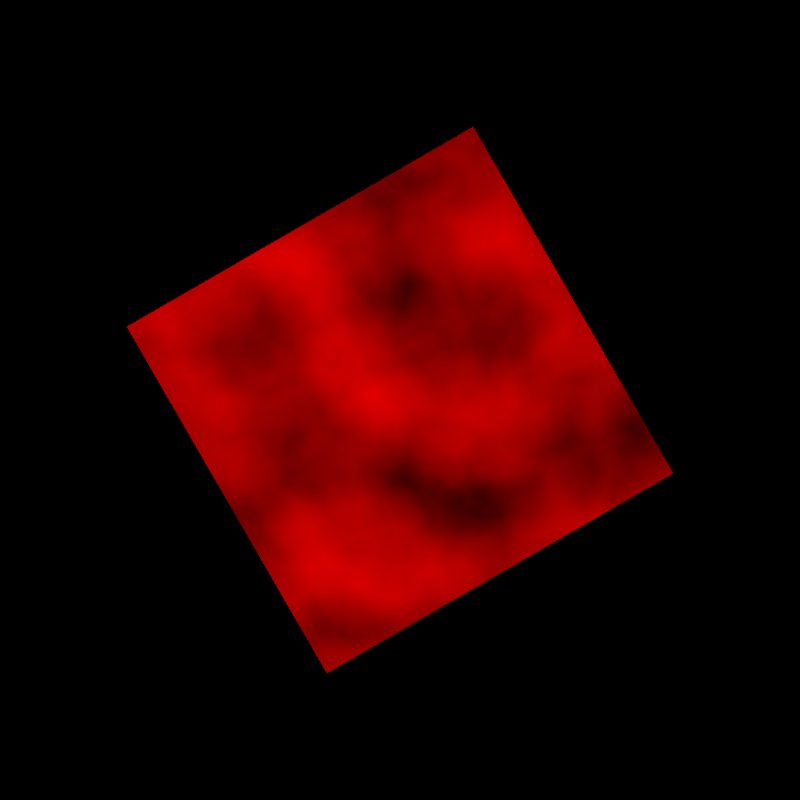 |
Tiling a pattern that does not tile on its own shows hard seams between the copies. Without tiling, a single copy sits in the middle and the rest is Background Color.
Recipes
- Dunes from the west: a stretched Noise → Transform 2D (Rotation to the wind direction) → height.
- Height map in one corner: Load Texture R → Transform 2D (Scale 50, Offset, Tiling Mode None) → Combine with the base.
Warning
Tiling repeats the edges as they are. Unless the source tiles seamlessly, the copies meet at hard lines that show on the terrain.
Note
Scaling up enlarges texels too: a 1024 texel noise at 200% shows 512 texels across the biome and looks softer.
Performance
Very cheap: one quick GPU step.
Related nodes
- Transform Points: the same for positions.
- Angular Warp, Directional Warp: bend instead of move.
For AI agents
- Type name:
Transform2dNode. Input =0, Output =100, typed by the slot type (MaskSlot or ColorTextureSlot; editor only). - Properties:
tilingMode(None,TileX,TileY,TileXY),offset(Vector2, percent),rotation(degrees),scale(Vector2, percent),backgroundColor. - Measured, Noise mean 0.374: Rotation 30 + Scale 50 tiled kept mean 0.377; untiled mean 0.094 (one centered copy on black).