Voronoi Node
- Category: Base Shape
- Edition: All editions
- Output type: Height / Mask (three outputs)
- Typical place in a graph: a base shape for cellular landforms, or a source of cell masks and crack lines
Voronoi divides the land into cells around scattered points. Its main output rises from a low point in the middle of each cell to sharp creases where cells meet, which reads as a field of bowls and ridges: pocked badlands, sinkholes, honeycomb dunes, lumpy rock. Its other outputs give each cell a random value, for patches and plates, and a thin line along the cell borders, for cracks, mud polygons and paths between fields.
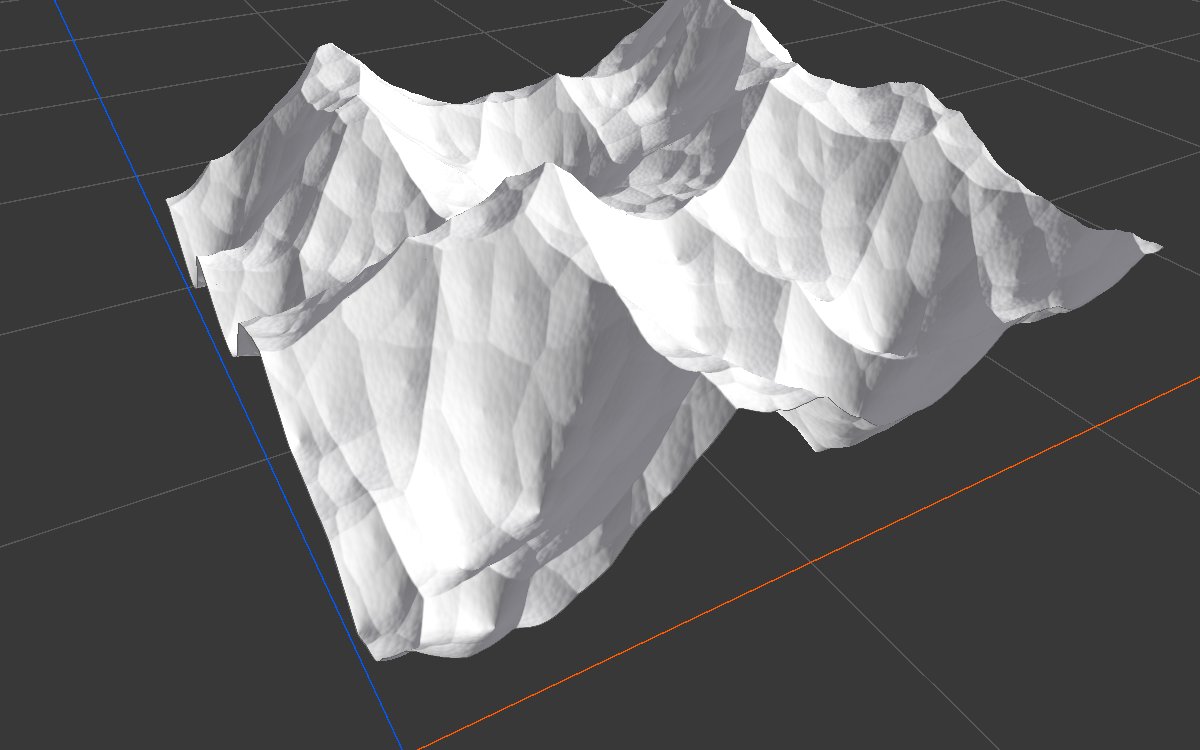
When to use it
- Pitted or pocked land: sinkholes, karst, badlands, craters packed together.
- Ridge networks: honeycomb ridges, lumpy rock, scales.
- Patches with clear borders: each cell a different color, texture or plant, with Raw Cells.
- Cracks and polygons: dry mud, ice plates, cracked rock, with Outline.
- Not for: smooth natural hills and mountains (use Noise); individual craters placed one by one (use Crater with Scatter).
Inputs
None.
Outputs
| Slot | Type | What it holds |
|---|---|---|
| Cells | Mask | The main pattern: low at the middle of each cell, rising to creases where cells meet, with finer layers added on top. Measured range at the defaults: about 0.1 to 1. Inverse flips it into rounded mounds with valleys between. |
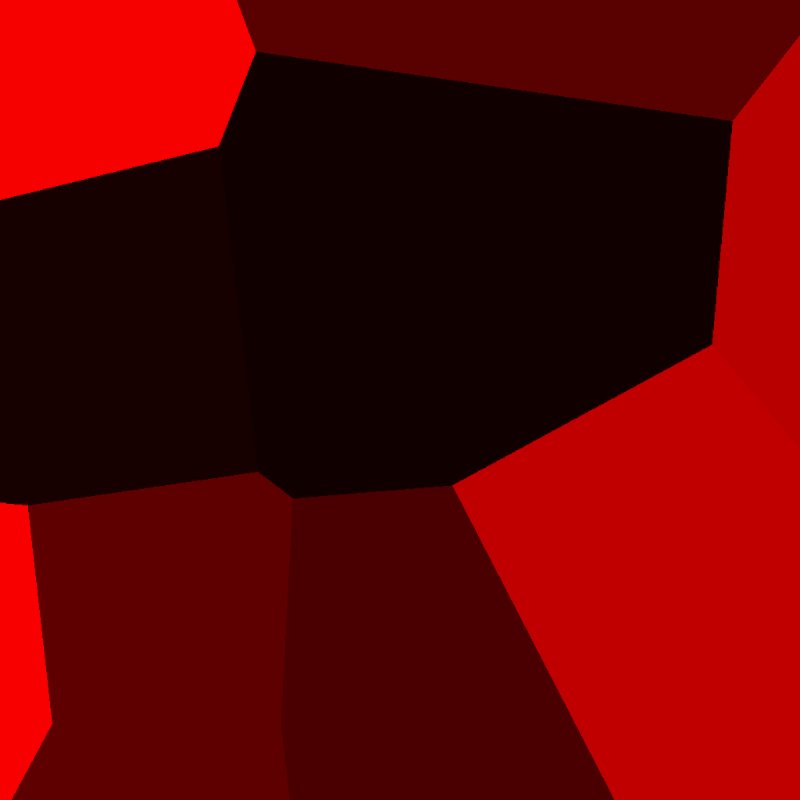
| Raw Cells | Mask | A flat, random value for each cell of the first layer, like a map of plots or plates. With more than one layer, the values of all layers add up into smaller, overlapping patches and can go above 1. |
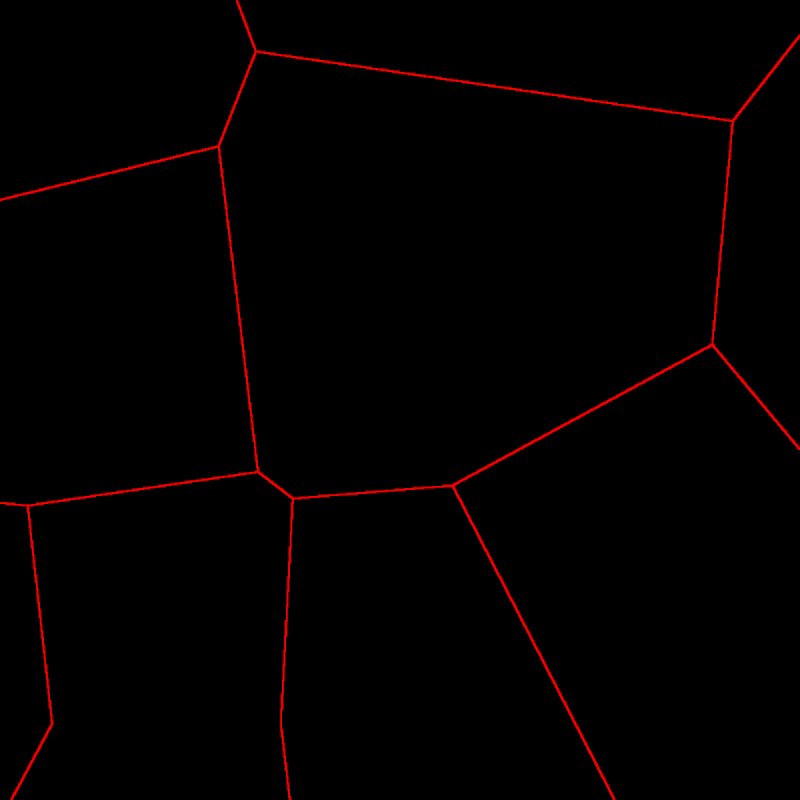
| Outline | Mask | 1 on a line one texel wide where neighboring cells meet, 0 elsewhere. With more than one layer, the borders of every layer appear, which quickly fills the biome. |
Properties
Pattern
| Property | Default | Range | What it does |
|---|---|---|---|
| Offset | 0, 0 | Any, meters | Slides the pattern to use another part of it. |
| Scale | 500 | Any positive value, meters | Size of the cells in the first layer. On a 1 km biome, 500 gives a handful of large cells; 100 gives dozens. |
| Amplitude Exponent | 1 | 0.01 and up | Shapes the profile of each cell. Below 1, the low middles shrink into narrow pits in broad high ground, and the whole pattern sits higher. Above 1, the middles widen into broad low floors with narrower ridges between them, and the whole pattern sits lower. |
| Lacunarity | 2 | 1 and up | How much smaller each layer's cells are. Each step grows faster than the last (the same as Pow in Noise), so later layers are very fine. |
| Persistence | 0.333 | 0.01 to 1 | How strong each finer layer is compared with the one before. |
| Layer Count | 4 | 1 to 4 | Number of layers. 1 gives clean, smooth cells; more layers add smaller cells on the walls and floors. |
| Inverse | Off | On, Off | Flips each layer: cells become rounded mounds and the borders become valleys, like piled boulders or cobbles. |
| Seed | Random | Any integer | Picks another arrangement of cells. It is combined with the biome's seed. |
Warp
| Property | Default | Range | What it does |
|---|---|---|---|
| Mode | None | None, Angular, Directional | Distorts the pattern so the cells lose their straight edges. Works as in Noise. |
| Min Angle, Max Angle | -360, 360 | -360 to 360 | Angular only: the range of directions the warp pushes the pattern. |
| Intensity | 1 | Any | How far the warp pushes. Angular needs values around 50 to 200 to show. |
Remap
| Property | Default | Range | What it does |
|---|---|---|---|
| Remap | Straight line | Curve from 0 to 1 | Reshapes the final Cells values: the horizontal axis is the pattern from low to high, the vertical axis is what comes out. |
Common properties
| Property | What it does |
|---|---|
| Id | The node's unique name in this graph, shown for reference. You cannot edit it. Scripts and the AI workflow CLI use it to find the node. |
| Resolution | How detailed this node's result is, in texels across the biome. Voronoi has no input, so Relative To Main Input (default) and Relative To Graph both follow the biome's Canvas Resolution, times the multiplier below. Absolute sets an exact size. Outline is always one texel wide, so its lines get thinner in meters at higher resolution. Absolute is limited to 32 to 512 in Vista Personal and 32 to 4096 in Vista Indie and Pro. |
| Split Execution | Lets this node run over several frames so the editor stays responsive during long generations. It only works when Allow Split Execution is on in the graph settings. This node finishes in one step, so splitting only adds a short pause around it; leave it off. |
| Bypass | Skips the node. It has no input to pass through, so nothing comes out, and the nodes after it receive empty, flat ground. |
Examples
Each example shows the Cells output in 2D (black is 0, red is 1) and used directly as the terrain height in 3D, on a 1024 × 1024 m biome with a terrain height of 400 m. Seed 128; values not listed are the defaults.
Default settings
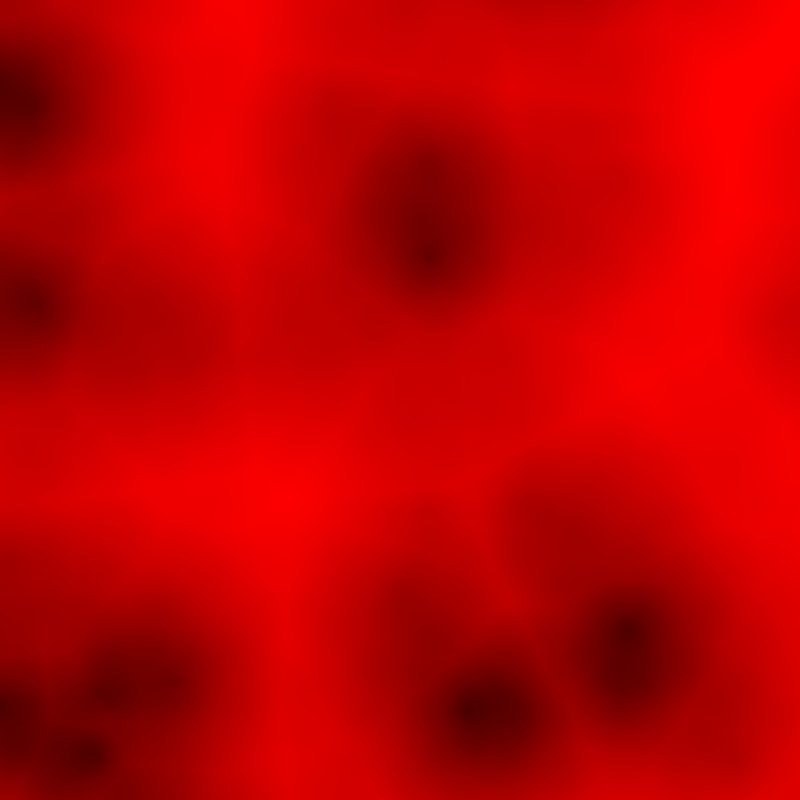
Large cells of about 500 m, with three finer layers that add small pits and bumps.
One layer
| Property | Value |
|---|---|
| Layer Count | 1 |
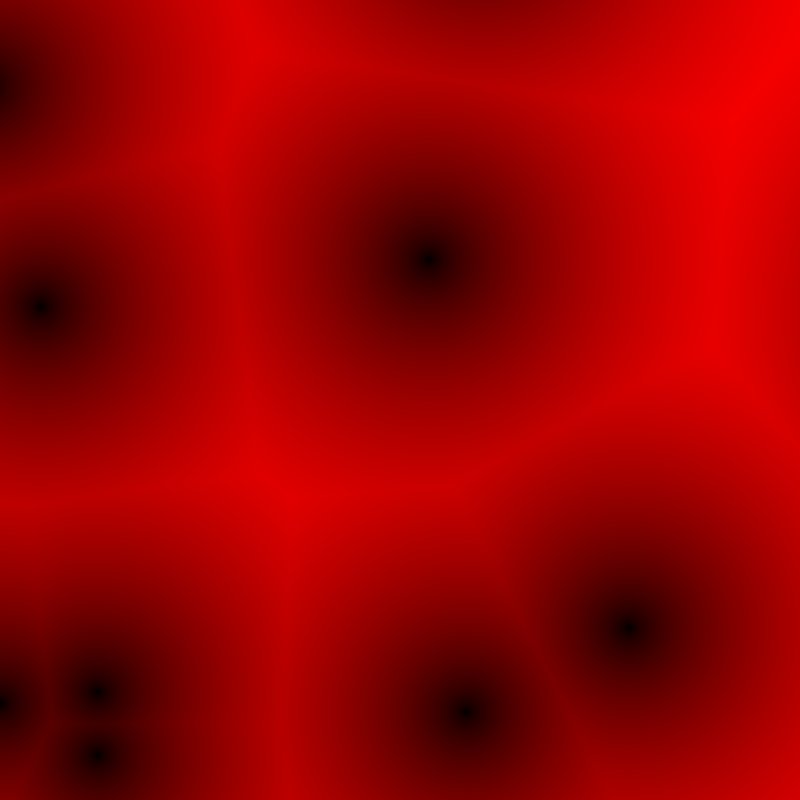
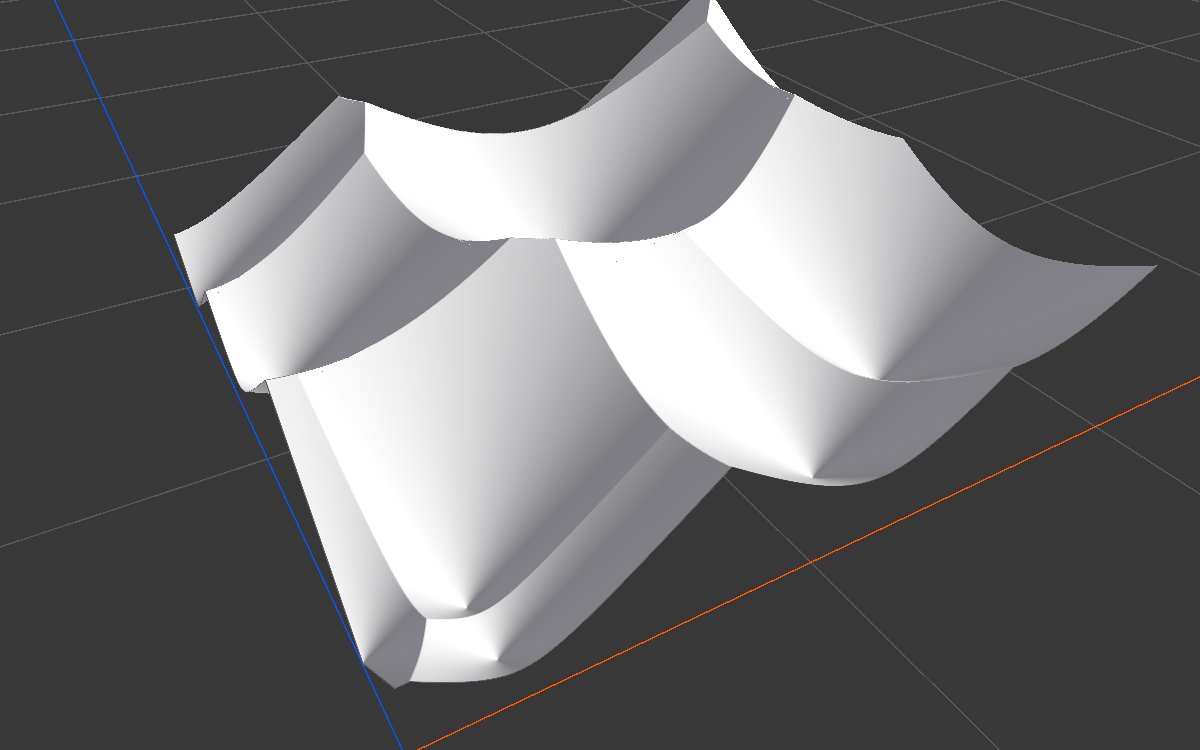
Only the large cells: smooth bowls and clean, straight ridges.
Inverse
| Property | Value |
|---|---|
| Inverse | On |
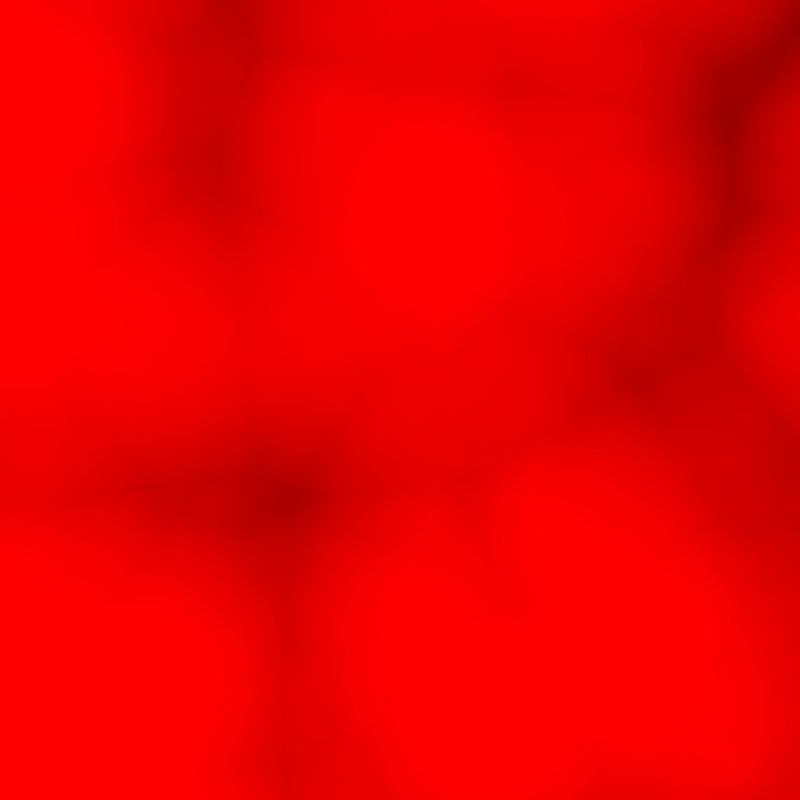
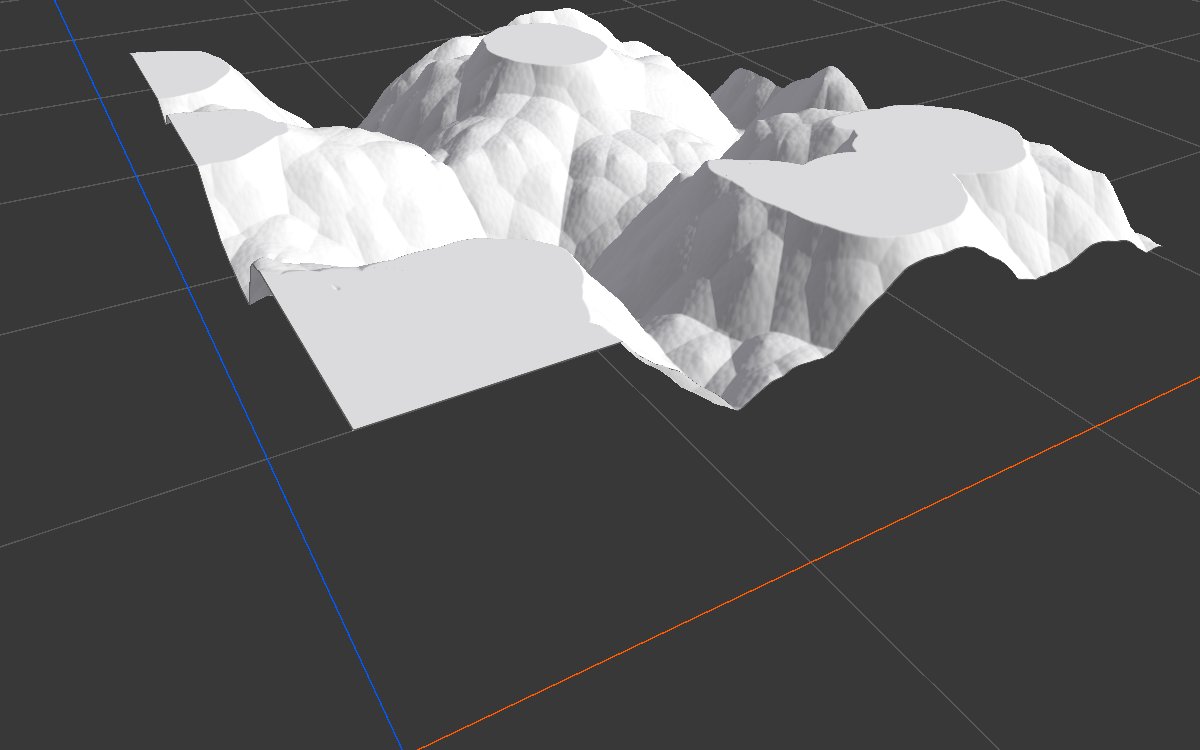
The cells become mounds and the borders become valleys. The whole pattern sits high in the height range; lower it with Levels.
Amplitude Exponent
| Amplitude Exponent 0.5 | Amplitude Exponent 2 |
|---|---|
 |
 |
 |
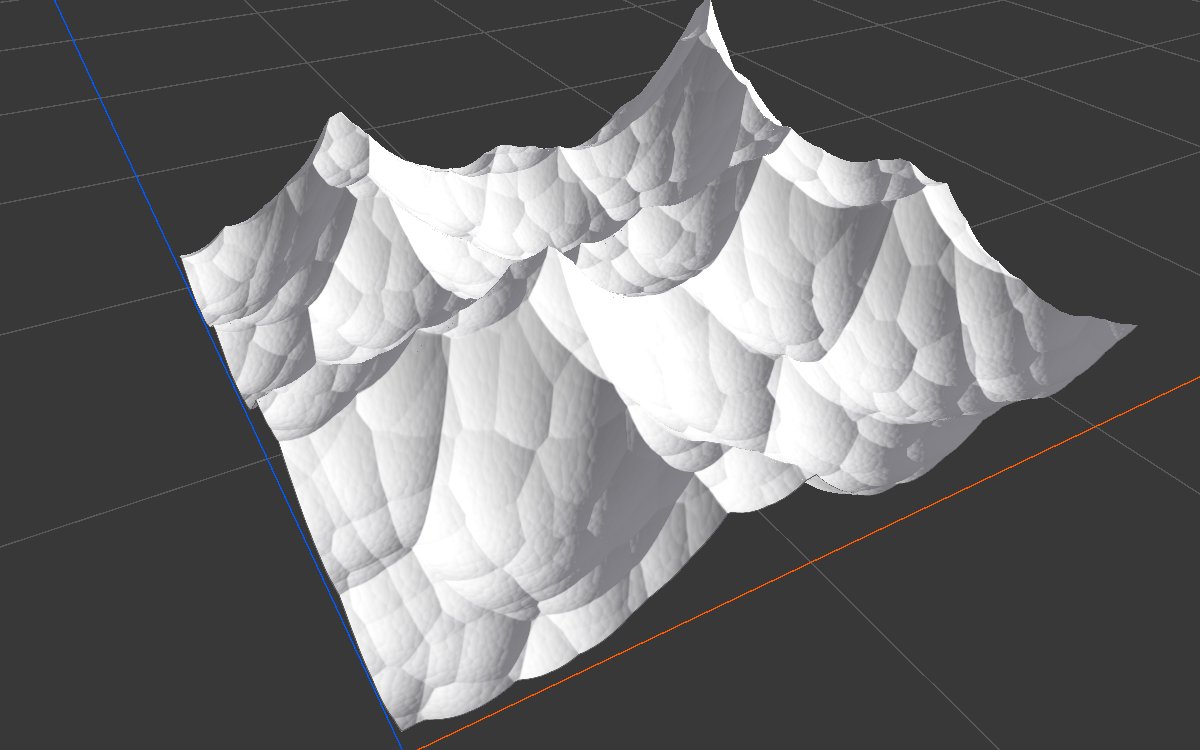 |
Below 1 the cells close into narrow pits and the land sits high (mean about 0.83). Above 1 they open into wide floors and the land sits low (mean about 0.27).
Angular warp
| Property | Value |
|---|---|
| Mode (Warp) | Angular |
| Intensity | 100 |
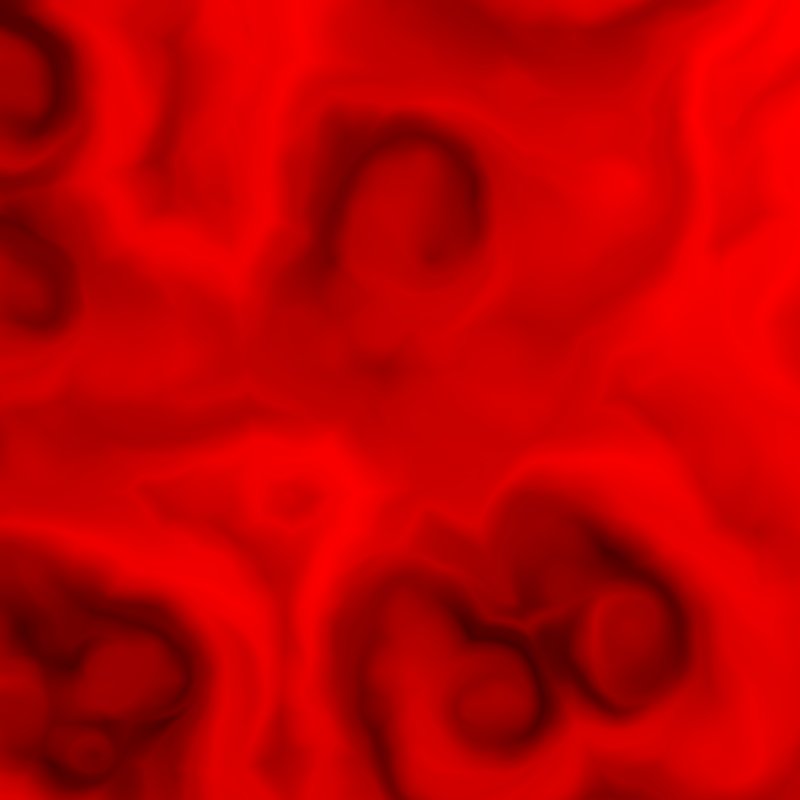
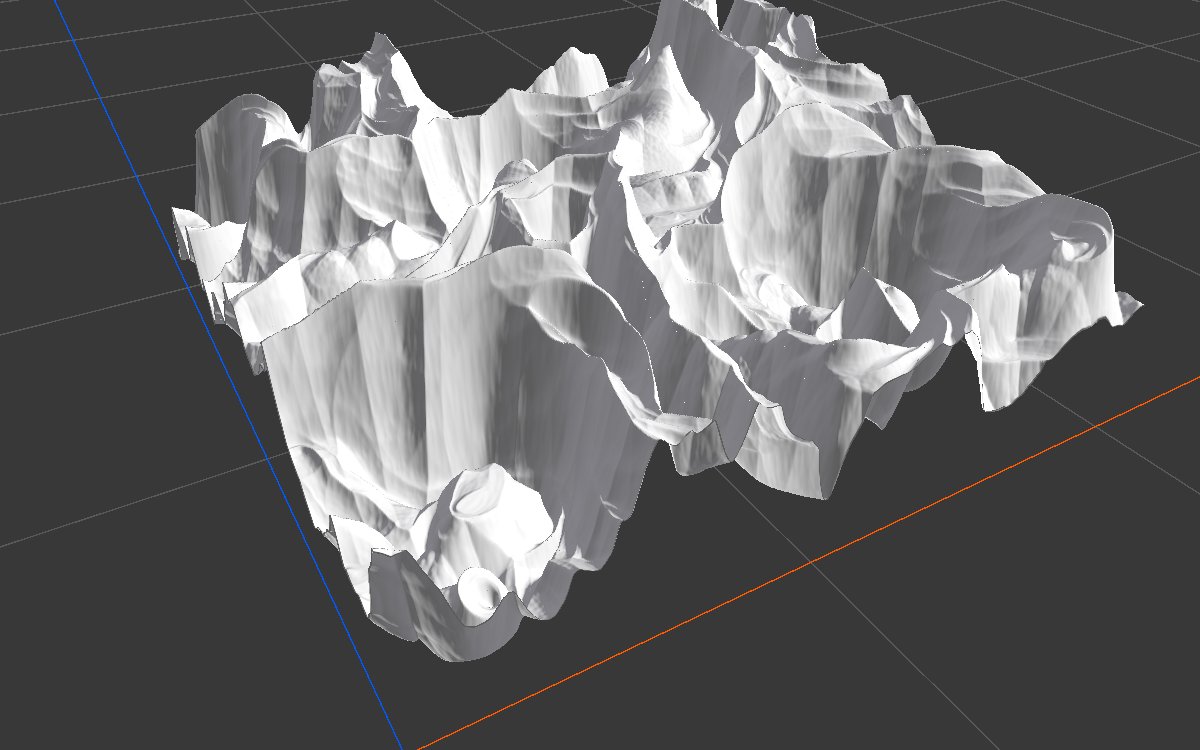
The straight edges are gone; the ridges twist into organic, flowing shapes.
Raw Cells and Outline
| Raw Cells (1 layer) | Outline (1 layer) | Outline (4 layers) |
|---|---|---|
 |
 |
 |
With one layer, Raw Cells gives each cell one random value and Outline draws its borders. With four layers, the borders of the small cells fill the biome; keep Layer Count at 1 or 2 for clean lines.
Recipes
- Cracked ground: Voronoi (1 layer, small Scale) Outline → Blur (radius 1) → Levels → multiply with a patch mask, then subtract from the height or use as a texture weight. The AI workflow recipe
mars-surfaceuses this for its cracks. - Pocked badlands: Voronoi Cells → Levels to set the depth → Combine (Add or Multiply) with the base shape → Hydraulic Erosion 2.
- Patchwork of textures: Raw Cells → Threshold or Range Select to pick some cells → weight of a texture layer.
Tip
For natural looking cells, always add some warp, or bend the result with Angular Warp. Straight cell edges look artificial.
Note
Outline is exactly one texel wide. Widen it with Expand or Blur, and remember its width in meters changes with resolution.
Performance
Cheap: one quick GPU step, plus one for each output you use.
Related nodes
- Noise: smooth, natural base shapes.
- Crack: cracks in the ground.
- Splatter 2: stamps shapes such as craters at many positions.
For AI agents
- Type name:
VoronoiNode. Outputs: Cells =100, Raw Cells =101, Outline =102(all Mask). No inputs. - Properties:
offset,scale(meters),lacunarity(≥ 1; scale shrinks by lacunarity^i each layer),persistence(0.01 to 1; amplitude × persistence^i),amplitudeExponent(≥ 0.01),layerCount(1 to 4),inverse,seed(random on creation),warpMode,warpAngleMin,warpAngleMax,warpIntensity,remapCurve. - Measured at Seed 128, defaults: Cells 0.11 to 1 (mean 0.55); Raw Cells with 4 layers up to about 1.28; Outline with 4 layers covers about 60% of texels, with 1 layer about 1%.
- To preview Raw Cells or Outline:
vista_graphitor_capture --slot 101or--slot 102.