Remap Node
- Category: Adjustments
- Edition: All editions
- Output type: Height / Mask
- Typical place in a graph: after a node whose values are faint or narrow, such as erosion or flow data
Remap finds the lowest and highest values in its input and stretches them to fill a range you choose. The lowest point becomes Min, the highest becomes Max, and everything in between keeps its proportions. Use it to make faint data usable, such as a weak erosion mask, to make a shape use the whole height range, or to fit a shape into a band of heights.
When to use it
- Make a faint mask use its full strength, such as erosion, flow or curvature data that only reaches 0.1.
- Make a base shape use the whole height range, without knowing its exact limits.
- Fit a shape into a band, such as hills between 20% and 50% of the terrain height.
- Not for: fixed range changes where you know the input range (use Levels); cutting values at a limit (use Clamp).
Inputs
| Slot | Type | Required | What to connect |
|---|---|---|---|
| Input | Mask | Yes | The height or mask to stretch. Its lowest and highest values are found automatically. |
Outputs
| Slot | Type | What it holds |
|---|---|---|
| Output | Mask | The input stretched so its lowest value is Min and its highest is Max. |
Properties
| Property | Default | Range | What it does |
|---|---|---|---|
| Range (Min, Max) | 0, 1 | Min ≤ Max | The output range. The input's lowest value becomes Min and its highest becomes Max. Set both with the range slider or the two fields. |
Common properties
| Property | What it does |
|---|---|
| Id | The node's unique name in this graph, shown for reference. You cannot edit it. Scripts and the AI workflow CLI use it to find the node. |
| Resolution | How detailed this node's result is, in texels across the biome. Relative To Main Input (default) matches the texture connected to Input, times the multiplier below it. Relative To Graph follows the biome's Canvas Resolution instead. Absolute sets an exact size. Absolute is limited to 32 to 512 in Vista Personal and 32 to 4096 in Vista Indie and Pro. |
| Split Execution | Lets this node run over several frames so the editor stays responsive during long generations. It only works when Allow Split Execution is on in the graph settings. This node finishes in one step, so splitting only adds a short pause around it; leave it off. |
| Bypass | Skips the node. The input passes through unchanged. |
Examples
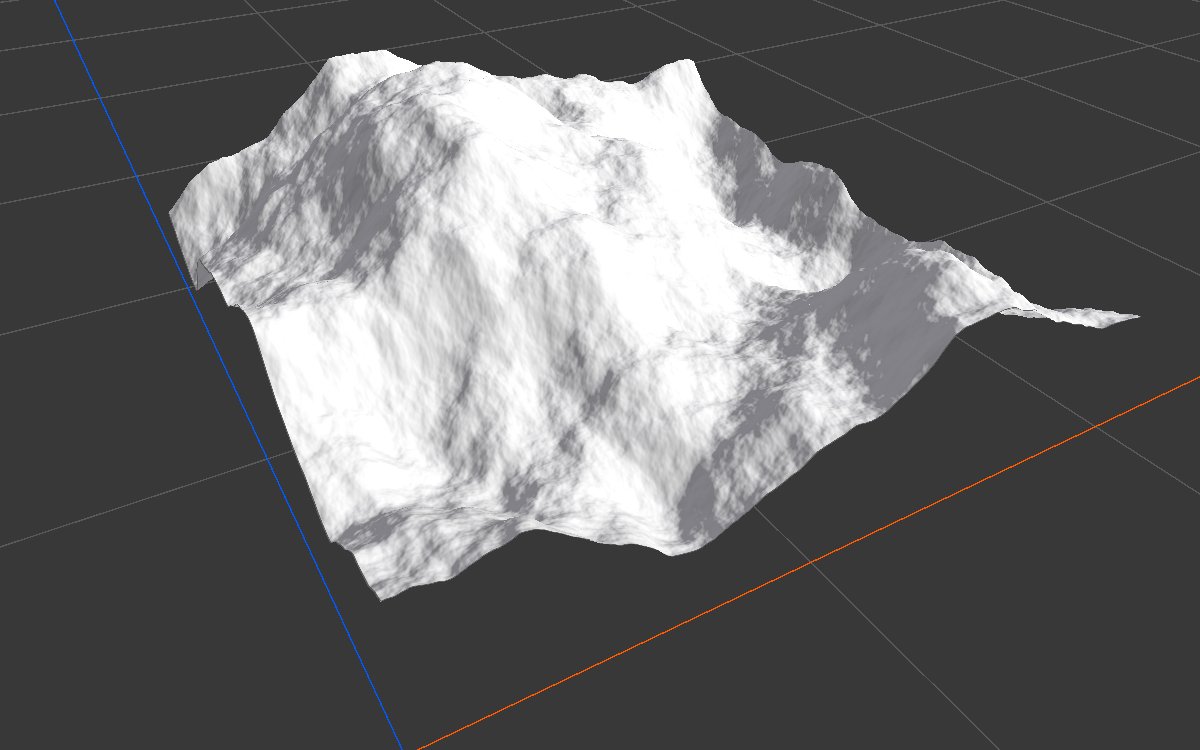
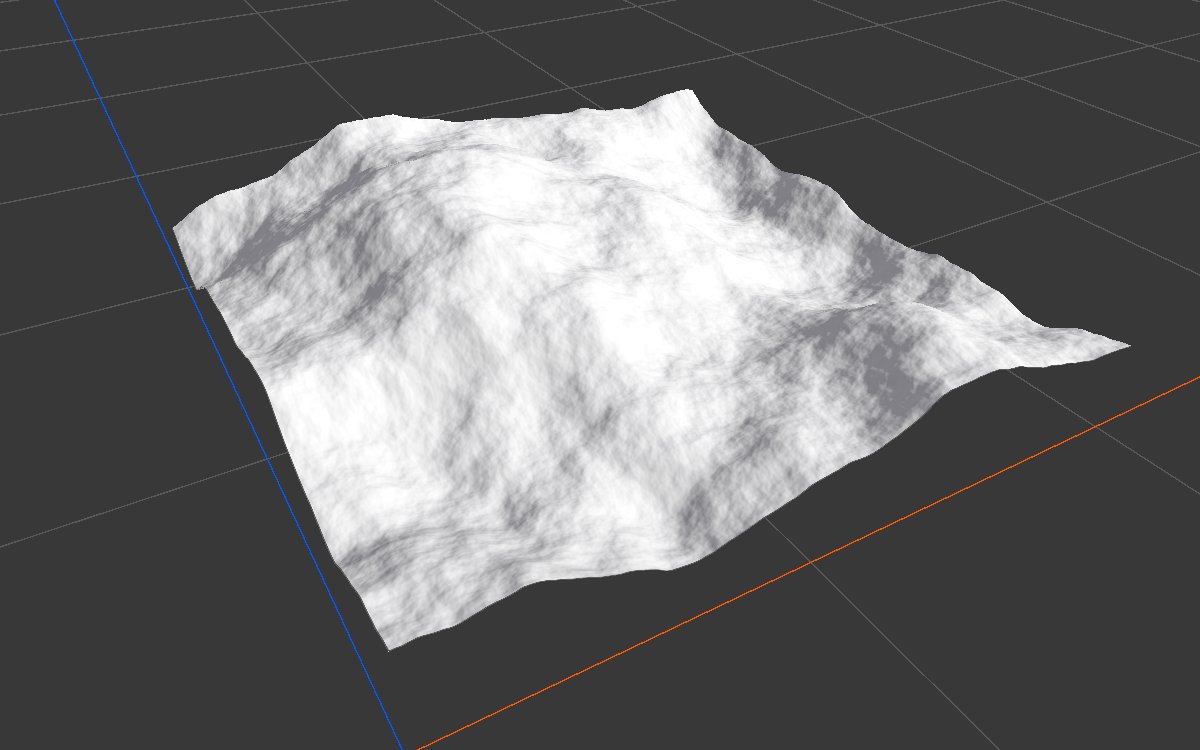
Both examples remap the same Noise (Scale 600, Seed 128), which ranges from about 0.07 to 0.64, on a 1024 × 1024 m biome with a terrain height of 400 m.
| 2D | 3D | |
|---|---|---|
| Input | 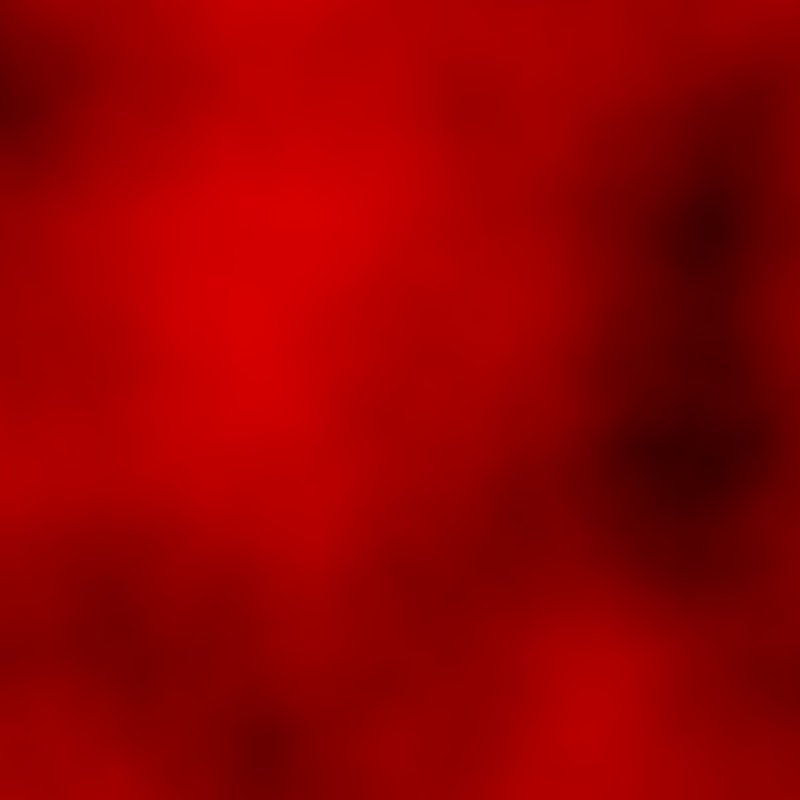 |
 |
| Min 0, Max 1 | 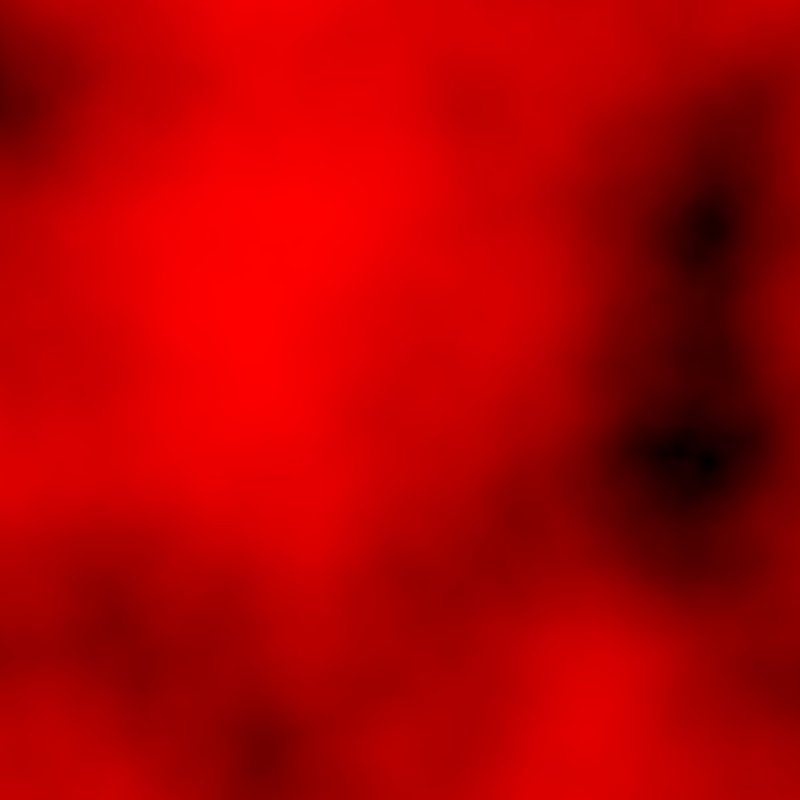 |
|
| Min 0.2, Max 0.5 |  |
 |
With the defaults, the noise now spans exactly 0 to 1: the lowest point touches the floor and the highest reaches full height. With 0.2 and 0.5, it fills a band from 80 m to 200 m.
Recipes
- Faint mask to full strength: erosion Soil or Curvature → Remap → Levels or Curve to shape it.
- Hills in a height band: noise → Remap (Min 0.2, Max 0.5) → layer on top of other terrain.
Warning
Remap stretches the whole range, so a single spike or pit decides the result. A tiny bright speck makes the rest of a mask look dim. Smooth or clamp outliers first if that happens.
Note
The input's range is measured every time the graph runs. On a biome that is generated in pieces, or when the input changes, the same Remap can give slightly different results, since each run stretches its own data.
Performance
Cheap: one pass to find the lowest and highest values, and one to stretch.
Related nodes
- Levels: reshape with fixed input values.
- Curve: free form reshaping.
- Clamp: cut values outside a range.
For AI agents
- Type name:
RemapNode. Input0, Output100. - Properties:
min,max(min ≤ max enforced). - Output = lerp(min, max, inverseLerp(inputMin, inputMax, v)), with inputMin and inputMax found on the GPU from the input.