Clamp Node
- Category: Adjustments
- Edition: All editions
- Output type: Height / Mask
- Typical place in a graph: after shaping, when the result must stay inside fixed limits
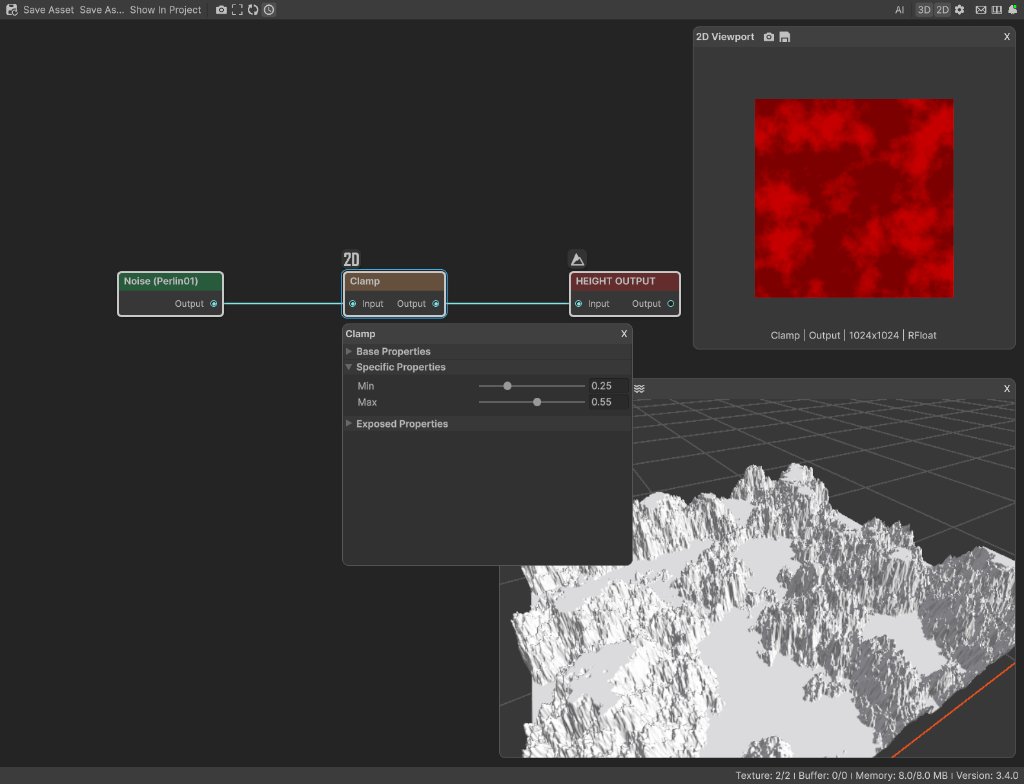
Clamp cuts terrain heights or mask values off at a lower and upper limit. Raise Min to create a flat floor; lower Max to cap peaks or keep a mask from reaching full strength.
When to use it
- Raise all low ground to one flat level for a basin floor, shelf, or water bed.
- Cut tall peaks into flat plateaus at an exact fraction of terrain height.
- Keep a mask from becoming completely black or white.
- Remove negative height values before a later operation that expects 0 to 1.
- Protect a required range before combining several shapes.
- Not for fitting the whole input into a new range. Use Remap or Levels when values should be stretched instead of cut off.
Inputs
| Slot | Type | What to connect |
|---|---|---|
| Input | Mask | The terrain shape or mask to limit. Values already between Min and Max stay unchanged. |
Outputs
| Slot | Type | What it holds |
|---|---|---|
| Output | Mask | The limited result. Values below Min become Min, values above Max become Max, and everything between them passes through unchanged. |
Properties
| Property | Default | Range | What it does on the terrain |
|---|---|---|---|
| Min | 0 | 0 to Max | The lowest value allowed. Raising it lifts every lower point to the same level, creating a flat floor. On a 400 meter terrain, 0.25 is 100 meters. |
| Max | 1 | Min to 1 | The highest value allowed. Lowering it cuts every higher point to the same level, creating flat capped peaks. On a 400 meter terrain, 0.55 is 220 meters. |
Common properties
| Property | What it does |
|---|---|
| Id | The node's unique name in this graph, shown for reference. You cannot edit it. Scripts and the AI workflow CLI use it to find the node. |
| Resolution | How detailed this node's result is, in texels across the biome. Relative To Main Input (default) matches the input, times the multiplier below it. Relative To Graph follows the biome's Canvas Resolution instead. Absolute sets an exact size. Clamp does not soften values, but changing resolution can resample the boundary between clamped and unchanged areas. Absolute is limited to 32 to 512 in Vista Personal and 32 to 4096 in Vista Indie and Pro. |
| Split Execution | Lets a node run over several frames when it supports progressive work. Clamp finishes in one step, so splitting only adds a short pause around it; leave it off. |
| Bypass | Skips Clamp and passes Input through unchanged. |
Clamp is a cutoff, not a scale
Clamp only changes values outside the chosen range. A value of 0.4 stays 0.4 whether the range is 0 to 1, 0.25 to 1, or 0.25 to 0.55.
This is why clamped terrain develops flat areas. Every value below Min becomes exactly the same height, and every value above Max becomes exactly the same height. If you want the entire shape to fit between two heights while preserving its relative variation, use Remap instead.
Examples
All examples use Noise with Scale 250, Persistence 0.55, and Seed 128, followed by Clamp and Height Output. The biome is 1024 by 1024 meters with a terrain height of 400 meters.
Default: no cutoff
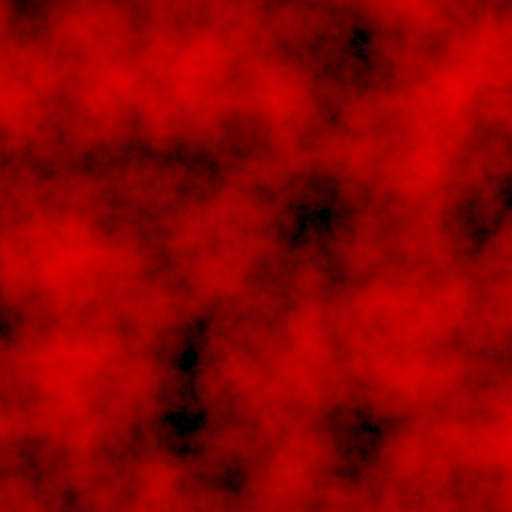
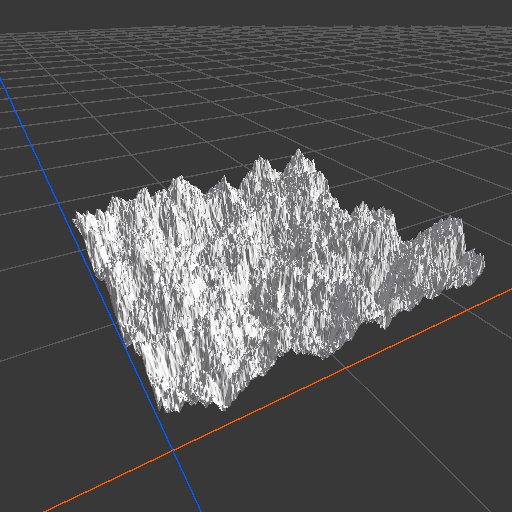
The default range 0 to 1 only removes values outside the normal terrain range. This source measured 0 to about 0.772 after the negative parts were cut to 0.
Min 0.25: flat low ground


Every point below 0.25 rises to 0.25, which is 100 meters on this terrain. About 42 percent of the sample became the same low plateau. Slopes and peaks above it did not change.
Max 0.55: capped peaks
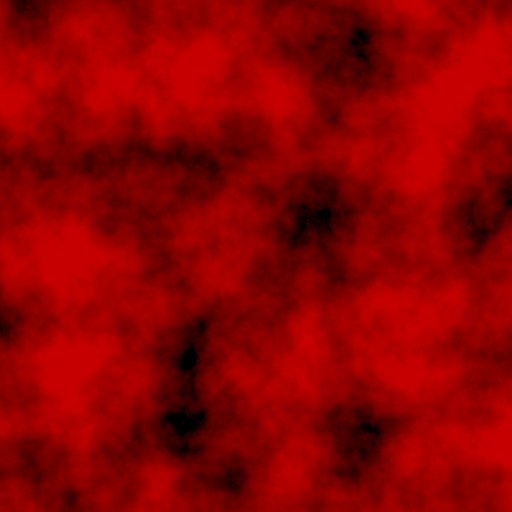
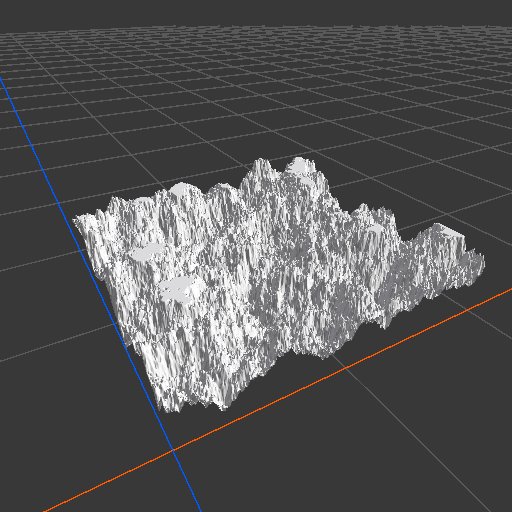
Every point above 0.55 falls to 0.55, or 220 meters. Only the tallest peaks flatten; the valleys and middle slopes stay unchanged.
Min 0.25 and Max 0.55: fixed height band
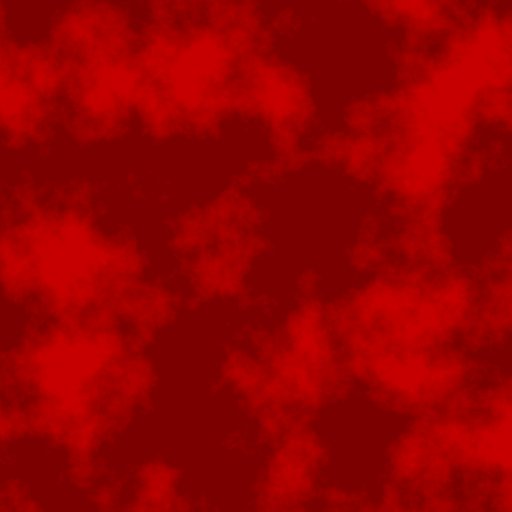

The result stays between 100 and 220 meters. Low ground becomes one floor, tall peaks become plateaus, and the middle slopes preserve their original shape.
Recipes
- Exact basin floor: terrain shape → Clamp with Min at the required floor height divided by the Vista Manager's Max Height → erosion. Erosion after Clamp can soften the hard meeting between the floor and slopes.
- Mesa cap: mountain shape → Clamp with a lower Max → Blur or erosion for a weathered rim.
- Keep a mask partial: mask → Clamp with Max below 1 → texture or population output. Even the strongest selected area stays below full weight.
Tip
Convert meters to a Clamp value by dividing by the Vista Manager's Max Height. A 120 meter floor on a 400 meter terrain is 120 / 400 = 0.3.
Note
Setting order matters through scripts and the AI workflow CLI. Min cannot rise above the current Max, and Max cannot fall below the current Min. When lowering both, set Min first; when raising both, set Max first.
Warning
Clamp creates perfectly flat floors and tops with a hard change where the original shape enters the allowed range. Follow it with Blur, Smooth, or erosion when that edge should look natural.
Performance
Clamp is very cheap. It reads each texel once and finishes in one GPU step. Cost mainly follows Resolution.
Related nodes
- Remap: stretches the input's existing value range instead of cutting it off.
- Levels: sets input and output limits and reshapes the middle values.
- Threshold: turns a range into a hard black and white selection.
- Blur: softens the hard boundary left by a clamp.
For AI agents
- Type name:
ClampNode(vista_graphitor_node_add --type ClampNode). - Slot ids: Input =
0, Output =100. Both are Mask slots. - Properties:
minandmax, each clamped to 0 to 1 and against the other property. Defaults are 0 and 1. - Operation:
output = clamp(input, min, max). It does not normalize or rescale values inside the range. - Set order: to move the whole range down, set
minbeforemax; to move it up, setmaxbeforemin. - With no input, the node uses black, then applies the limits. A positive
mintherefore produces a constant output at Min. - When bypassed, Input passes through unchanged.
- Sample graph:
Assets/_DocSamples/NodeGraphs/ClampNode_Doc.asset.