Select Position Node
- Category: General
- Edition: All editions
- Output type: Positions
- Typical place in a graph: the start of a chain that needs a few points placed by hand
Select Position lets you place positions by hand. Click in the 2D view to put down points, such as a village, a lone tree, a camp or the corners of an area, and the node outputs them as a list.
When to use it
- Mark a few special spots: a landmark tree, a ruin, a spawn point.
- Draw an outline point by point for Position SDF in Path mode.
- Feed clearings or features at chosen spots: Select Position → Position SDF → mask.
- Not for: many points (use Scatter or Points); a filled area (use Polygon Mask).
Outputs
| Slot | Type | What it holds |
|---|---|---|
| Output | Positions | The placed points, in their order along the outline (see below). |
Properties
There is no list of points in the properties; you edit them in the 2D Viewport while the node is selected:
- Shift + click adds a point. It goes into the list between the two neighboring points whose midpoint is closest to the click, as in Polygon Mask, so points placed around a shape stay in order around it.
- Ctrl + click on a point removes it.
- Drag a point to move it.
Points are stored as fractions of the biome, so they stretch with it.
Common properties
| Property | What it does |
|---|---|
| Id | The node's unique name in this graph, shown for reference. You cannot edit it. Scripts and the AI workflow CLI use it to find the node. |
| Split Execution | Lets this node run over several frames so the editor stays responsive during long generations. It only works when Allow Split Execution is on in the graph settings. This node finishes in one step, so splitting only adds a short pause around it; leave it off. |
| Bypass | Skips the node. It has no input to pass through, so nothing comes out. |
Example
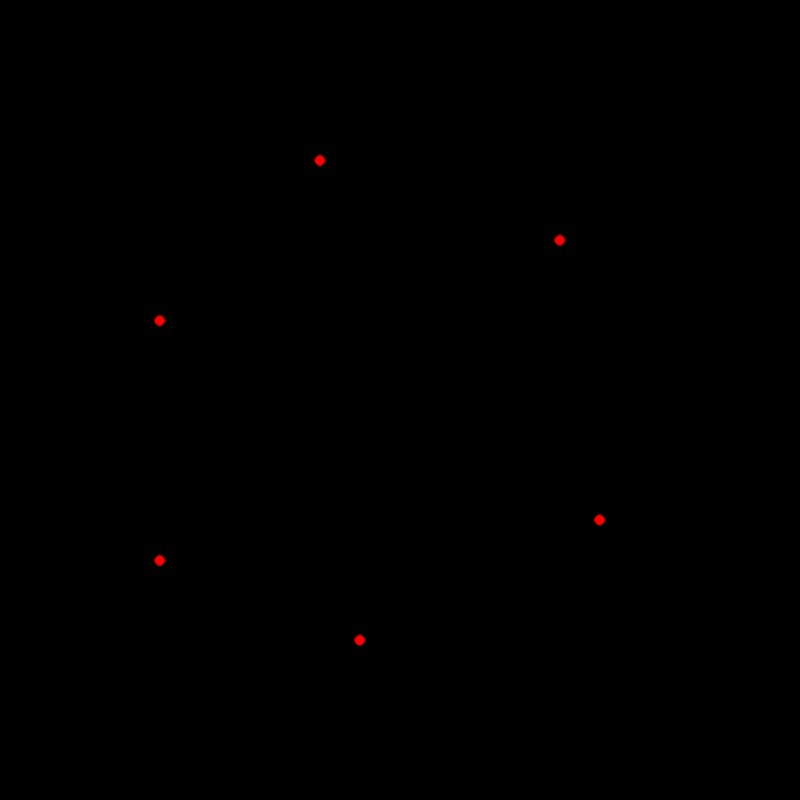
The image above shows six points placed around the biome, seen through Dots and Expand.
Recipes
- Landmark trees: Select Position → Tree Output with a large Vertical Scale Multiplier.
- A clearing at each camp: Select Position → Position SDF (Points, Manual radius) → multiply into the forest density.
- An outline for a path: points placed around a shape → Position SDF (Path, Closed).
Performance
Very cheap.
Related nodes
- Polygon Mask: a filled shape drawn the same way.
- Position SDF: distance from the points.
For AI agents
- Type name:
SelectPositionNode. Output =100(Buffer). No inputs. - Property:
positions(array of [x, z] pairs, 0 to 1 of the biome), settable withvista_graphitor_node_set, for example[[0.2,0.3],[0.45,0.2],[0.75,0.35]]. - Buffer size rounds up to a multiple of 8; unused slots are invalid.