Position SDF Node
- Category: General
- Edition: All editions
- Output type: Mask
- Typical place in a graph: after a set of positions, to turn "how far from these points or this outline" into a mask
Position SDF measures, for every spot in the biome, the distance in meters to a set of positions, and turns it into a mask from 0 to 1. Treat the positions as separate Points (distance to the nearest one), or join them in order into a Path (distance to the line), closed into a polygon if you like (with an inside and an outside). Use it for clearings around buildings, falloff around a spline, or a gradient that follows a biome's outline.
When to use it
- Keep forests away from villages, rocks or trees: distance to their positions, cut off at a radius.
- Fade an effect toward a biome's edge, or toward the middle, from the biome's own outline.
- A falloff along a road or river given as points along a line.
- Not for: distance from a mask's edge (use Expand and Blur, or a mask based node); the older Distance Field node, which this replaces.
Inputs
| Slot | Type | Required | What to connect |
|---|---|---|---|
| Positions | Positions | Yes | The points to measure from: Scatter, Points, spawned instances, the biome's outline from an Input node (Biome Inner Polygon Input or Biome Outer Polygon Input), or the points of a spline. For a Path, their order matters: they are joined one after another. Positions removed by a density mask are skipped. With nothing connected, the output is empty. |
Outputs
| Slot | Type | What it holds |
|---|---|---|
| Normalized | Mask | The distance turned into 0 to 1 by Profile and Range. |
Properties
| Property | Default | Range | What it does |
|---|---|---|---|
| Geometry | Path | Points, Path | Points: distance to the nearest single position. Path: the positions are joined in order into a line, and the distance is to that line. The node title shows the mode: Points, Path or Polygon. |
| Closed | On | On, Off | Path only. Joins the last position back to the first, making a polygon with an inside and an outside. |
| Profile | Inside Only | Inside Only, Inside Outside, Edge Distance | Closed Path only, with at least 3 positions. Inside Only: 0 on the outline and outside, rising to 1 inside. Inside Outside: 0.5 on the outline, above inside and below outside. Edge Distance: 0 on the outline, rising away from it on both sides. Points and open paths always use Edge Distance. |
| Range | Auto | Auto, Manual | How far from the geometry the mask reaches 1 (or 0 and 1 for Inside Outside). Auto uses the largest distance found in the biome, so the mask always spans 0 to 1. Manual uses Range (Meters). |
| Range (Meters) | 100 | 0.01 and up, meters | Manual only. The distance that maps to 1. Beyond it the mask stays at 1. |
Common properties
| Property | What it does |
|---|---|
| Id | The node's unique name in this graph, shown for reference. You cannot edit it. Scripts and the AI workflow CLI use it to find the node. |
| Resolution | How detailed this node's result is, in texels across the biome. The input is a set of positions, so Relative To Main Input (default) and Relative To Graph both follow the biome's Canvas Resolution, times the multiplier below. Absolute sets an exact size. Lowering it makes this node much faster (see Performance). Absolute is limited to 32 to 512 in Vista Personal and 32 to 4096 in Vista Indie and Pro. |
| Split Execution | Lets this node run over several frames so the editor stays responsive during long generations. It only works when Allow Split Execution is on in the graph settings. This node finishes in one step, so splitting only adds a short pause around it; leave it off. |
| Bypass | Skips the node. Its input is a set of positions, not a mask, so nothing comes out. |
Examples
All examples are on a 1024 × 1024 m biome. The 2D view shows the mask from black (0) to red (1).
| Setting | 2D |
|---|---|
| Points, Scatter every 250 m, Range Auto | 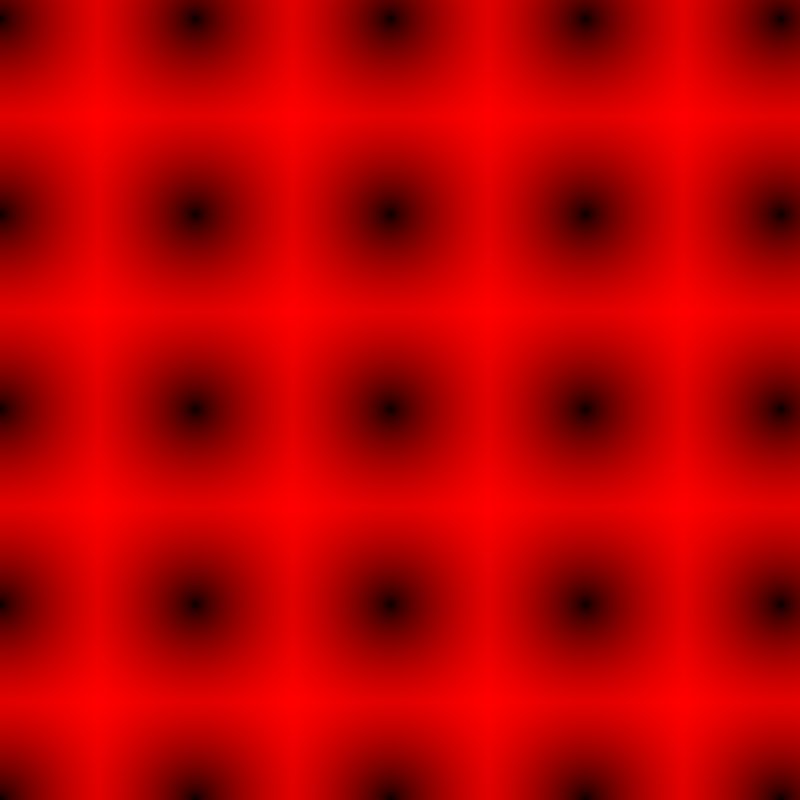 |
| Same, Range Manual, 60 m | 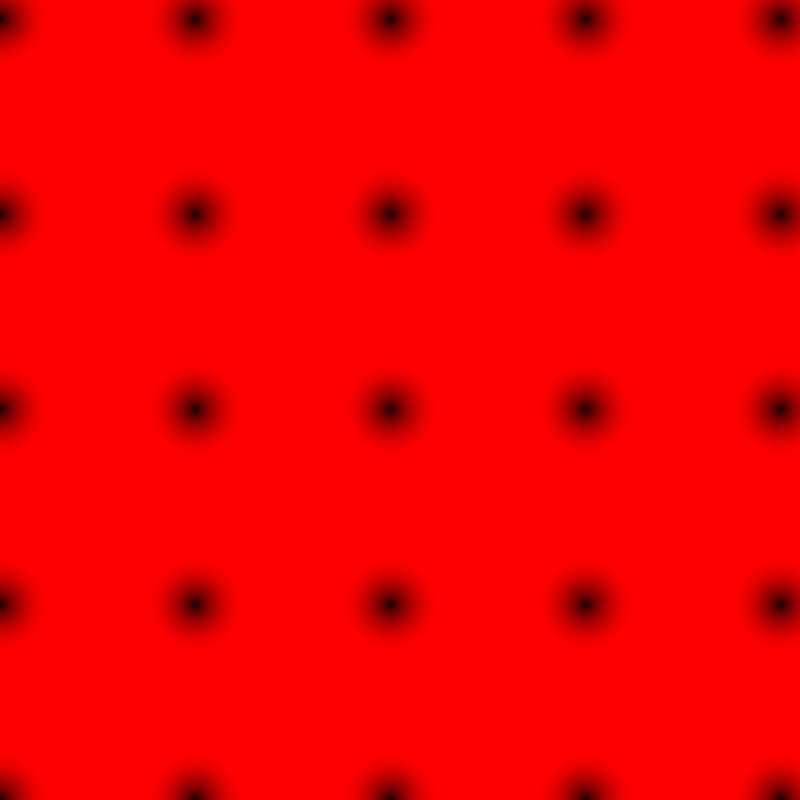 |
| Path, Closed, Inside Only, from Biome Inner Polygon Input | |
| Same outline, Closed off | 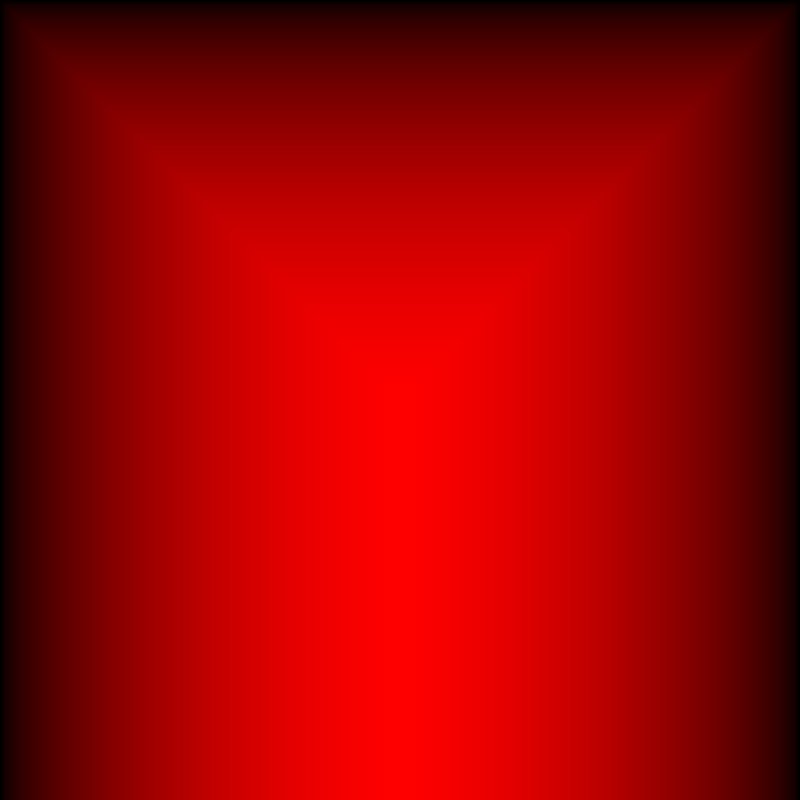 |
With Auto, the points mask spans the full 0 to 1, brightest midway between points. A Manual range of 60 m leaves full strength everywhere except within 60 m of a point: a ready made clearing mask, once inverted. The biome's own outline as a closed polygon gives a gradient from its edge to its middle. With Inside Outside, the same outline would read 0.5 at the edge and above 0.5 everywhere else, since the whole biome is inside it.
Recipes
- Clearings around buildings: building positions → Position SDF (Points, Manual, the clearing radius) → multiply into the forest density. The mask is 0 at each building and 1 beyond the radius.
- Biome fade by distance: Input (Biome Inner Polygon Input) → Position SDF (Closed path, Inside Only, Manual range of the fade width) → multiply into masks that should fade out near the edge.
- Falloff along a path: ordered points along a road or river → Position SDF (Path, Closed off, Manual) → invert → road or riverbank mask.
Warning
Every texel measures the distance to every position, so the cost grows with resolution times the number of positions. Thousands of positions at high resolution can take seconds. Lower this node's Resolution, or thin the positions out first.
Note
With Path, positions are joined in the order they come in. Positions from a grid or a scatter are not in a sensible order for a path; use them with Points.
Note
Auto range rescales with the content: adding or moving one position can change the whole mask. Use Manual when the distance in meters matters.
Performance
See the warning above: cost is texels times positions. A few dozen positions are quick at any resolution.
Related nodes
- Distance Field: the older node this one replaces.
- Scatter, Points: positions to measure from.
- Input: the biome's outline as positions.
For AI agents
- Type name:
PositionDistanceFieldNode(title "Position SDF"). Input Positions =0(Buffer); output Normalized =100(Mask). - Properties:
geometry(Points,Path),closed(bool),profile(InsideOnly,InsideOutside,EdgeDistance),rangeMode(Auto,Manual),range(meters, ≥ 0.01). - Raw distance in meters (world size × uv); closed path with ≥ 3 valid points and a non Edge profile makes outside distances negative. Normalized: EdgeDistance and InsideOnly = saturate(d / range); InsideOutside = saturate(0.5 + d / (2 range)). Auto range = max(positive d) over the texture.
- Measured, Scatter 250 m, Auto: mean 0.53; Manual 60 m: 80.5% full. Biome inner polygon, Inside Only: mean 0.33.
- Input node slot type can't be set with
vista_graphitor_node_set; set it in the editor (or withInputNode.SetSlotTypeon the asset) to read polygon inputs.