Load Texture Node
- Category: Data
- Edition: All editions
- Output type: Color and four masks
- Typical place in a graph: at the start of a graph, to bring in a height map, mask or color map made outside Vista
Load Texture brings an image from your project into the graph, stretched over the whole biome. Use it for a height map from another terrain tool or a sculpt, a mask painted in an image editor, a splat map from another pipeline, or a color map. The image comes out whole (RGBA) and as one mask per channel (R, G, B, A).
When to use it
- Start from a height map made elsewhere: World Machine, Gaea, a DEM converted to an image, a sculpt.
- Use a hand painted mask: where forests go, a road layout, a coastline.
- Bring in a splat or color map, one channel per mask.
- Not for: real world data downloaded by Vista (use Load Real World Data); painting masks inside the editor (use Paint Mask).
Outputs
| Slot | Type | What it holds |
|---|---|---|
| RGBA | Color | The whole image, stored at 8 bits per channel. |
| R, G, B, A | Mask | One channel each, at full precision. Use R for a grayscale height map. |
With no texture set, every output is black.
Properties
| Property | Default | Range | What it does |
|---|---|---|---|
| Texture | None | A texture asset | The image to load. It is stretched to cover the whole biome, whatever its own size or shape. |
Importing height maps
- PNG, TGA, EXR and other images: import them as usual. For height maps, turn off sRGB (Color Texture), set Compression to None, and use a 16 bit format (such as R16) for 16 bit images. An 8 bit format turns smooth slopes into steps.
- RAW files (.raw, .r8, .r16, .r32): Vista imports them as textures. Select the file and set its Width, Height and Bit Depth in the import settings to match how it was exported; the default is 512 × 512, 16 bit. Wrong values give a scrambled image.
Common properties
| Property | What it does |
|---|---|
| Id | The node's unique name in this graph, shown for reference. You cannot edit it. Scripts and the AI workflow CLI use it to find the node. |
| Resolution | How detailed this node's result is, in texels across the biome. The node has no input, so Relative To Main Input (default) and Relative To Graph both follow the biome's Canvas Resolution, times the multiplier below. Absolute sets an exact size. The image is resampled to that size. Absolute is limited to 32 to 512 in Vista Personal and 32 to 4096 in Vista Indie and Pro. |
| Split Execution | Lets this node run over several frames so the editor stays responsive during long generations. It only works when Allow Split Execution is on in the graph settings. This node finishes in one step, so splitting only adds a short pause around it; leave it off. |
| Bypass | Skips the node. Nothing comes out. |
Examples
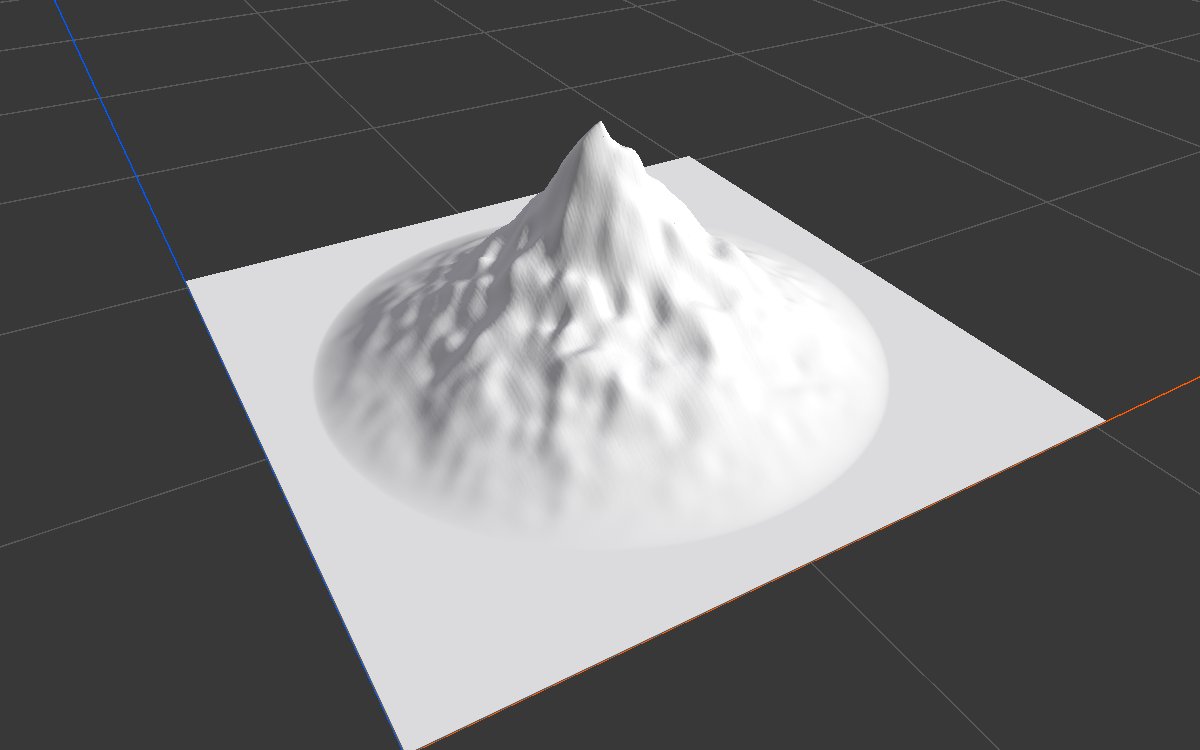
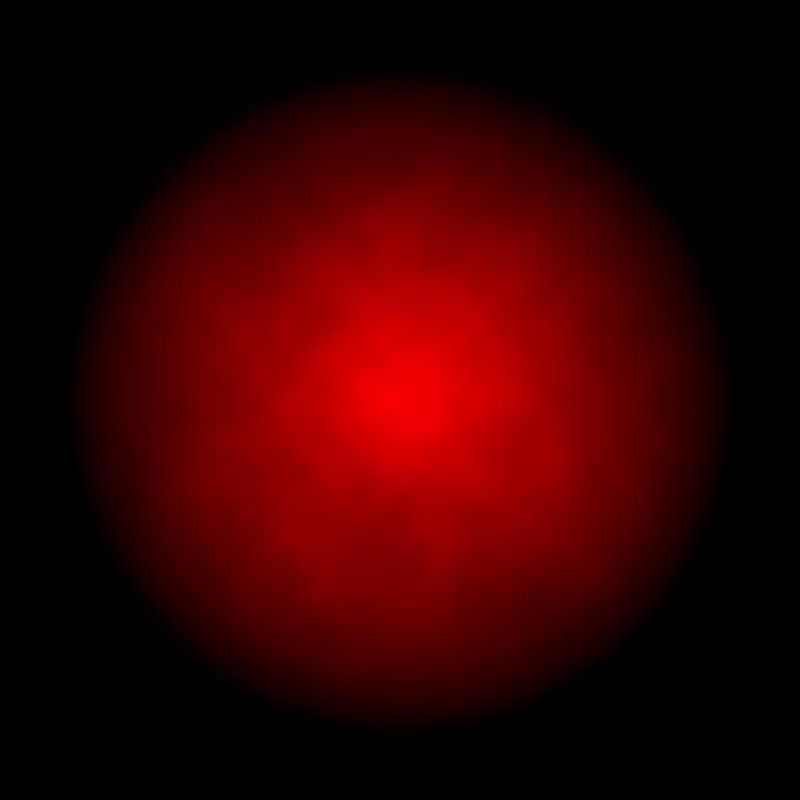
Both examples load the same 512 × 512 island height map through R into Height Output, on a 1024 × 1024 m biome with the Vista Manager's Max Height at 400 m.
| 16 bit (R16) | Same image as 8 bit (RGB24) |
|---|---|
|
 |
| Smooth slopes. | 256 levels for 400 m of height leave a step about every 1.6 m, which shows as contour lines all over the slopes. |
Recipes
- External height map: Load Texture R → Levels to set the height range → erosion → Height Output.
- Splat map to texture layers: Load Texture R, G, B, A → four Texture Output nodes, through Weight Blend if the channels do not add up to 1.
Warning
Use the R channel, not RGBA, for heights. RGBA is stored at 8 bits per channel, so a height taken from it steps like an 8 bit image even when the file is 16 bit.
Note
The image always covers the whole biome. A square image on a rectangular biome is stretched; crop or resize it to the biome's proportions first.
Performance
Very cheap: one copy per output in use.
Related nodes
- Load Real World Data: height and imagery downloaded by Vista.
- Paint Mask: paint a mask inside the graph editor.
- Levels, Remap: fit a loaded height into the range you want.
For AI agents
- Type name:
LoadTextureNode. Outputs: RGBA =110(ColorTexture, ARGB32), R =100, G =101, B =102, A =103(Masks, RFloat). No inputs. - Property:
texture(asset path). Sampled over the biome's full 0 to 1 UV; resolution follows the graph. - Measured: the same height map as R16 and RGB24 gives the same range (0 to 0.912) but RGB24 shows visible 1/255 steps in 3D. Note
vista_graphitor_display --as heighton this node shows the RGBA output; route R through a node (such as Height Output) to view the full precision height. - RAW import:
RawImporter(.raw, .r8, .r16, .r32) with width, height (1 to 8192) and bitDepth (8, 16, 32) set on the importer.