Typical place in a graph: after the final height, as the rule for a texture layer or spawn
Geometry Mask combines three terrain rules in one node: a height range, a slope range and a facing direction. Turn on the rules you need, and it combines them, either requiring all of them (Multiply) or any of them (Max). It is the quickest way to write rules such as "low, gentle ground" for a beach or "below the tree line and not too steep" for a forest.
When to use it
Spawn rules: trees only below a height and on gentle slopes.
Texture rules: sand on low, flat ground; rock on high, steep ground; moss on shaded, gentle slopes.
Strength across the range, as in Slope Mask. With the default curve and Min Angle 0, perfectly flat ground drops out.
Direction Mask
Property
Default
Range
What it does
Enable Direction Mask
Off
On, Off
Use the facing direction rule.
Direction
0
0 to 360 degrees
The direction selected slopes face: 0 is +X, 90 is +Z.
Direction Tolerance
180
0 to 180 degrees
Width of the selection around Direction.
Direction Falloff
Ease in and out
Curve
Reshapes the fade from the edge of the tolerance to its center, as in Direction Mask.
With no rule enabled, Multiply gives a full mask (1 everywhere) and Max an empty one. Enable at least one rule.
Common properties
Property
What it does
Id
The node's unique name in this graph, shown for reference. You cannot edit it. Scripts and the AI workflow CLI use it to find the node.
Resolution
How detailed this node's result is, in texels across the biome. Relative To Main Input (default) matches the height connected to Height, times the multiplier below it. Relative To Graph follows the biome's Canvas Resolution instead. Absolute sets an exact size. Absolute is limited to 32 to 512 in Vista Personal and 32 to 4096 in Vista Indie and Pro.
Split Execution
Lets this node run over several frames so the editor stays responsive during long generations. It only works when Allow Split Execution is on in the graph settings. This node finishes in one step, so splitting only adds a short pause around it; leave it off.
Bypass
Skips the node. Nothing comes out, and the nodes after it act as if nothing were connected.
Examples
Both examples measure the same eroded mountains (Noise, Scale 600, then Hydraulic Erosion 2) on a 1024 × 1024 m biome with a terrain height of 400 m.
Setting
2D
3D
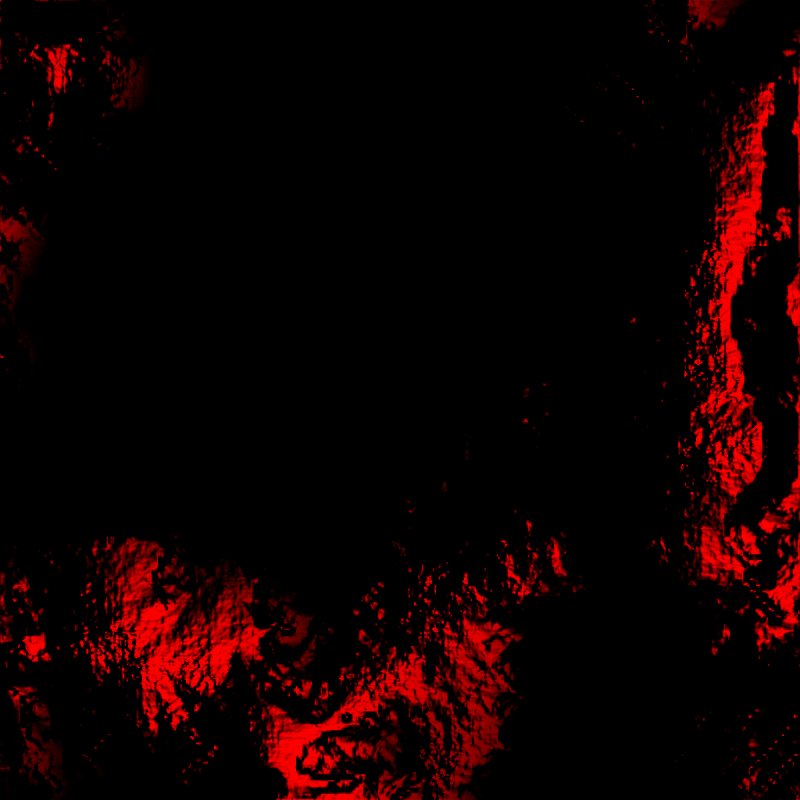
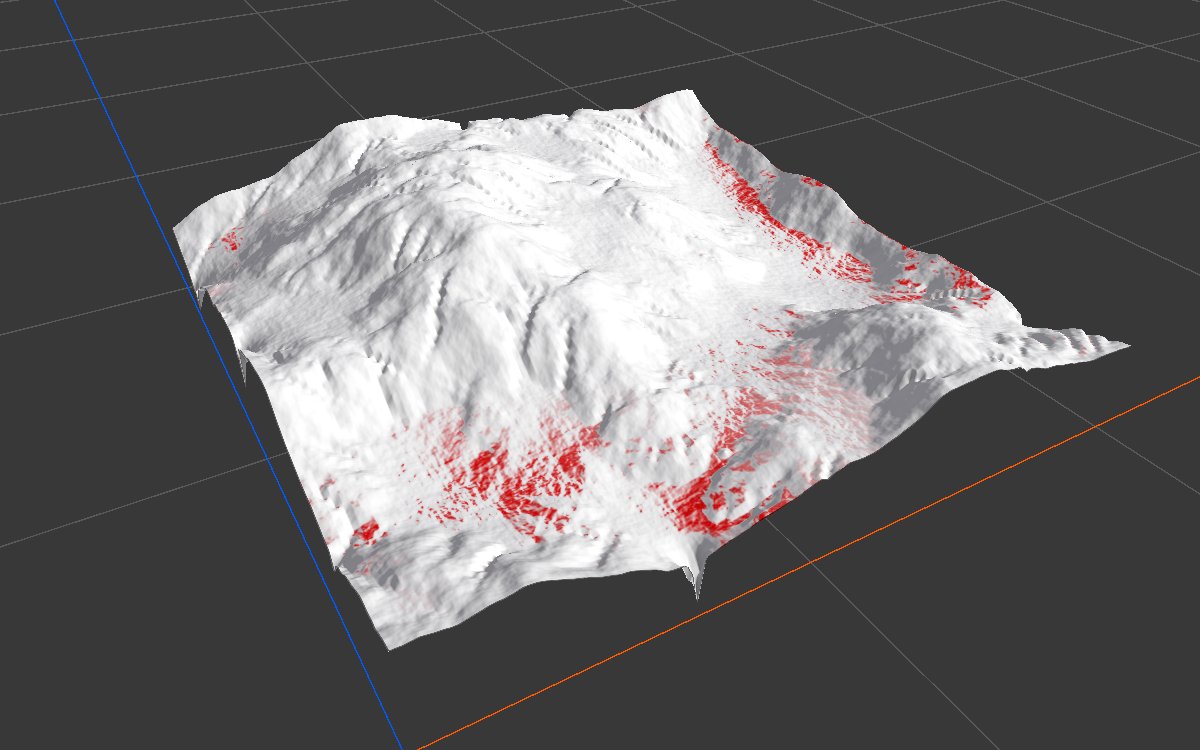
Height 0 to 150 m and slope 0 to 25 degrees, both full at the low end and fading out, Multiply
The same, plus Direction 180 with Direction Tolerance 180
The first rule set selects low, gentle ground, a typical forest or grass area. Adding the direction rule with Multiply keeps only the part that also faces -X, and since the direction rule fades toward the edges of its tolerance, most of it is partial strength.
Recipes
Trees on gentle, low ground: green area mask × Geometry Mask (height and slope, Multiply) → Scatter → Tree Output. Recipe trees-on-green-area.
Beach:Geometry Mask with height 0 to about 25 m and slope 0 to 20 degrees, Multiply. Recipe beach-shoreline.
Rock where it is steep or high:Geometry Mask with a steep slope range and a high height range, Max.
Warning
Each rule's default transition curve fades to 0 at both ends of its range. With Min Angle or Min Height at 0, the ground at exactly 0 drops out. Raise the left end of the curve to 1 when the range should include its start.