Concave Node
- Category: Masking
- Edition: All editions
- Output type: Mask
- Typical place in a graph: after the final height, smoothed, then into texturing
Concave marks points that sit lower than their neighbors: the bottoms of small hollows, gullies, creases and valley lines. It compares each point with the eight around it, so it picks up fine detail, and gives a hard, speckled black and white result. Smooth it before use for a mask of hollows where water, soil and sediment collect.

When to use it
- Fine hollows and gullies, for soil, moss or darker texture in creases.
- Where sediment or water collects in small low pockets.
- Not for: smooth, size controlled hollows and ridges (use Curvature, which works in meters); valleys at a large scale (use Height Mask or the Soil of Hydraulic Erosion 2).
Inputs
| Slot | Type | Required | What to connect |
|---|---|---|---|
| Height | Mask | Yes | The terrain height, usually after erosion. |
Outputs
| Slot | Type | What it holds |
|---|---|---|
| Output | Mask | 1 where the point is lower than enough of its neighbors, 0 elsewhere. Hard edged and speckled. |
Properties
| Property | Default | Range | What it does |
|---|---|---|---|
| Epsilon | 0 | -1 to 1 | A small allowance in the height comparison. Positive values let points that are about as high as a neighbor still count as lower, which grows the selection slightly; negative values require a clear difference, which shrinks it. |
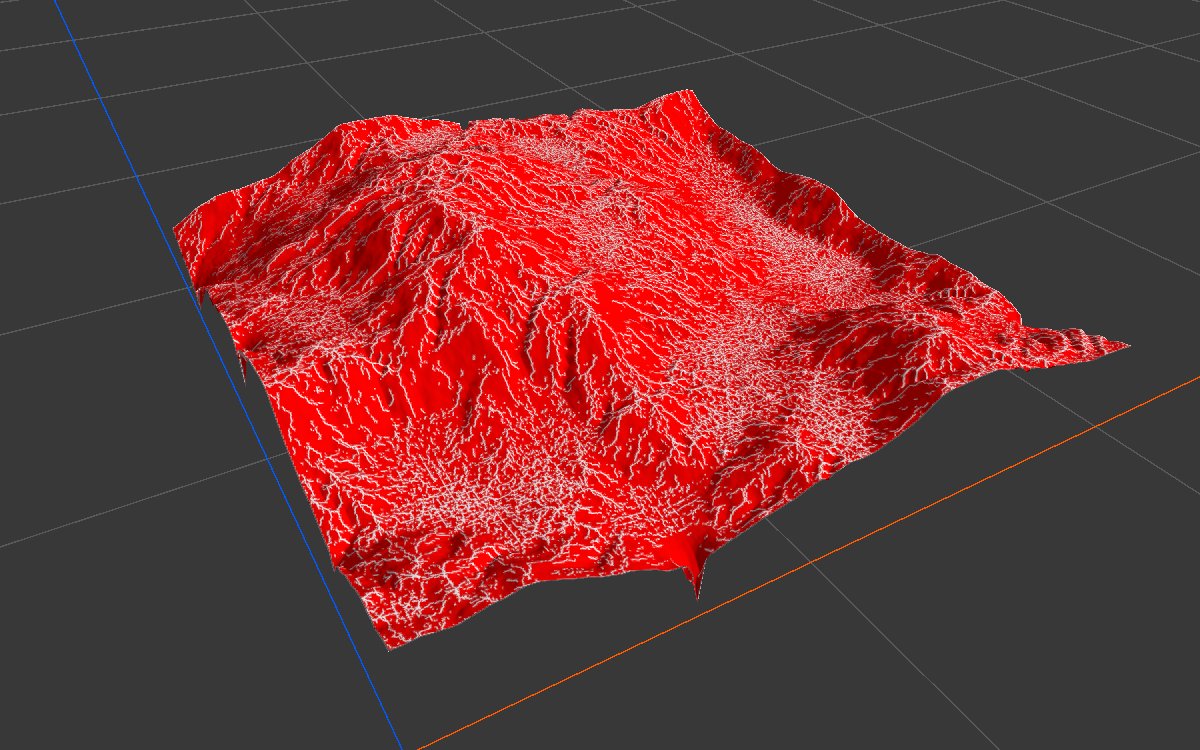
| Tolerance | 3 | 0 to 7 | How many of the eight neighbors may fail the test. 0 keeps only points lower than all eight (true pits, very few); 3 needs five of eight; 4 or more selects most of the terrain. The jump between 3 and 4 is large, so small changes here matter. |
Common properties
| Property | What it does |
|---|---|
| Id | The node's unique name in this graph, shown for reference. You cannot edit it. Scripts and the AI workflow CLI use it to find the node. |
| Resolution | How detailed this node's result is, in texels across the biome. Relative To Main Input (default) matches the height connected to Height, times the multiplier below it. Relative To Graph follows the biome's Canvas Resolution instead. Absolute sets an exact size. The test compares neighboring texels, so the size of what it finds follows the resolution: at a lower resolution, it finds broader hollows. Absolute is limited to 32 to 512 in Vista Personal and 32 to 4096 in Vista Indie and Pro. |
| Split Execution | Lets this node run over several frames so the editor stays responsive during long generations. It only works when Allow Split Execution is on in the graph settings. This node finishes in one step, so splitting only adds a short pause around it; leave it off. |
| Bypass | Skips the node. Nothing comes out, and the nodes after it act as if nothing were connected. |
Examples
All examples measure the same eroded mountains (Noise, Scale 600, then Hydraulic Erosion 2) on a 1024 × 1024 m biome at 1024 texels.
| Tolerance | 2D | 3D | Selected |
|---|---|---|---|
| 1 | 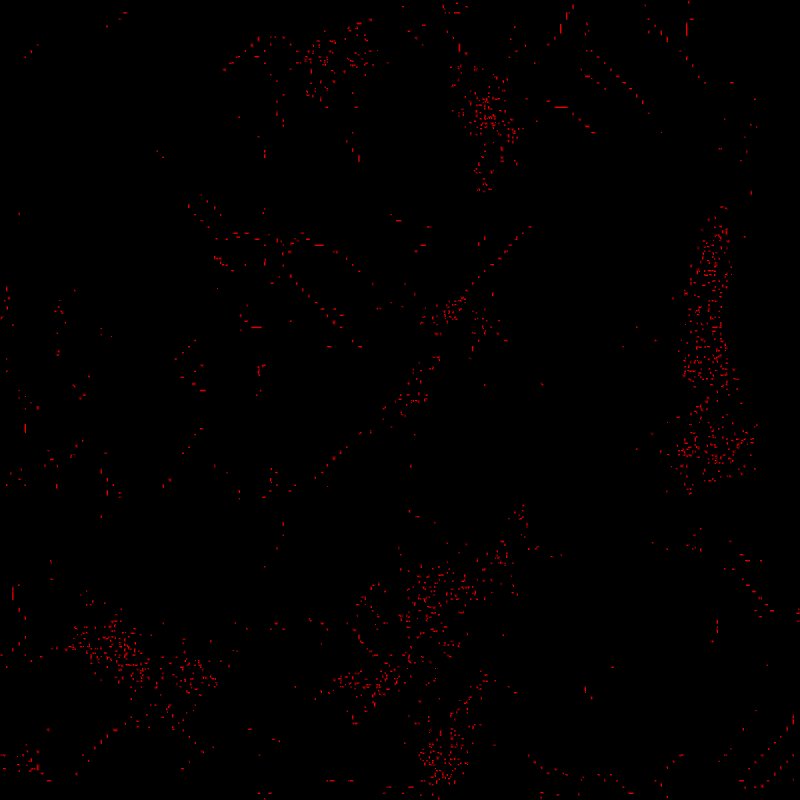 |
 |
0.3% |
| 3 (default) |  |
|
11% |
| 4 |  |
 |
89% |
Recipes
- Soil in creases: eroded height → Concave → Smooth (about 30 iterations) → Levels → weight of a soil layer.
- Broader hollows: run Concave at a lower Resolution (Relative To Main Input 0.25), then smooth.
Tip
The raw result is speckled and hard edged. Smooth it (about 30 passes of Smooth) before blending or combining.
Performance
Very cheap: one quick GPU step.
Related nodes
- Convex: the opposite, points higher than their neighbors.
- Curvature: hollows and ridges measured in meters, with smooth values.
For AI agents
- Type name:
ConcaveNode. Input Height0, Output100. - Properties:
epsilon(-1 to 1, applied as epsilon/1000 in height units),tolerance(0 to 7). - Output = 1 if (count of 8 neighbors higher than center - e) + tolerance ≥ 8. Measured: tolerance 1 → 0.3%, 3 → 11%, 4 → 89%.
- Bypass produces no output.