Color Blend Node
- Category: General
- Edition: All editions
- Output type: Color texture
- Typical place in a graph: after several region masks and before Albedo Output or another color node
Color Blend paints 1 to 100 solid colors from mask weights. Layers are evaluated from Layer 0 upward, so higher numbered layers cover lower ones wherever their masks are white.
When to use it
- Build an albedo color map from masks for grass, soil, rock, snow, or other regions.
- Preview several terrain zones as clear colors while developing their masks.
- Add a color accent over an existing base color with a soft gray transition.
- Stack many independent mask and color pairs when later regions must cover earlier ones.
- Not for blending existing color textures. Every layer paints one solid Color. Use Draw Mask Overlay or another color workflow when the foreground must be a texture.
- Not for normalizing several competing weights. Use Weight Blend when the output should be weight maps rather than one color image.
Inputs
| Slot | Type | Required | What to connect |
|---|---|---|---|
| Layer 0 to Layer 99 | Mask | No | A mask controlling how much of that layer's color is painted. Black leaves the current result unchanged, white uses the layer color, and gray blends between them. Layer Count controls how many slots exist. |
An unconnected Layer 0 uses a white mask, so Color 0 fills the whole result and works as the base color. Every other unconnected layer uses black and has no effect.
Dynamic input slots cannot carry individual hover tooltips. Their matching Color fields and Layer Count explain the layer behavior in the properties panel.
Outputs
| Slot | Type | What it holds |
|---|---|---|
| Output | Color texture | The final RGBA color image after every layer has been painted in index order. |
Properties
| Property | Default | Range | What it does |
|---|---|---|---|
| Layer Count | 2 | 1 to 100 | Sets how many mask inputs and color fields the node shows. Raising it adds layers at the top of the stack. Lowering it removes the highest numbered slots and their connections. |
| Color 0 to Color 99 | White | RGBA color | Sets the solid color painted by the matching layer mask. The color alpha is included in the blend. |
Common properties
| Property | What it does |
|---|---|
| Id | The node's unique name in this graph, shown for reference. You cannot edit it. Scripts and the AI workflow CLI use it to find the node. |
| Resolution | How detailed this node's result is, in texels across the biome. Relative To Main Input (default) follows Layer 0 when it is connected; otherwise it falls back to the biome's Canvas Resolution. Relative To Graph follows Canvas Resolution. Absolute sets an exact size. Higher resolution keeps narrow mask edges sharp but costs more memory and one full image pass for every layer. Absolute is limited to 32 to 512 in Vista Personal and 32 to 4096 in Vista Indie and Pro. |
| Split Execution | Lets this node run over several frames when Allow Split Execution is on in the graph settings. Color Blend paints all layers in one step, so splitting only adds a short pause around it; leave it off. |
| Bypass | Skips the node. Color Blend does not pass a mask input into its color output, so Output is empty while bypass is on. |
How layers are painted
Color Blend starts with a transparent black image, then processes the layers in order. Each layer performs this blend at every texel:
new color = blend(current color, layer color, mask value)
A mask value of 0 keeps the current color. A value of 1 replaces it with the layer color. Values between 0 and 1 make a soft transition. The red channel of each mask supplies the blend weight.

Layer order matters because each new layer blends over the result made by all earlier layers. A white value on Layer 2 completely covers Layer 0 and Layer 1 at that point.
Examples
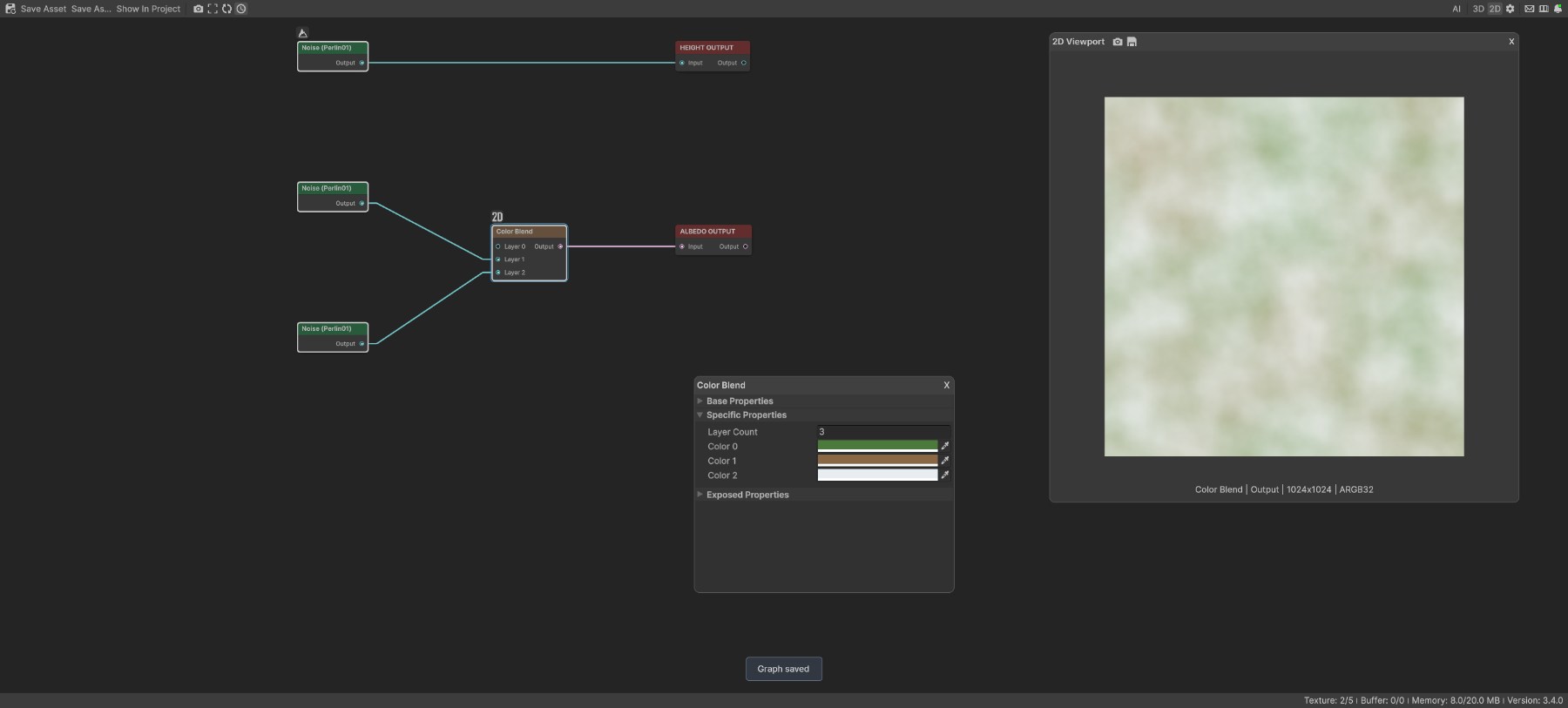
The sample uses an unconnected Layer 0 as a full green base. A 360 meter Noise controls brown on Layer 1. A separate 160 meter Noise controls the pale color on Layer 2.
Two active layers
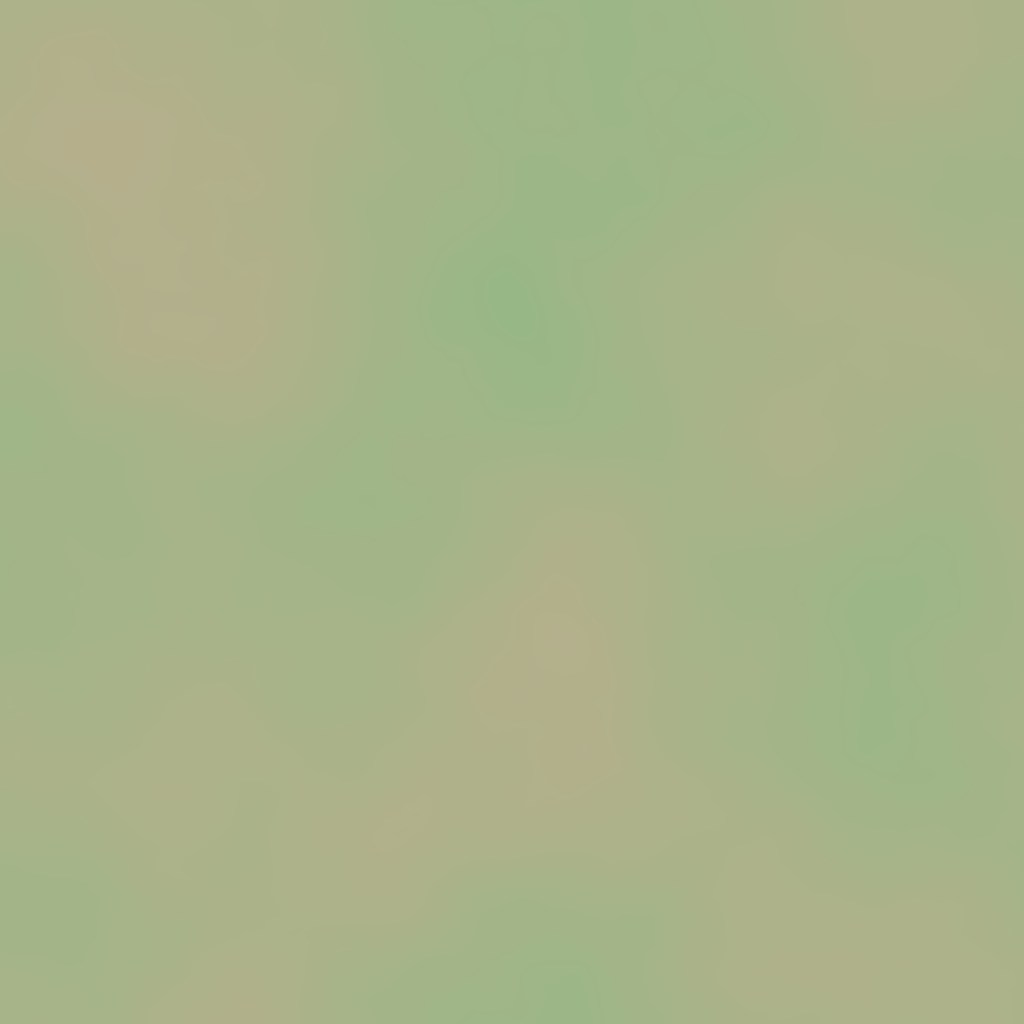
With the Layer 2 source bypassed, its mask is empty and reads black. Only the green base and the broad brown mask remain.
Three active layers

Layer 2 adds the fine pale pattern over the first two colors. Its gray mask values blend rather than cut a hard boundary.
Changing the upper layer order
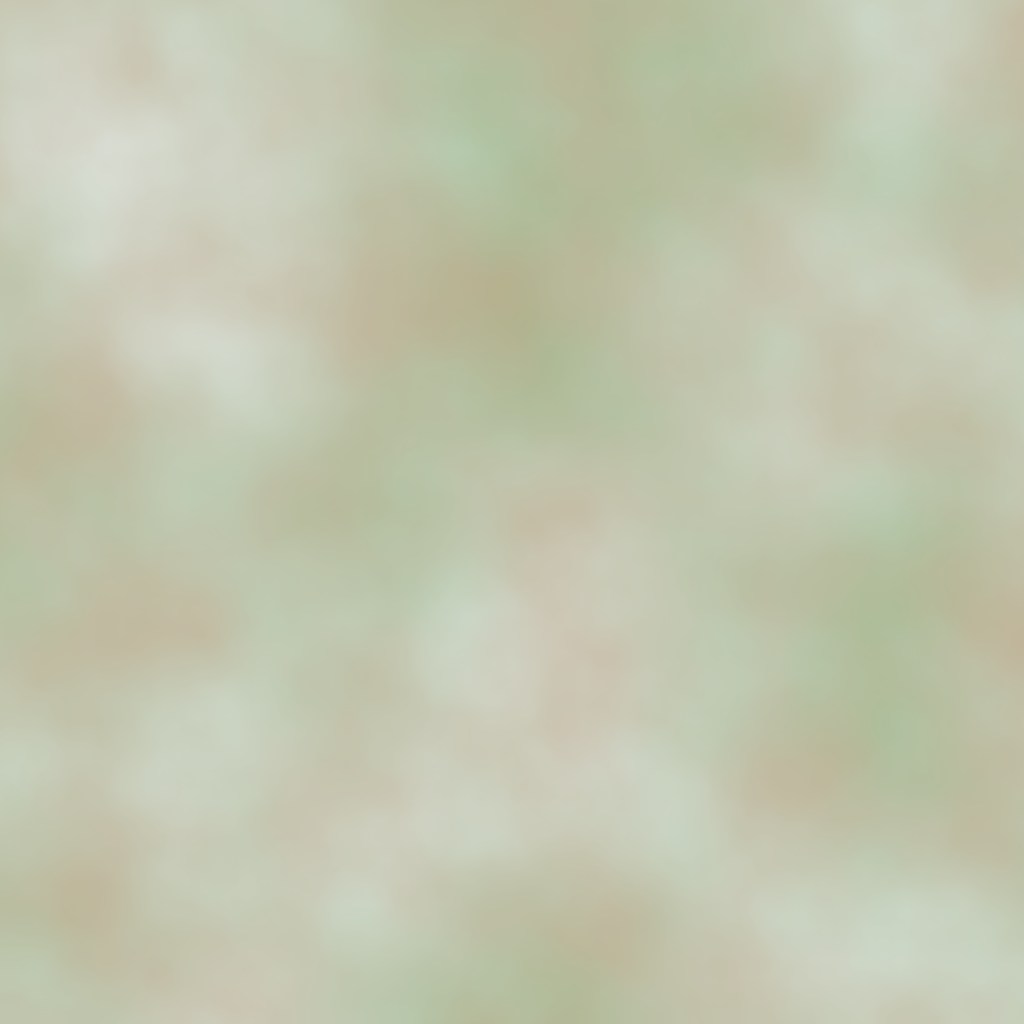
The masks stay connected to the same slots, but the brown color moves to Layer 2 and the pale color moves to Layer 1. Brown now wins wherever the Layer 2 mask is strong, showing why the highest layer is visually on top.
Recipes
- Simple terrain color map: leave Layer 0 unconnected and set Color 0 to grass green; connect a slope mask to a gray rock layer; connect a height mask to a pale snow layer; send Output to Albedo Output.
- Debug mask regions: assign clearly different colors to each mask so overlap and soft transitions are easy to see in the 2D viewport.
- Biome accent: use the biome mask on a higher layer to tint only the area inside the Local Procedural Biome.
- Hard regions: pass a mask through a steep Curve or Levels before Color Blend when you need a crisp boundary instead of a soft mix.
Tip
Leave Layer 0 unconnected when you want one dependable base color. Add regional masks from Layer 1 upward.
Note
Connecting Layer 0 changes resolution matching and removes its automatic white mask. Black areas of a connected Layer 0 reveal the initial transparent black image unless another layer covers them.
Warning
Lowering Layer Count deletes the removed slots and their edges. Undo immediately if you remove connected layers by mistake.
Performance
Color Blend performs one full image blend for every layer, including unconnected layers. Cost grows with both Layer Count and output resolution. Keep the count close to the number of colors you actually need, and use the lowest resolution that preserves the mask boundaries. Split Execution does not divide the layer loop over several frames.
Related nodes
- Albedo Output: sends the finished color texture to terrain.
- Gradient Map: maps one mask through a color gradient instead of stacking several solid colors.
- Weight Blend: resolves competing masks into normalized terrain layer weights.
- Draw Mask Overlay: overlays a color on an existing color texture through one mask.
- RGBA Merge: packs four masks into the channels of one color texture.
For AI agents
- Type name:
ColorBlendNode; node search and graph commands useColorBlend. - Dynamic input slot ids are
0throughlayerCount - 1. Output =100, ColorTexture. - Layer Count is clamped from 1 to 100. Changing the count rebuilds slots and can remove edges.
- Use
vista_graphitor_color_blend_setwith the complete color list. The list length sets Layer Count and each item sets the matching color. - Colors accept hex strings such as
#4C7A3Dor RGBA arrays. - Processing order is Layer 0, Layer 1, and onward. Each step uses
lerp(current, color, mask.r). - An empty Layer 0 uses white. Empty later layers use black.
- Bypass produces no output because the mask input and color output types do not pass through.
- Sample graph:
Assets/_DocSamples/NodeGraphs/ColorBlendNode_Doc.asset.