Biome Mask Graph
A Biome Mask Graph is a small graph asset that post-processes the biome mask before the biome is blended with the rest of the scene.
Use it when the anchor region is already correct, but the transition still looks too hard-edged, too geometric, or too even.
What The Graph Receives
When Vista runs the graph, it feeds the current biome mask in through the Biome Mask Input node and expects the final result back through the Biome Mask Output node.
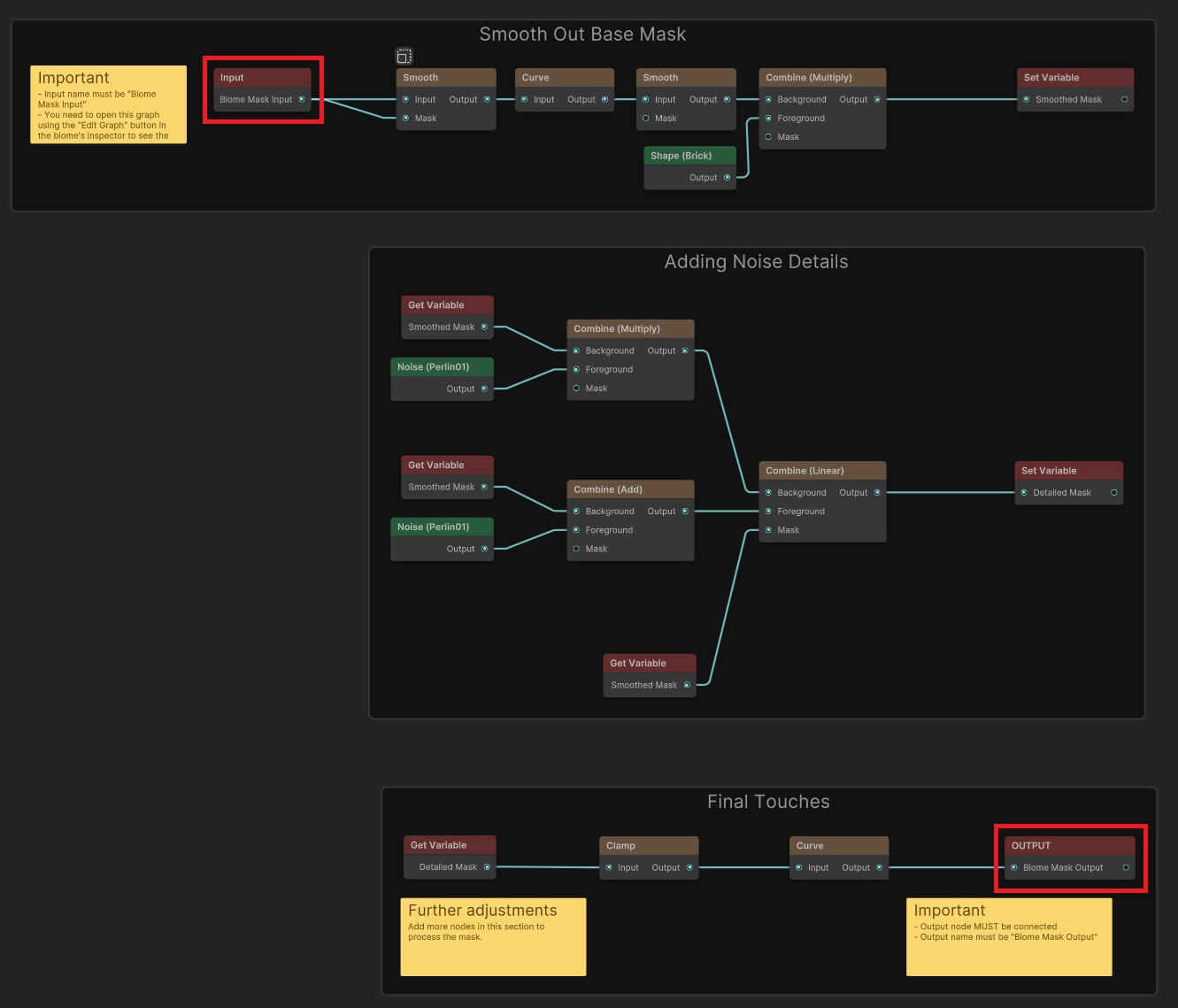
A Biome Mask Graph. The input comes in on the left and the processed result goes out on the right.
Everything in between is up to you. Common uses:
- blur the mask to soften sharp polygon edges
- add noise to break up an even fade
- reshape the falloff to be asymmetric or irregular
- clamp or remap the mask to control where the transition starts and ends
Getting Started
Vista includes a ready-to-use Biome Mask Graph at:
Assets/PinwheelStudio/Vista/Personal/Runtime/DefaultGraphs/Default Biome Mask Graph.asset
Assign it to a biome's Biome Mask > Post Process slot and regenerate to see the effect immediately.

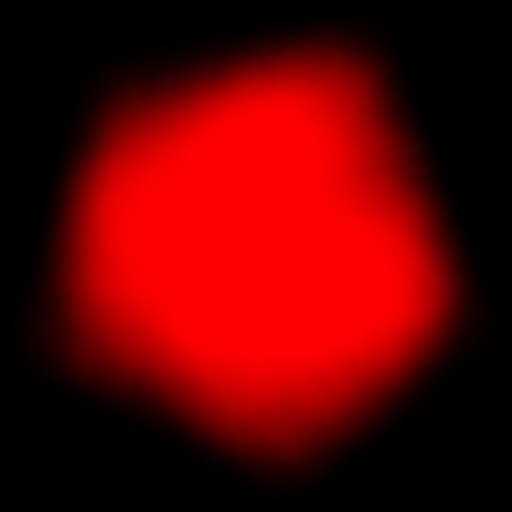
The raw mask produced by the anchors. Edges are clean but geometric.
After assigning the default graph. The edge is softer and has subtle noise breakup.
Editing The Graph
If you want to customize the graph, duplicate the asset first to avoid modifying the original. Then open the duplicate by clicking the Edit button in the biome's Inspector. This opens the graph with the actual biome mask as live input so you can see the result on your terrain as you edit.
Inspecting The Graph Asset
Select a Biome Mask Graph in the Project window to see a read-only preview of its serialized node layout in the Inspector. Drag to pan, use the mouse wheel to zoom, and select Frame All in the upper-left corner to fit the entire graph in view. The Inspector preview does not let you edit nodes or connections.
You can select Open Graph without Biome Context to inspect or edit the asset directly. Because this mode has no host biome, Vista does not supply the external biome-mask input. Use the biome Inspector's Edit button when you need the actual processed mask as live input while editing.
Before And After
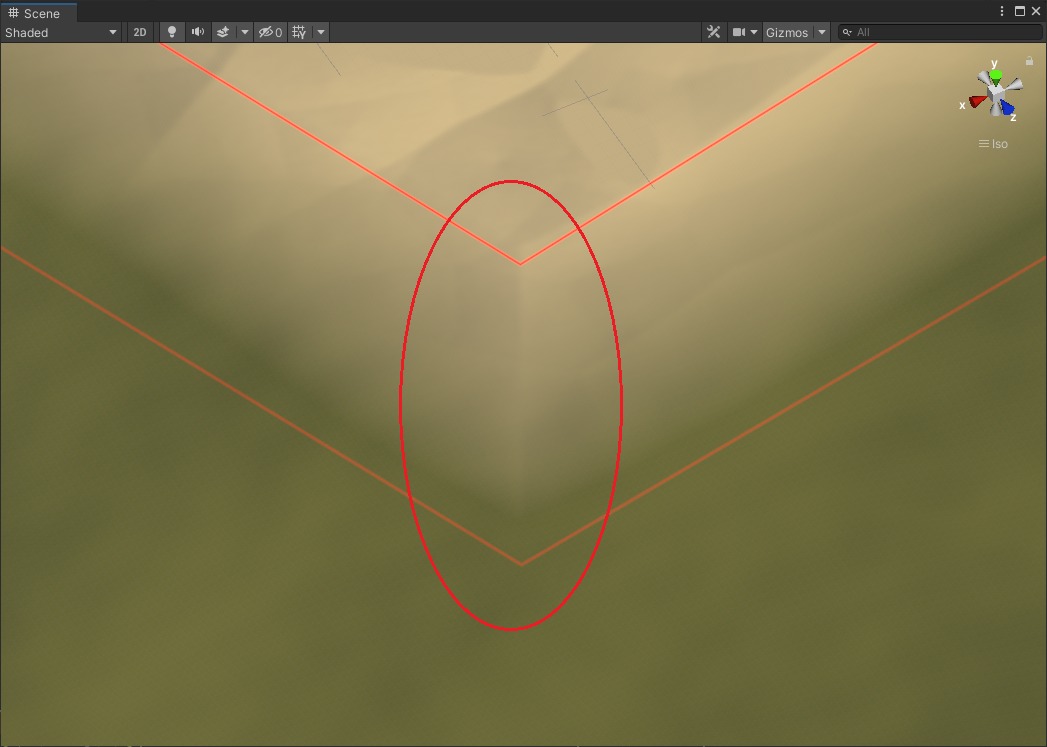
Without a Biome Mask Graph. The biome edge follows the anchor polygon and looks stamped on.
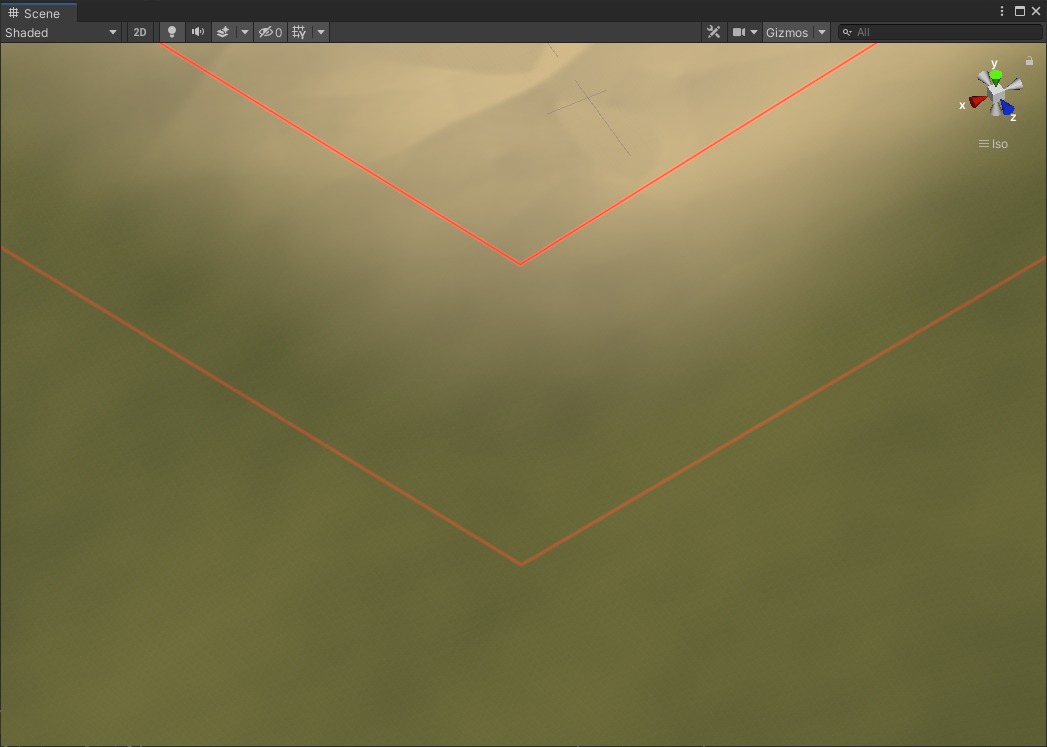
With the default Biome Mask Graph applied. The edge is softer and more natural without changing the biome placement.