Better Transition
The blend mode and biome region can be exactly right, but the transition can still look too hard-edged or mechanical. This usually happens because the raw biome mask closely follows the anchor shape, which is always a clean polygon.
A Biome Mask Graph solves this by post-processing the mask before blending happens.
The Problem
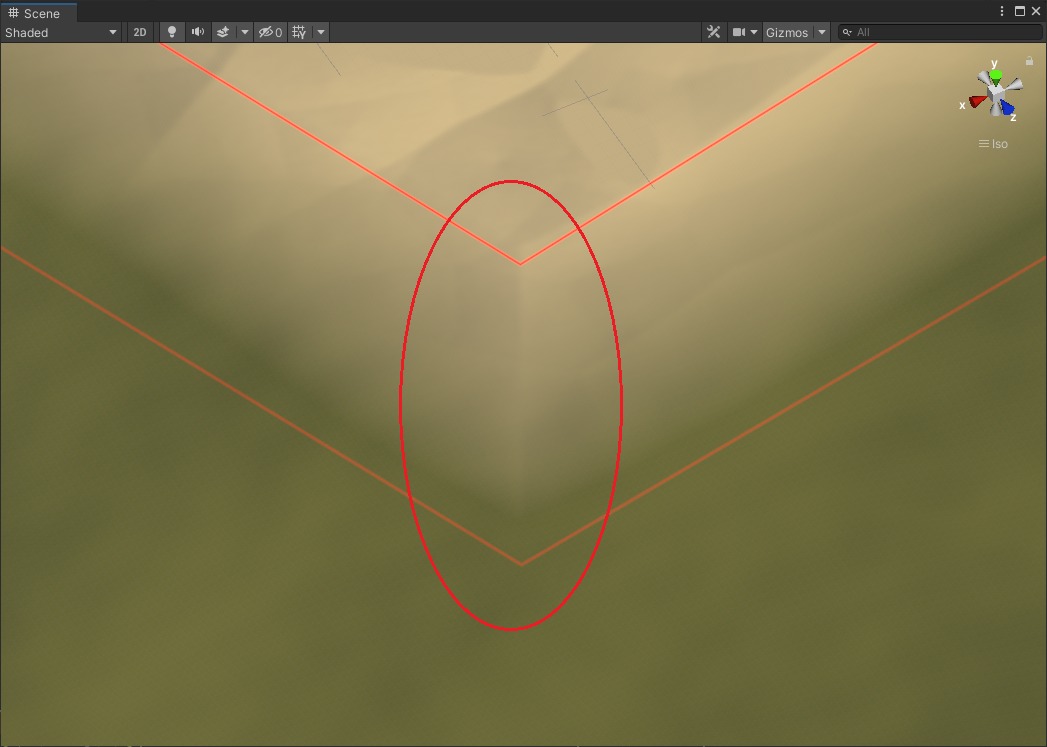
The biome edge follows the anchor polygon closely. The transition looks stamped on.
Assigning A Biome Mask Graph
Assign a Biome Mask Graph to the biome using the Biome Mask Post Process slot in the Inspector.

The Biome Mask Post Process slot. Assign any Biome Mask Graph asset here.
Inside the graph, small changes often produce a visible improvement:
- blur the mask slightly to widen and soften the fade
- add noise to break up the even gradient at the edge
- reshape the falloff to vary from one side to another
Vista includes a default Biome Mask Graph that already does this. Assign it and regenerate to see the effect before building a custom one.
The Result
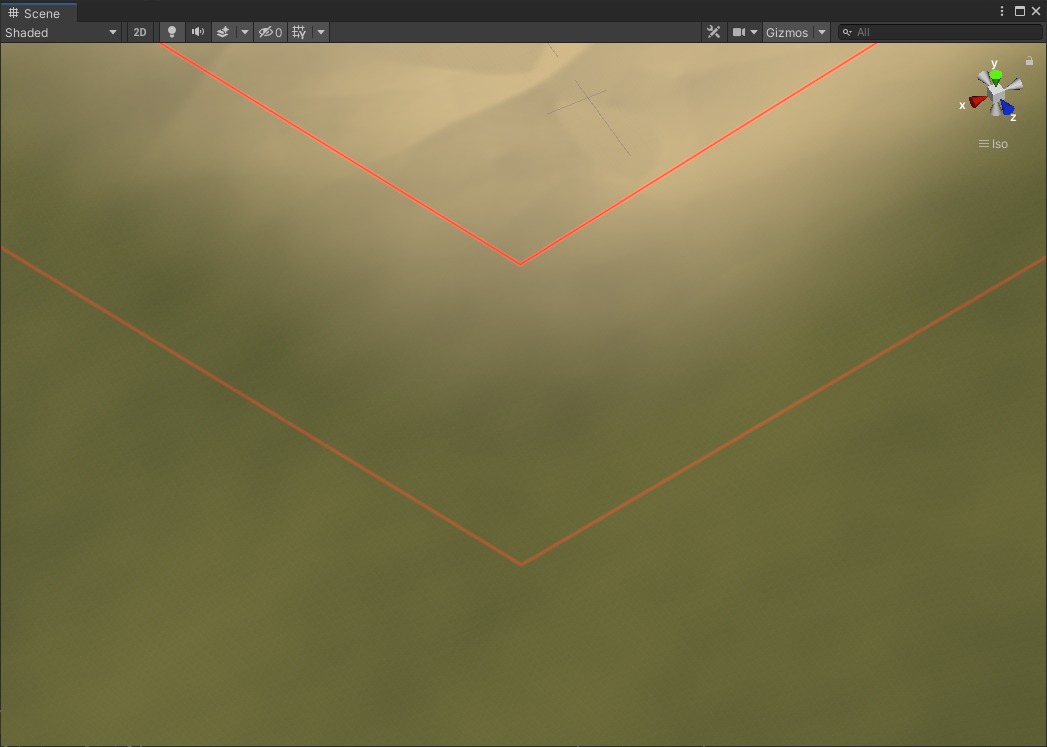
After applying the Biome Mask Graph. The biome edge is softer and less geometric without changing the biome placement.
When This Is Not Enough
If the transition shape is already good but the terrain graph still produces a jarring result near the boundary — for example, erosion that cuts across the biome edge without responding to it — improving the mask is not the fix. See Advanced transition for how to make the terrain graph itself react to the biome boundary.