Create a Terrain Grid
Use the Vista Wizard to create a terrain grid directly in the scene.
Before continuing, create the Vista Manager. Then open Create in Scene in the Wizard, select Create Terrain.
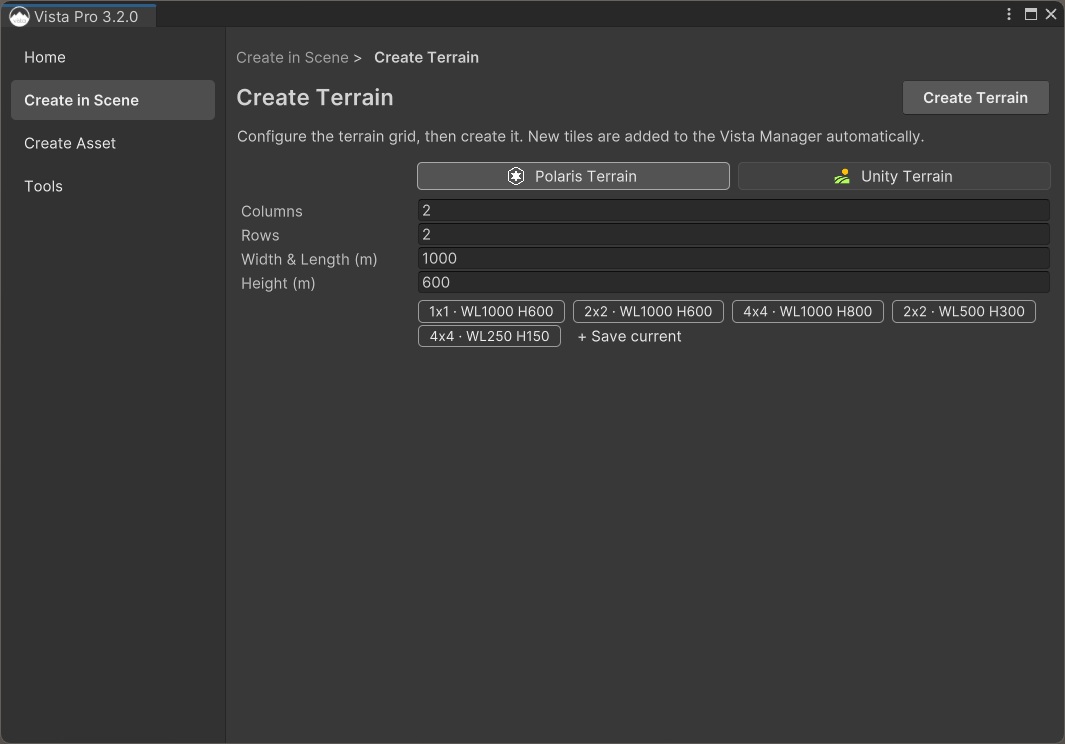
Configure the terrain grid
- Select the terrain backend you want (default to Unity Terrain if no selection).
- Enter the number of Columns and Rows.
- Set Width & Length (m) for each tile.
- Set Height (m) for the vertical terrain range.
You can select a built-in configuration to fill these fields quickly. To reuse your own dimensions in this and other projects, set the fields and select + Save current.
Create the terrain
Select Create Terrain in the page header.
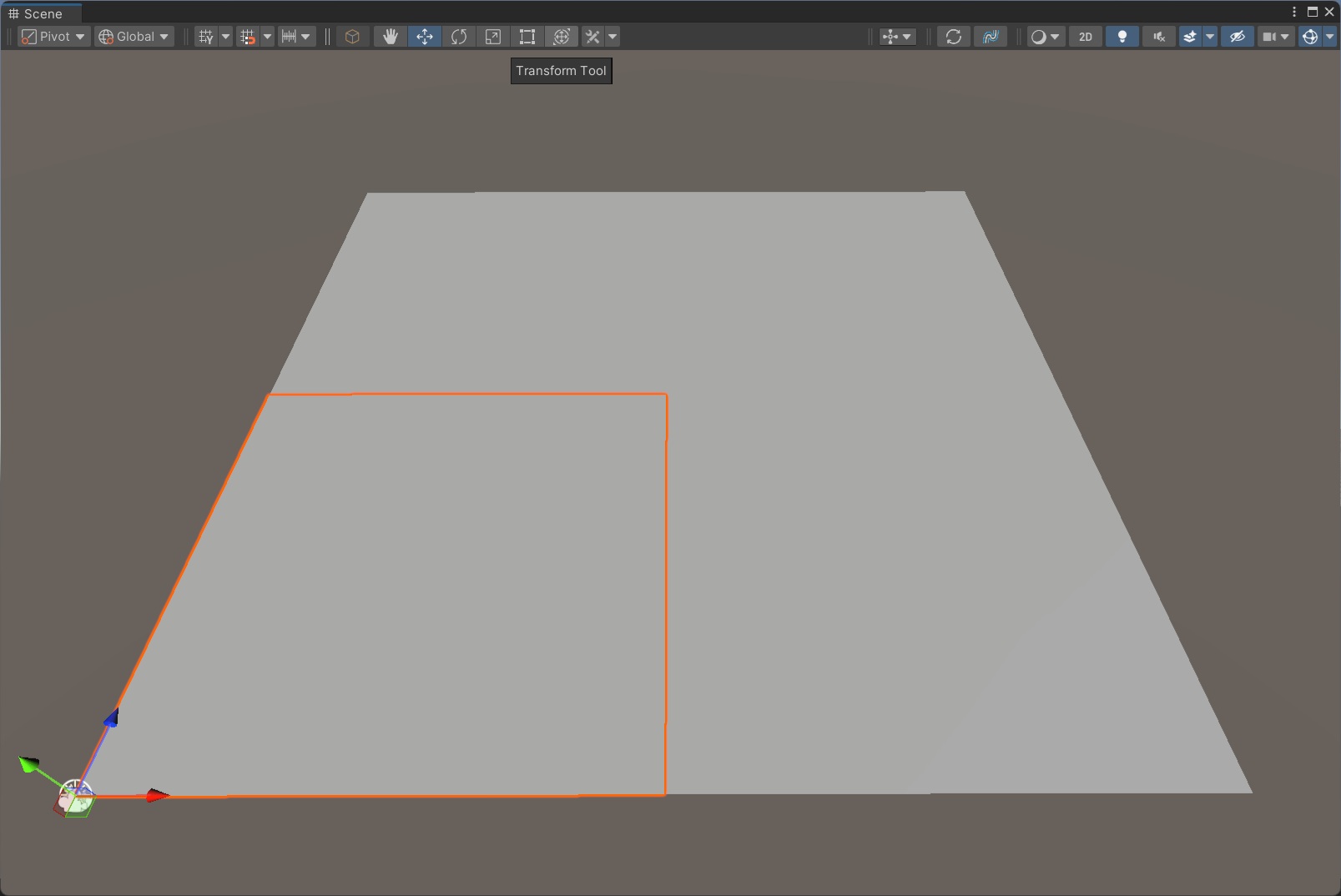
Vista creates the configured tiles, connects them to the Vista Manager, and confirms how many tiles were created. In the confirmation dialog, select Create Biome to continue directly to the template gallery.
If you dismiss the dialog, return to Create in Scene and select Create Biome.
Continue with Create your first biome.