Create Your First Biome
A biome tells Vista what to generate on the terrain. It can provide terrain shape, textures, trees, details, objects, and other output. For this first result, use the bundled Mountain template instead of starting with an empty graph.
Select the Mountain template
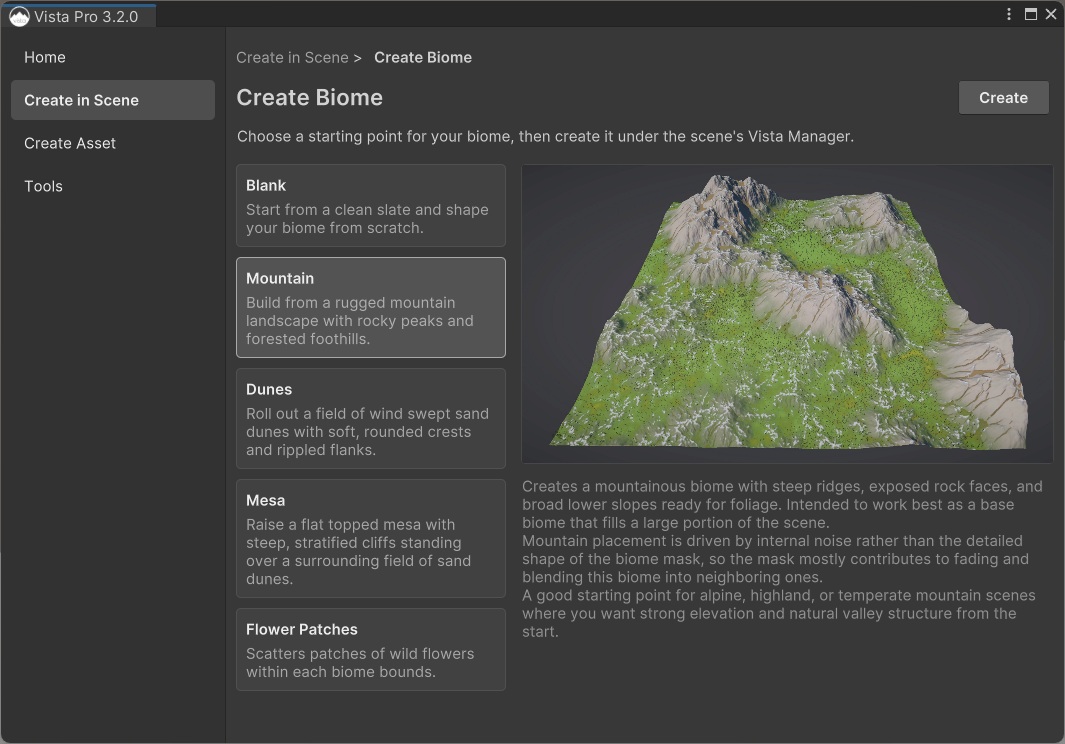
- Open Create in Scene > Create Biome in the Vista Wizard.
- Select Mountain from the template list.
- Review its screenshot, description, and usage guide in the preview pane.
- Select Create.
Vista creates a self-contained, editable biome under the Vista Manager and generates the scene. The created biome does not remain linked to the bundled template: its owned graph and content are cloned so you can change them without modifying the starting template.
Check the result
The Mountain template contains the common output paths for its supported terrain backends. After generation, check that the scene shows:
- mountainous terrain with ridges and lower slopes
- terrain textures across the generated surface
- trees and details on the supported parts of the terrain
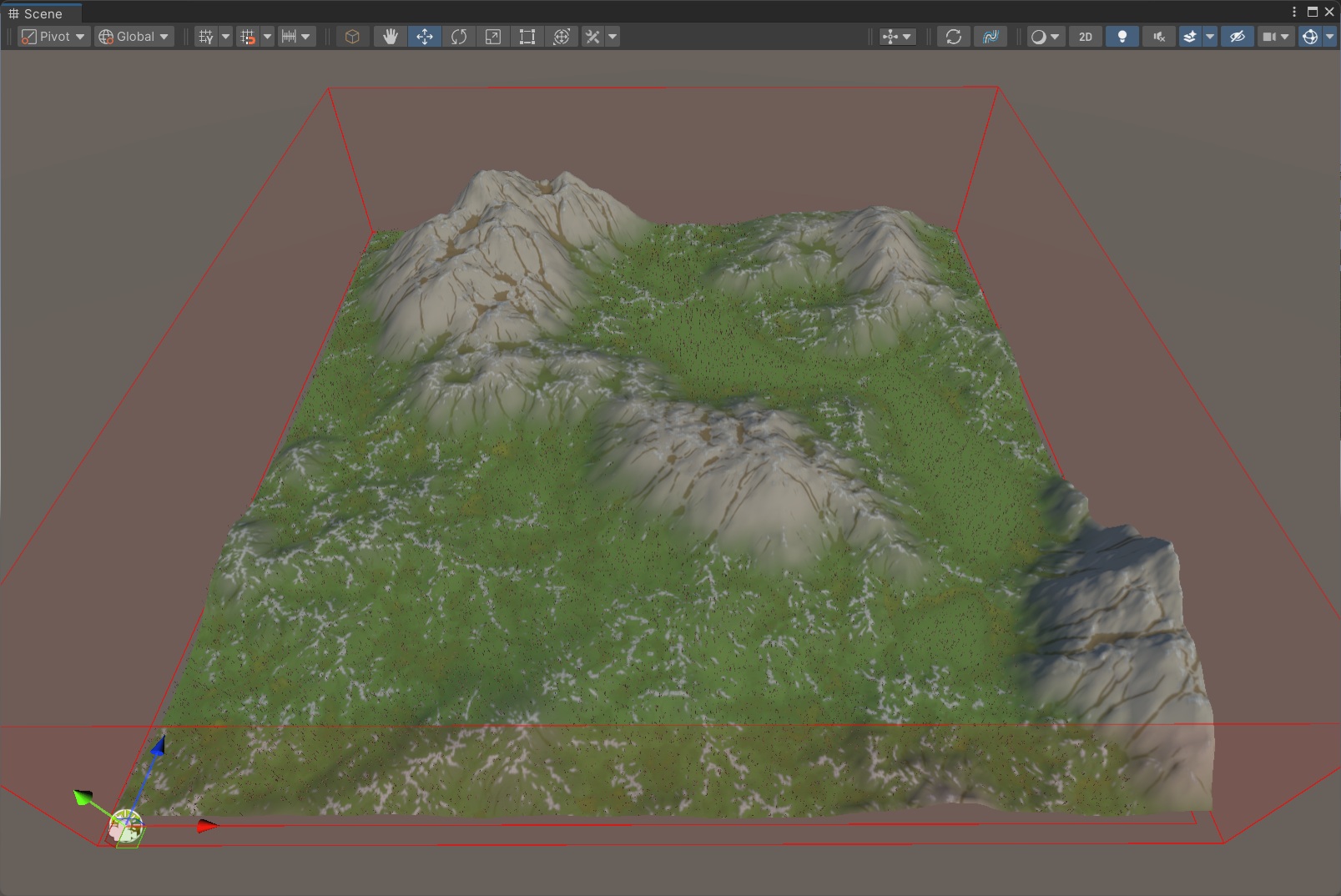
The generated biome is already a successful Vista setup. You can now change its placement, random seed, or graph without rebuilding the workflow from an empty asset.
Continue with Customize the biome.