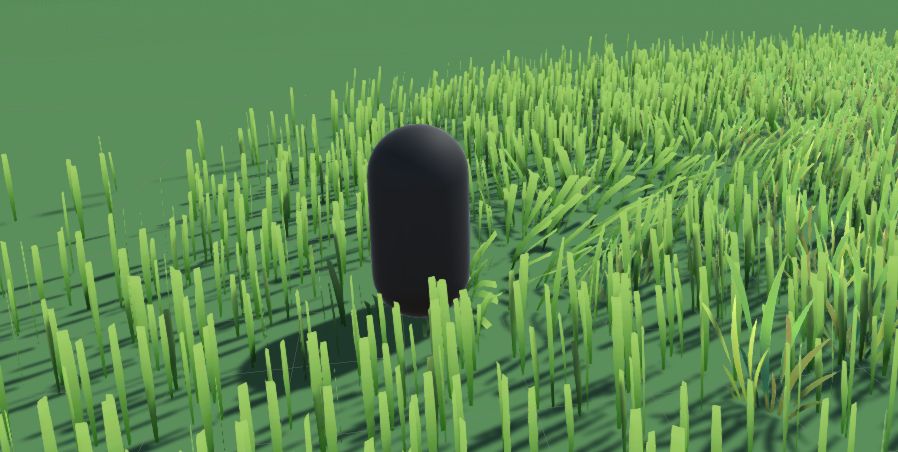
Setup interactive grass
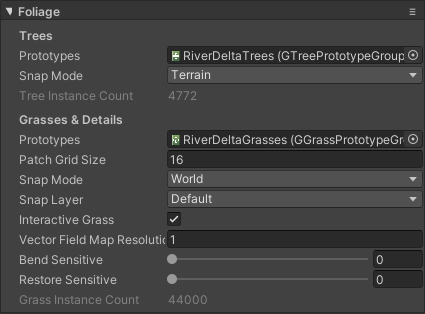
The setup process is quite simple. Select a terrain, in the Inspector, under Foliage fold out, check on the Interactive Grass toggle, then choose appropriate values for other properties like Vector Field Map Resolution, Bend Sensitive and Restore Sensitive.
Next, the system needs to know who the character is so they can react correctly. Select your character, then add a GInteractiveGrassAgent component, pick an appropriate Radius value. You can add as many agents as you want.

Now grass blades in the scene should react to your player movement.