MicroSplat
MicroSplat integration enhances your terrain shading with several techniques that offer high visual fidelity and performance.
The integration also provides tools for quickly setting up your terrain to be used with MicroSplat, as well as texture synchronization between the two systems, so texturing tools will work as usual.
Please carefully read and follow the instructions below for correct usage.
Installing MicroSplat and the extension
Open the Extension window by going to Window>Polaris>Tools>Extensions.
In the Extension window, look for the MicroSplat Integration entry:
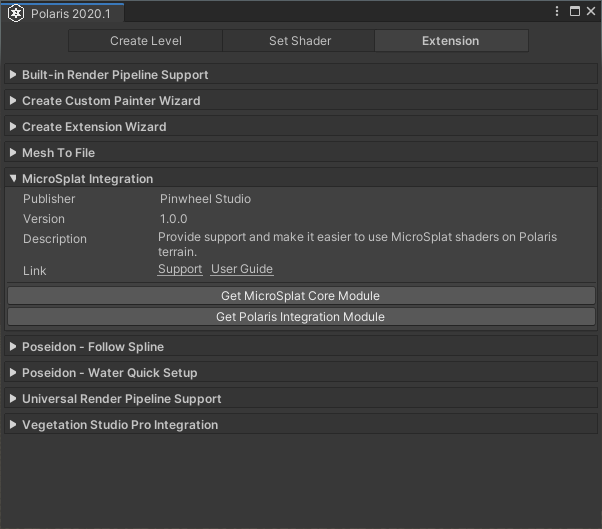
Click on Get MicroSplat Core Module and Get Polaris Integration Module to download and import necessary packages. Or you can use the following links directly:
Setting up your terrain
Next step is to connect Polaris terrain to MicroSplat system. Let’s take the Demo_00 scene as an example.

Open the Demo_00 scene and select the terrain game object in the Hierarchy.
In the Inspector, you will there is an additional section called MicroSplat Integration, expand it and click Open Editor:
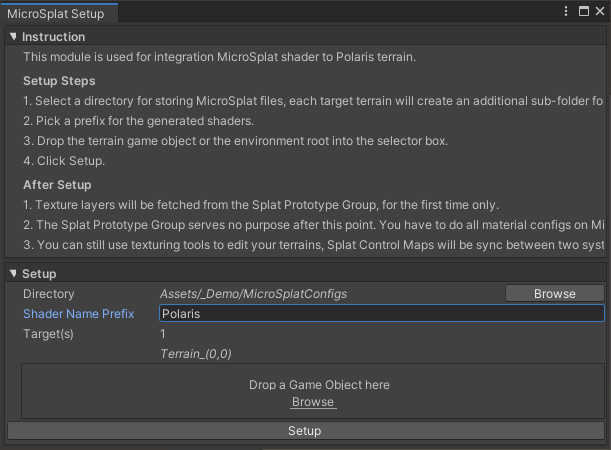
Select a directory for storing MicroSplat data, type in a prefix for new shaders, drop your terrains into the box, then click Setup.
After the process, make sure you see the following things:
- A new component Micro Splat Polaris Mesh is added to the terrain, with the splat control map(s) assigned.
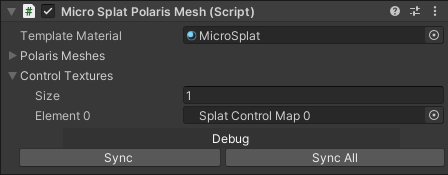
- In the selected directory, there are several files created.

- Select the MicroSplatConfig asset, the terrain splat layers are set. Note that they only be set for the first time setup, if you want to add more or edit splat layers later, you have to use MicroSplat editor instead.
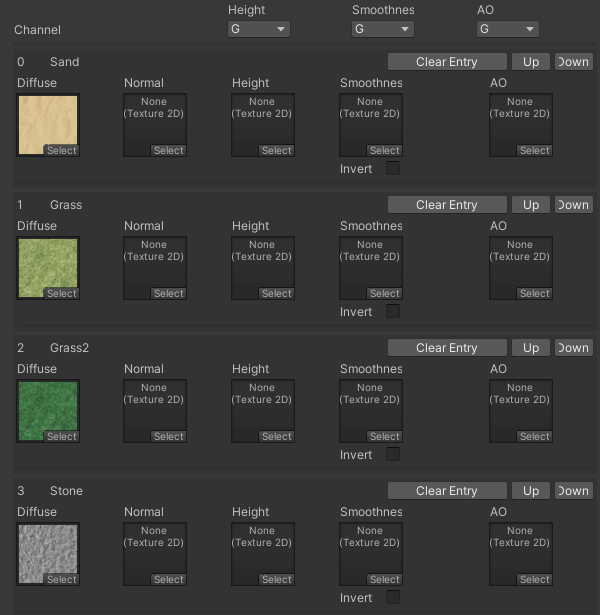
At this point, Polaris has been linked with MicroSplat to render the terrain. All tasks related to splat layers, material editing, etc. should be performed using MicroSplat editor and follow its instructions.
Note
In case you want to restart from the beginning, make sure to delete the Micro Splat Polaris Mesh component and the files generated by MicroSplat before proceeding.
Result
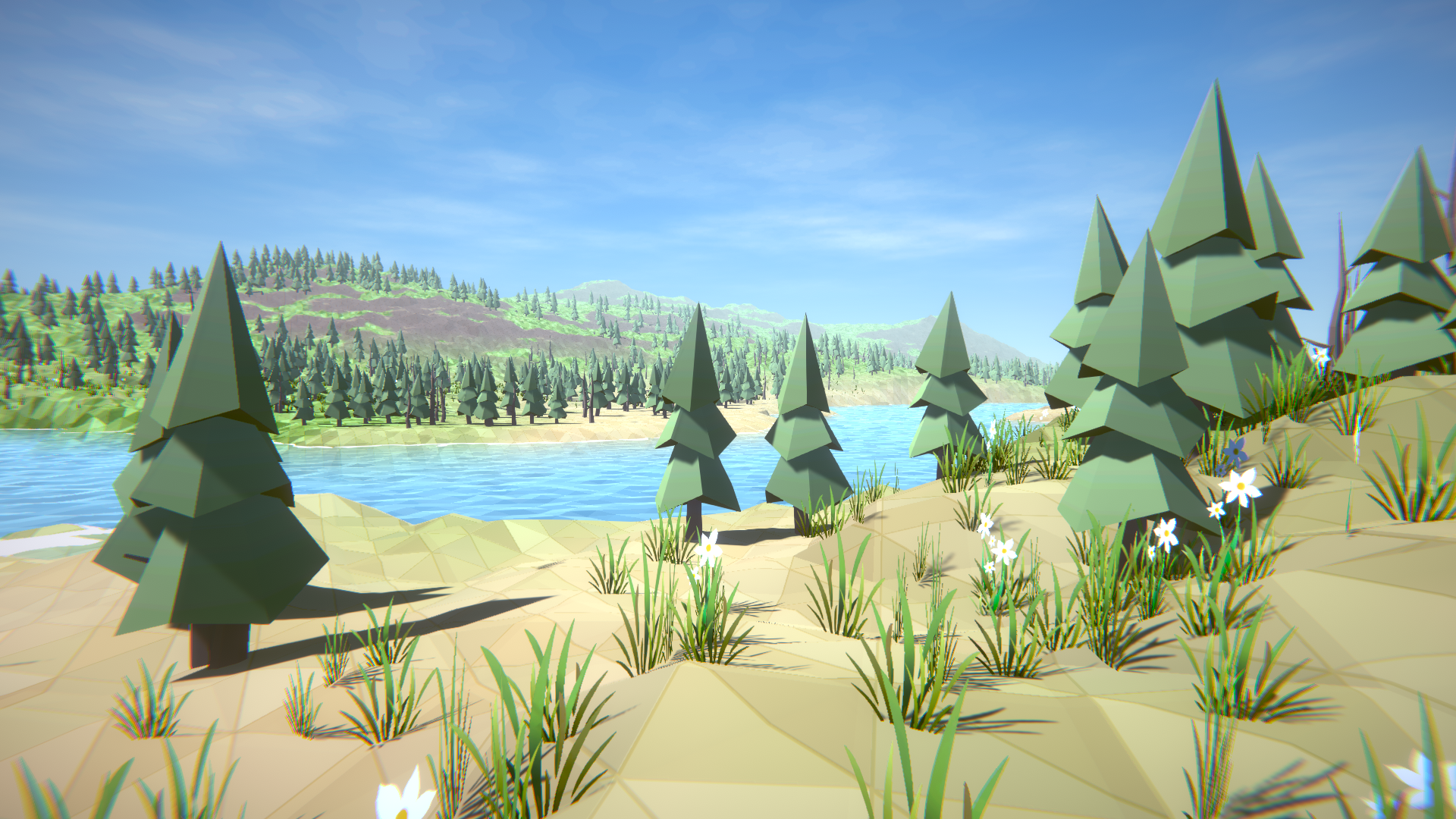
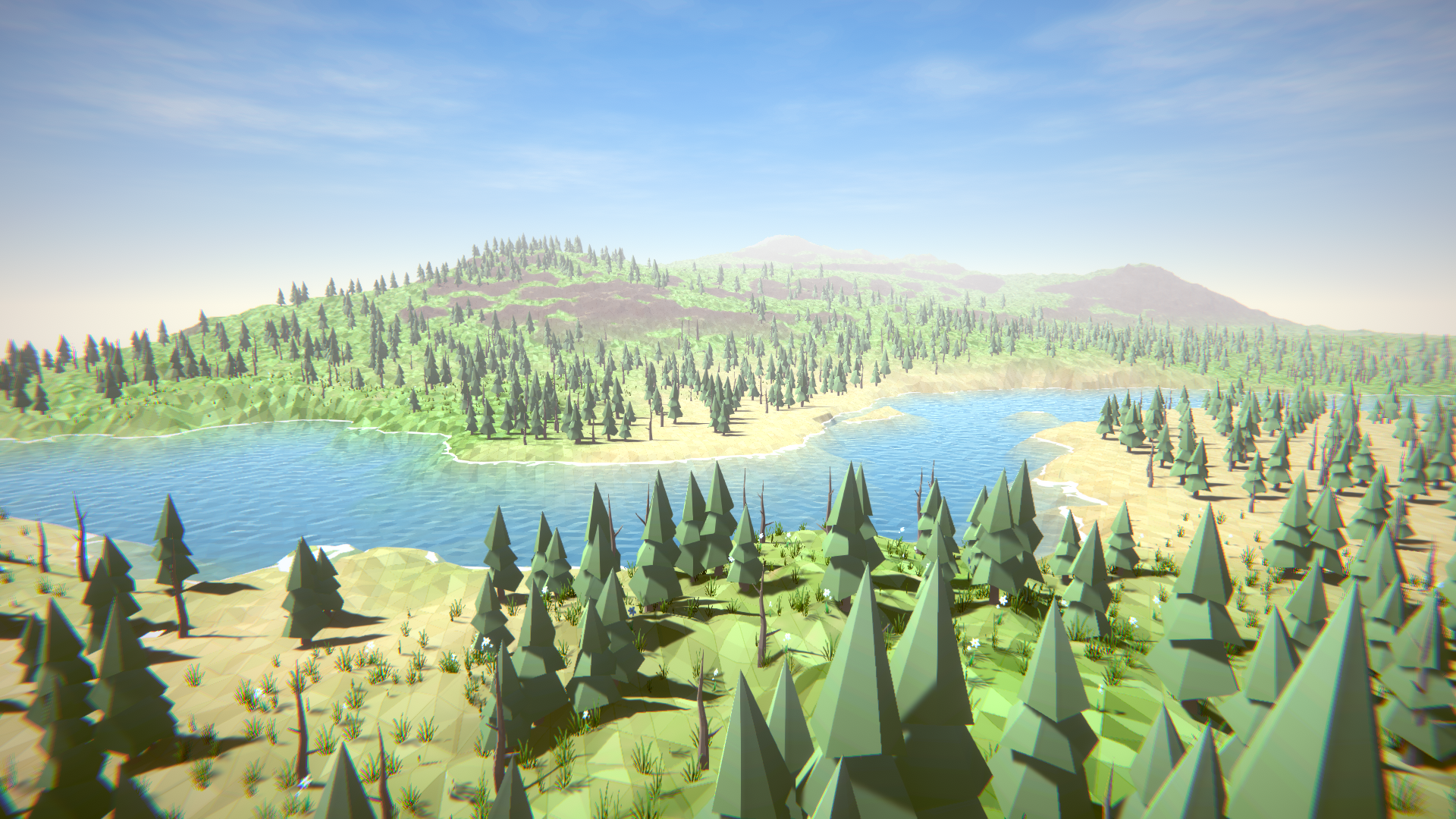
The images below utilize MicroSplat Core module and Low Poly Look module to achieve its style.