Change terrain material
You can change terrain's material using the Wizard.
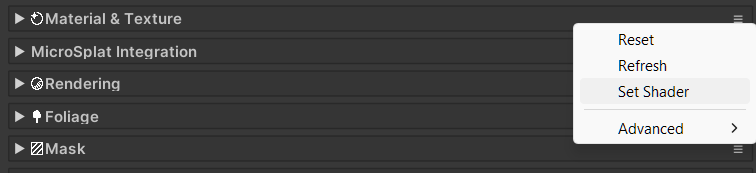
In the terrain Inspector, go to Shading>CONTEXT (≡)>Set Shader, it will bring up the Wizard window.
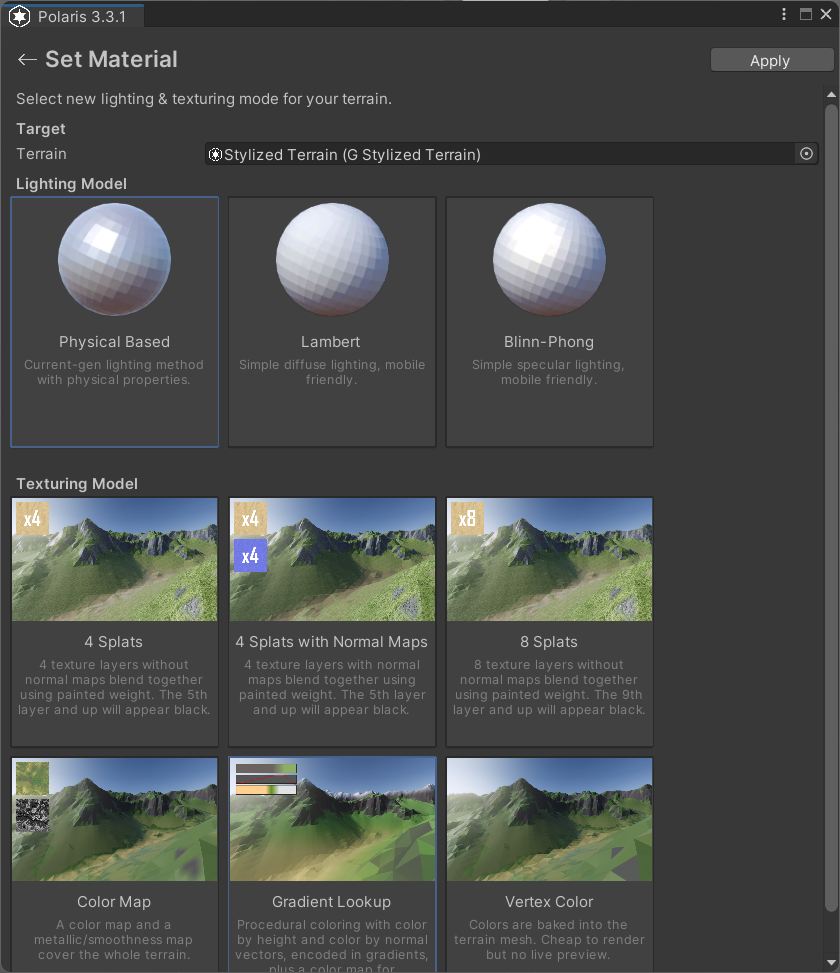
Select your desired Lighting Model, Texturing Model, then click Apply.
You can change terrain's material using the Wizard.
In the terrain Inspector, go to Shading>CONTEXT (≡)>Set Shader, it will bring up the Wizard window.
Select your desired Lighting Model, Texturing Model, then click Apply.